Almost all of us are email subscribers of some sort. From newsletters to promotional emails, we get one or more of these emails in our...

Key Takeaways
Email continues to outperform many digital channels in measurable return. In fact, email marketing generates an average ROI of $36 for every $1 spent, making it one of the most cost-effective communication tools available to businesses today. Whether you’re sending transactional receipts, marketing campaigns, account notifications, or system alerts, how those emails are delivered matters.
When comparing API and SMTP, many teams struggle to decide which approach fits their infrastructure. Both methods allow you to send emails at scale, but they differ in speed, flexibility, security, and maintenance requirements.
This guide explores email API vs. SMTP, explains how each method works, and helps you decide which option aligns with your operational goals and growth strategy.
We can send emails across the internet with the help of SMTP – Simple Mail Transfer Protocol. It is the standard protocol used while communicating through emails. This means it is a set of rules and regulations to follow while sending and receiving emails online.
You can send mail via SMTP through a server, over a network, or to its intended recipient. This is done by using an SMTP server. Unlike most computer servers which manage numerous operations concurrently, an SMTP server handles email sending, receiving, and transmission. Many mail services use SMTP to transfer emails across the internet.
Using SMTP to send an email is simple. SMTP ensures that communications between a person sending an email and its recipient remain confidential and safe. When a user connects to the SMTP server to communicate via email, the server waits for the TCP or Transmission Control Protocol connection and starts a session on that port.
Once the TCP connection has been established, the SMTP protocol gets initiated. The server must verify the mail and credentials after receiving distinct bits of data from the user. Utilizing SMTP instructions and response codes, they communicate with one another. The email is forwarded to the recipient SMTP server if all is in order.
Similar conversations take place between the SMTP servers of the receiver and the sender. The email may be delivered, rejected, or placed in the spam bin. The IMAP – Internet Message Access Protocol – or the POP3 – Post Office protocol – is used to transmit the message to the receiver’s client machine.
Unless your network or service provider has barred you, you should utilize port 587 to send emails using SMTP, the standard SMTP port for mail transport. A store or forward approach is used for internal communications within an organization using SMTP, while the end-to-end approach is utilized for external communications.
There are many benefits to using SMTP servers. It is extensively used, so you don’t have to worry about usage and compatibility. Every machine that can send emails makes use of SMTP. It is also simple to configure. All you have to do is set up an account with the email service provider you want to send emails through your email apps.
SMTP requires minimal to no understanding of programming or programming standards. You will receive a clear signal with a specific error page if something goes wrong when using an SMTP. For example, it will show you a 400 or 500 error message.
But SMTP is not without its flaws. First, multiple to and fro communications with the server are necessary for SMTP. Before transmitting an email, its DNS, credentials, and other elements must be validated. There are various alternatives for errors to occur throughout this back-and-forth interaction.
This is because each transmission needs to be verified and given an approved message (250) or an error message (400 or 500). Such to-and-fro interactions can cause slow delivery of mass messages. Creating mail merging via SMTP can also be a labor-intensive and challenging operation.
An Application Programming Interface, or an API, is utilized for several purposes, in contrast to SMTP. API allows various programs and systems to interact and share information. For instance, when you try to register to an internet portal, an API notifies the account’s server of what you are doing. Subsequently, it notifies you of the success or failure of the login session.
Essentially, an API can communicate with another piece of code. It has numerous uses, but when used for email, an API is somewhat similar to SMTP. Providers of email APIs handle protocol issues, including message assembling, message transmission, and message monitoring, that would normally need the software team to specify them.
A specific application, such as a web page, could automatically use email APIs to deliver operational mail, such as receipts and confirmations. This is faster than having to schedule and transmit each email manually. Their goal is to offer quick, reliable email functionality without the burden of utilizing a different service or software program.
Imagine you are at a restaurant and choose a food item off the menu. If an API was the menu, the moment you placed your order, that item begins getting prepared. The API provides the programmer with several possibilities, and once they choose a program, they just need to use that program.
The most effective I/O efficiency for email services is guaranteed by email APIs since they significantly minimize the amount of information that needs to be delivered. Programs can deliver key and value sets directly connected to the email content, such as the topic, body, and receivers, instead of completely built emails with header data.
An HTTP API that follows the REST design restrictions is called a RESTful API. HTTP is a file transfer protocol, whereas REST is a collection of instructions for using transfer methods like SMTP and HTTP.
Using APIs for sending emails has several advantages. An API makes sending messages and managing procedures with your application simple. In general, delivery times for APIs are faster and can be performed quickly. This is mostly because APIs require less to and fro communication for approval.
Additionally, it lessens the chances of an email-sending error. Using APIs can give you access to some very crucial statistics as well. Marketers will find this particularly useful because they need to know how many and how different types of recipients responded to their emails to improve interactions.
By using an API key, API also provides an additional layer of protection. This enables your system to effectively visit your dashboard and carry out email functions. This additional level of protection is particularly crucial if you handle and communicate extremely confidential material via emails.
With this, APIs can enable your application to respond differently to various pre-established conditions. This makes it possible for your application to operate smoothly and be more adaptable. Most firewalls let APIs through them because they use HTTP – Hypertext Transfer Protocol.
Even with all these benefits, APIs also have some cons. The majority of APIs demand an understanding of programming to establish and run. And if this software is incorrect or the individual doesn’t know how to utilize it, it may be a nuisance. It is even more difficult to understand the many indicators to be used when sending an email and how they impact your application’s usability.
Over time, API version control changes. They frequently need to be updated and modified to stay up-to-date with the modifications. In contrast, SMTP is a standardized protocol for email sending, and it does not face this problem.
Now that we’ve seen the pros and cons of email APIs and SMTP, which of them should you choose? The answer to this question depends on your application and the conditions under which you are sending your emails.
Your decision between the two should be based on your requirements and the project’s demands. Email reliability is a key component of SMTP and API email transport techniques. But the methods they employ are different. SMTP entails the handshake method between the client and server.
SMTP is a viable option if you are an informal sender who requires simplicity for routine activities. It can be used to connect with your email client or CRM program. Unlike SMTP, a Web API speeds up transmitting because less back and forth is needed. APIs also let you automate your operations and monitor KPIs.
| Email API | SMTP | |
| How does it work? | API is the communication method used by different applications or platforms.
API is a window to relay another utility or code. |
SMTP is the set of rules or protocols to send an email across the servers.
SMTP lets your system create emails and send them to the server. |
| Pros | Using email API makes the process faster and reduces the chances of failure.
APIs add an extra layer of security to your emails. |
SMTP is more widely adopted as compared to APIs.
Using an SMTP requires no knowledge of coding. |
| Cons | API requires knowledge of coding to be able to operate easily.
There is also a need for constant updates and modifications. |
SMTP requires a lot of back & forth communication with the servers at certain points.
Mail merging with SMTP can sometimes be a complicated process and might take a lot of time. |
Performance differences between SMTP and email APIs often come down to how each handles communication with the sending server.
SMTP relies on a handshake process between client and server. Each message requires validation steps, authentication checks, and confirmation responses. While reliable, this back-and-forth communication can slightly slow down high-volume sending, particularly if network latency is involved.
Email APIs typically use HTTP requests, which reduces communication overhead. Instead of transmitting fully structured email data, APIs send structured payloads containing key values such as subject, recipient, and content. This often results in faster execution for transactional and event-triggered emails.
Retry mechanisms and failure handling also differ. SMTP servers use standardized response codes such as 4xx (temporary failure) and 5xx (permanent failure). Senders must interpret these codes and implement retry logic accordingly. APIs, on the other hand, often return structured JSON responses that make automated retry handling easier within application logic.
Inbox placement depends less on whether you use API or SMTP and more on sender reputation, authentication setup, IP warming, and list hygiene. However, APIs often integrate more tightly with analytics dashboards, making it easier to monitor bounce rates, complaints, and engagement metrics that influence deliverability.
Rate limits and throttling must also be considered. SMTP servers frequently impose connection and message limits per minute or per hour. API services may apply request-per-second limits. In both cases, exceeding thresholds can result in temporary blocking.
SMTP authentication commonly uses username-password credentials or token-based login methods. Modern implementations support STARTTLS encryption to secure data in transit. However, SMTP credentials must be stored carefully, as exposed login details can allow unauthorized sending.
Email APIs generally rely on API keys or OAuth-based authentication. API keys can be scoped to specific permissions, which reduces risk if credentials are compromised. Many providers allow granular control, limiting access to sending-only functions.
Encryption and data protection are supported in both systems. SMTP typically uses TLS encryption for secure transport. APIs use HTTPS, which inherently includes TLS encryption. From a transport security standpoint, both approaches can be equally secure when configured correctly.
Abuse prevention and fraud control mechanisms differ slightly. API providers often integrate rate monitoring, anomaly detection, IP reputation checks, and automated suspension triggers directly into their dashboards. SMTP setups can include similar protections, but they may require more manual configuration depending on the provider.
Ultimately, security depends more on implementation and configuration than on whether you choose SMTP or API.
Technical setup varies significantly between SMTP and APIs.
SMTP integration is generally straightforward. You configure the host, port, username, and password within your email client or application. This makes SMTP attractive for legacy systems or platforms that do not support direct API integration.
Email APIs require development resources. Developers must integrate endpoints, handle JSON payloads, manage authentication tokens, and process responses. While this requires programming knowledge, it also allows greater control over automation, dynamic content, and conditional logic.
Developer documentation tends to be more extensive for API-based services. Most providers offer SDKs, code samples, webhooks, and event tracking tools that streamline implementation. SMTP documentation is simpler because it follows standardized protocol rules.
Maintenance and monitoring also differ. SMTP setups may require manual log review and response code interpretation. APIs typically provide structured dashboards, analytics, webhook event tracking, and real-time alerts.
Troubleshooting with SMTP often involves reviewing server logs and interpreting status codes. API troubleshooting usually includes reviewing structured error messages and HTTP response codes, which may simplify debugging for development teams.
We have seen where and when you should use SMTP and web APIs. But how can you integrate them into your application? To do this, you will need email service providers. Here are six providers that let you use both SMTP and API services:
Gmail is among the most well-known email service providers, and Google offers both SMTP and the REST API for free. Various online code examples contain references to the smtp.gmail.com server. Additionally, the REST API sets many patterns and is an excellent choice for newcomers.
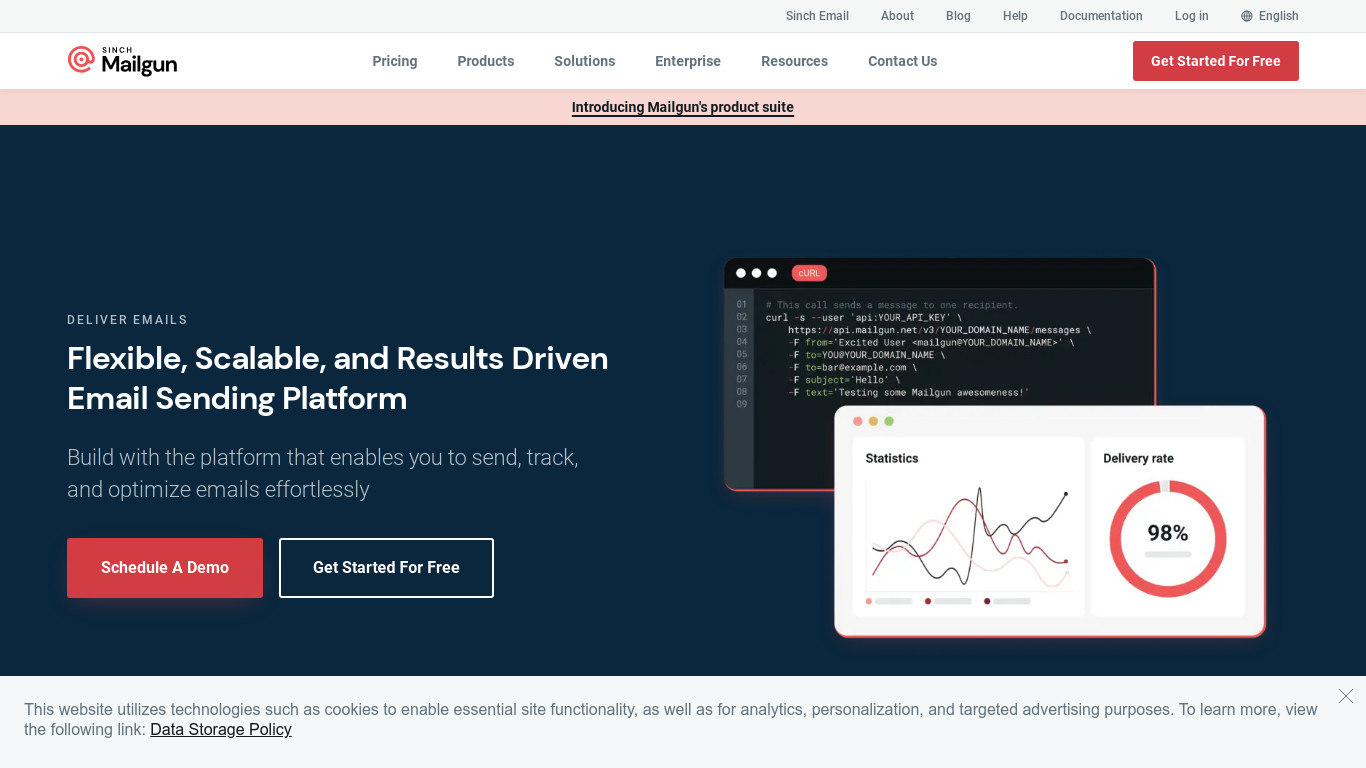
Meant to be used by programmers, Mailgun is a completely commercial email service. You may send, reply to, and monitor emails using the robust email APIs that are provided. The SMTP relay service offered by Mailgun is a good option if you want a more conventional method of email transport. It provides 10,000 emails for free each month.
Integrating it into a webpage is simple. Mailgun provides an easy-to-scale SMTP solution for sending your commercial and marketing emails, regardless of the size of your business. It excludes a few beginner-friendly capabilities of other SMTP carriers as it is intended for developers.
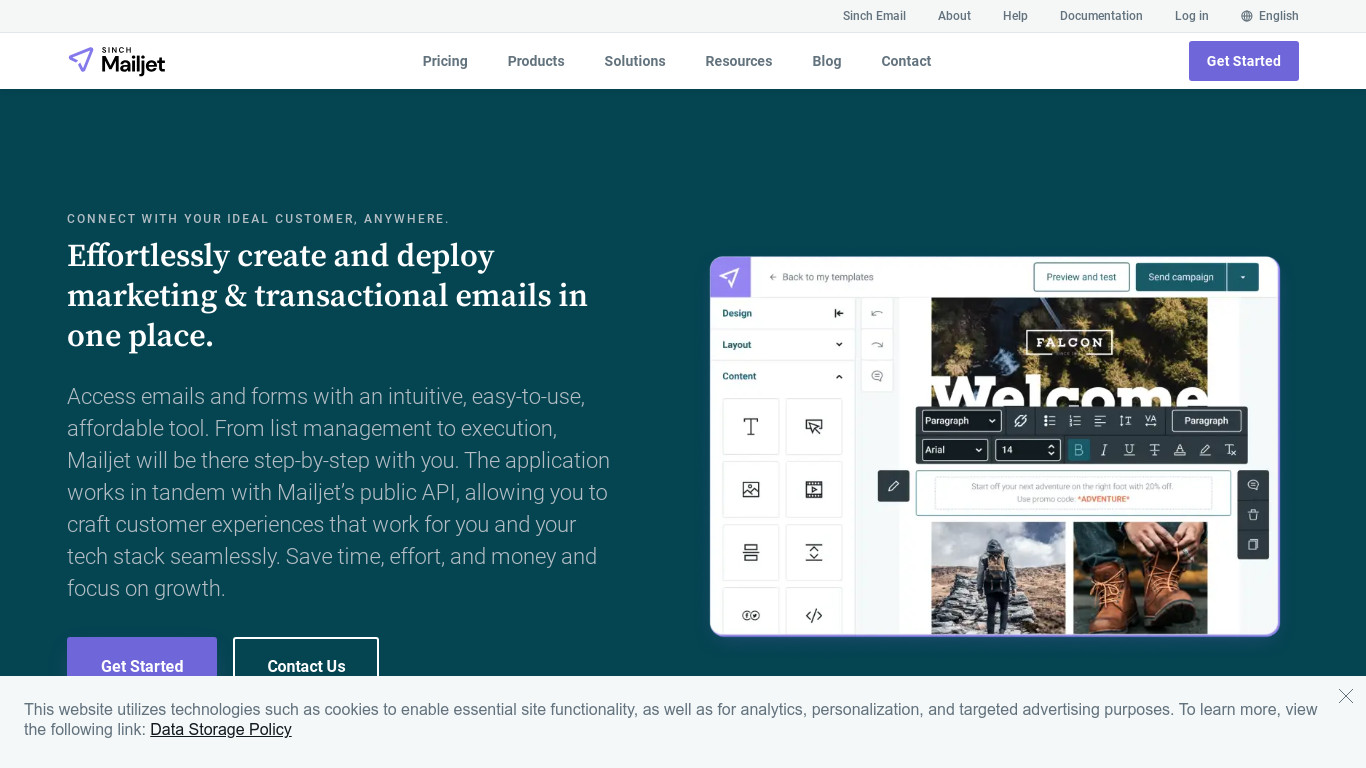
Another product that caters to both retailers and programmers is Mailjet. For their requirements, the programmers can take advantage of SMTP relaying and Send API. You can decide on the one you want to use based on your needs.
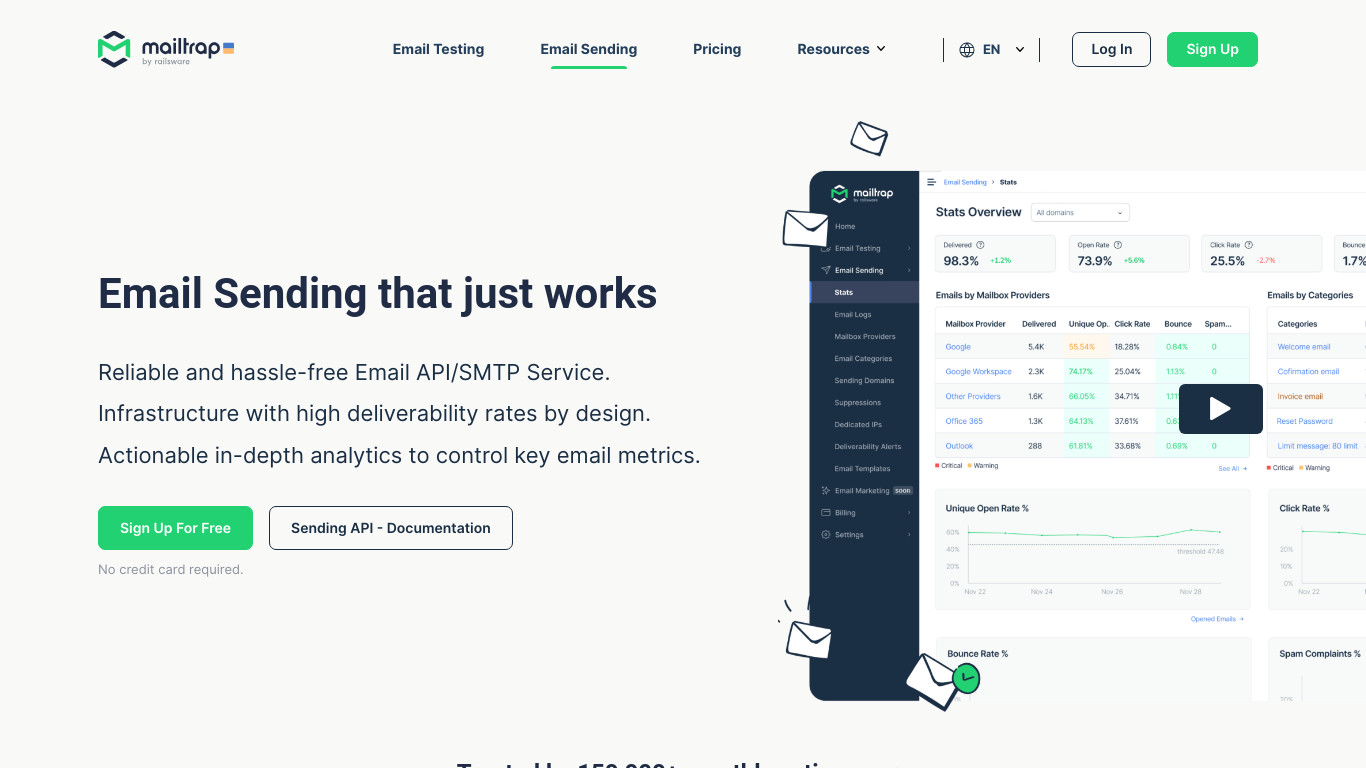
Mailtrap Email Delivery Platform is an end-to-end sending solution for devs to test, send, and control emails in one place. You can inspect and debug emails in staging with Email Sandbox and send them on production with reliable Email API/SMTP service.
Also, Mailtrap allows users to catch and fix early-stage sending issues with an actionable analytics toolset: timely deliverability alerts, 60-days email logs, and dashboards with all critical metrics.

You can use the Web API to send and monitor emails, where Sendgrid concentrates its attention. But this service’s main function is as a cloud-based SMTP service. Sendgrid provides an SMTP API in addition to email APIs. You can expand SMTP’s abilities by including JSON commands in emails for further event monitoring.
With a robust set of features, it provides greater scalability. Their SMTP relay is simple to set up, and it has connectors with third-party applications and services, email monitoring, templates with an easy email designer, and distribution optimization features.
SendGrid provides excellent solutions to optimize email delivery further if reliability is your top priority, like specialized IP addresses and website domain security mechanisms.
NetcoreCloud offers a sophisticated SMTP relay solution and email APIs for integration with various programming frameworks. Pepipost offers SMTP services through the cloud. You can send emails using thisWhen Should You Use SMTP For Email Sending
If your application can’t add API, you need to use SMTP to send your emails. This includes situations where third-party programs created especially for you cannot interface with API. Moreover, consider the situation if you already use SMTP for an older version or transmission mechanism. In this case, sticking with SMTP rather than attempting to switch to a new email service provider may save you energy, cash, and time.
Choosing between SMTP and an email API requires evaluating your internal capabilities and long-term plans.
Start by assessing your technical resources. If you have developers who can integrate and maintain APIs, you gain more flexibility and automation. If your system relies on third-party tools or legacy software without API support, SMTP may be the practical solution.
Consider sending volume and projected growth. High-volume transactional systems often benefit from API-based efficiency and monitoring tools. Smaller operations sending routine emails may find SMTP sufficient.
Security and compliance requirements also matter. Businesses handling sensitive data should evaluate authentication controls, credential management, encryption policies, and monitoring features offered by providers.
Test both approaches if possible. Benchmark send speed, monitor bounce handling, and review analytics depth. Real-world performance data provides more clarity than theoretical comparisons.
The debate between email API vs SMTP is less about which technology is superior and more about which aligns with your infrastructure, resources, and growth plans.
SMTP remains a dependable, standardized method for sending email, particularly for traditional systems and simple integrations. Email APIs offer faster automation, deeper analytics, and more advanced control for modern applications.
Regardless of which method you choose, maintaining clean email lists is critical to protecting deliverability and sender reputation. Invalid, disposable, and risky addresses increase bounce rates and damage inbox placement.
Before scaling your email sending strategy, verify your lists with Debounce to ensure your infrastructure performs at its best. Clean data supports both SMTP and API-based systems and protects your long-term sending success.
Can I use API and SMTP together?
Yes. Many businesses use SMTP for legacy systems while integrating APIs for newer applications. Most email service providers support both methods simultaneously, allowing you to transition gradually or segment use cases based on need.
Can I migrate from SMTP to API without downtime?
Yes, migration can be done without downtime if planned carefully. You can run SMTP and API integrations in parallel, gradually shifting traffic to the API while monitoring performance. Once the API integration proves stable, you can fully transition without interrupting email delivery.

Find quick answers to your questions about our pricing and plans.

Almost all of us are email subscribers of some sort. From newsletters to promotional emails, we get one or more of these emails in our...
If you have a Yahoo or Gmail account, you know how cluttered your inbox can get with unsolicited messages. Here’s the good news: Google and...

Have you ever wondered how Google auto-completes your search request? It is through data appending and enrichment. How? Data Enrichment works with raw data. The raw data...


The current rival landscape commands that to survive, you need to continue growing. And so companies employ a range of strategies and tactics to maintain...


Are you using influencers for brand awareness? If not, here are some statistics that may interest you. You fall in the 7% who are not...

Whenever you read anything on sending emails, it’s common to see abbreviations SPF, DMARC, and DKIM threw around casually. Don’t feel bad if you aren’t...