
SPAM words can really hurt your email marketing. Therefore, it’s obvious we need to avoid them in order to succeed in email marketing. In this...

Key Takeaways
You’re signing up for a new service. You type in your email, click “Create Account,” and a few seconds later, an email shows up with a six-digit code. You copy it, paste it back into the form, and just like that, you’re in. That flow, getting an email verification code and entering it, has quietly become the norm almost everywhere online (account signups, new device logins, password resets). The code is there to prove you actually control the email address you’re using.
Beyond confirming ownership, these codes stop bots from spinning up fake accounts, block unauthorized access, and help platforms keep their email lists clean and usable. For users, it’s a minor speed bump. For services, it’s a critical layer of security and data quality.
This guide explains what email verification codes are, how the verification process works behind the scenes, why nearly every service relies on them now, and what to check when codes don’t arrive or don’t work the way they should.
An email verification code is a unique, temporary sequence of numbers, letters, or both that confirms you have access to the email address you’ve provided. Services send these codes to prove that the email address is real, reachable, and controlled by the person requesting access.
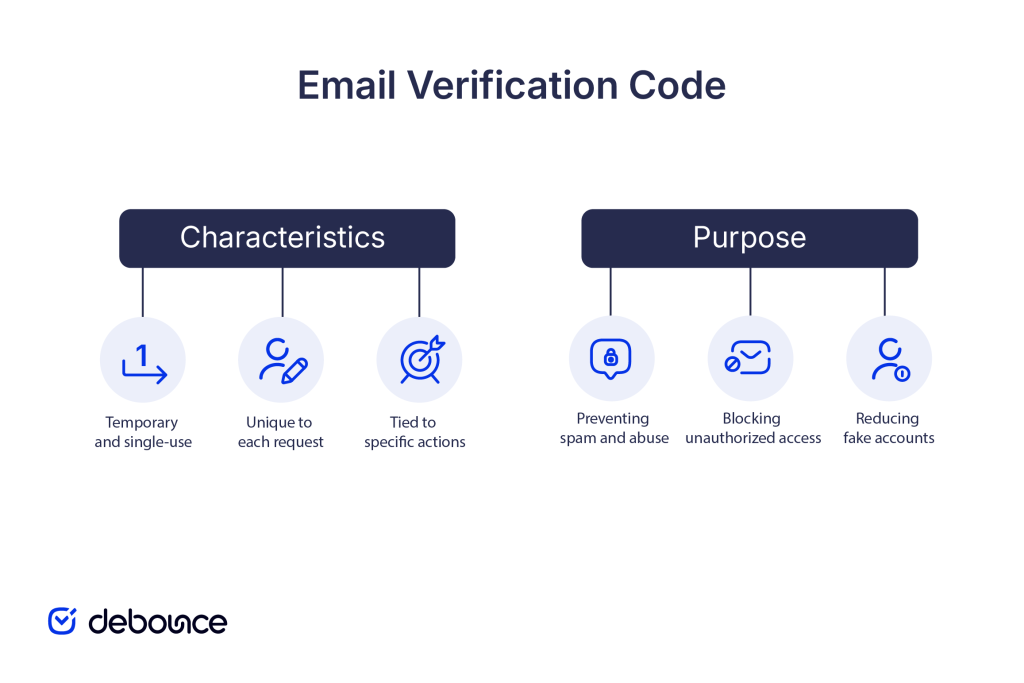
Key characteristics of email verification codes:
An email verification code is used for several practical purposes, including:
The verification code process follows a straightforward sequence that happens within seconds, though the technical steps behind it involve multiple systems working together.
Step-by-step process from the user’s perspective:
1. User initiates an action. You perform an action that requires email confirmation: creating an account, logging in from a new device, resetting a password, or updating account security settings.
2. Service generates a unique code. The platform’s system immediately creates a random verification code, typically a 6-digit number, though some services use alphanumeric codes or longer sequences. This code is associated with your email address and the specific action you’re performing, then stored temporarily in the service’s database.
3. Code is sent to your email address. The service sends an automated email to the address you provided containing either the code itself or a clickable link that includes the code as a parameter. The email usually includes:
4. User enters the code or clicks the link. You check your email, find the message (sometimes it lands in spam or junk folders), and either:
5. Service validates the code.
The platform checks whether:
If all conditions pass, verification succeeds, and your requested action completes. If any condition fails, you’ll see an error message and typically need to request a new code.
Behind the scenes, this process involves:
The entire sequence usually takes 5-30 seconds, though delivery can occasionally be delayed if email servers are busy or filtering messages more strictly.
Services implement email verification for specific, measurable benefits that protect both platforms and users.
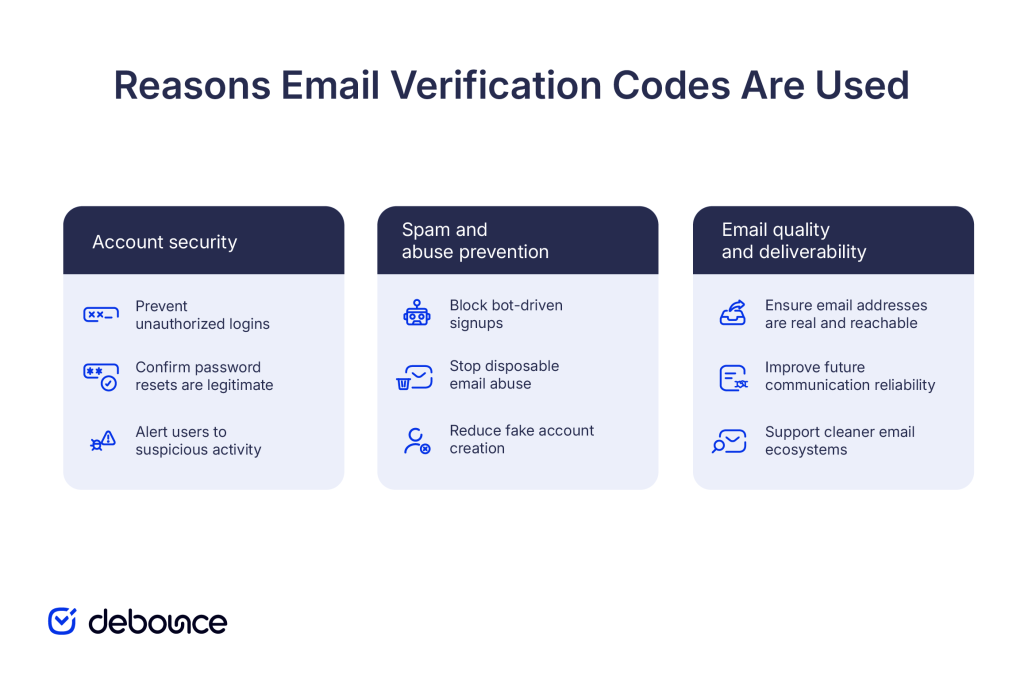
Verification codes add a layer of protection that passwords alone can’t provide.
Verification codes dramatically reduce automated abuse by requiring human interaction that cannot be easily replicated by bots.
Services that verify emails at signup maintain cleaner, more reliable contact lists.
Tools like DeBounce help businesses clean email lists and verify addresses programmatically through email validation APIs, catching invalid and risky addresses before they enter databases, complementing the manual verification codes users complete during signup.
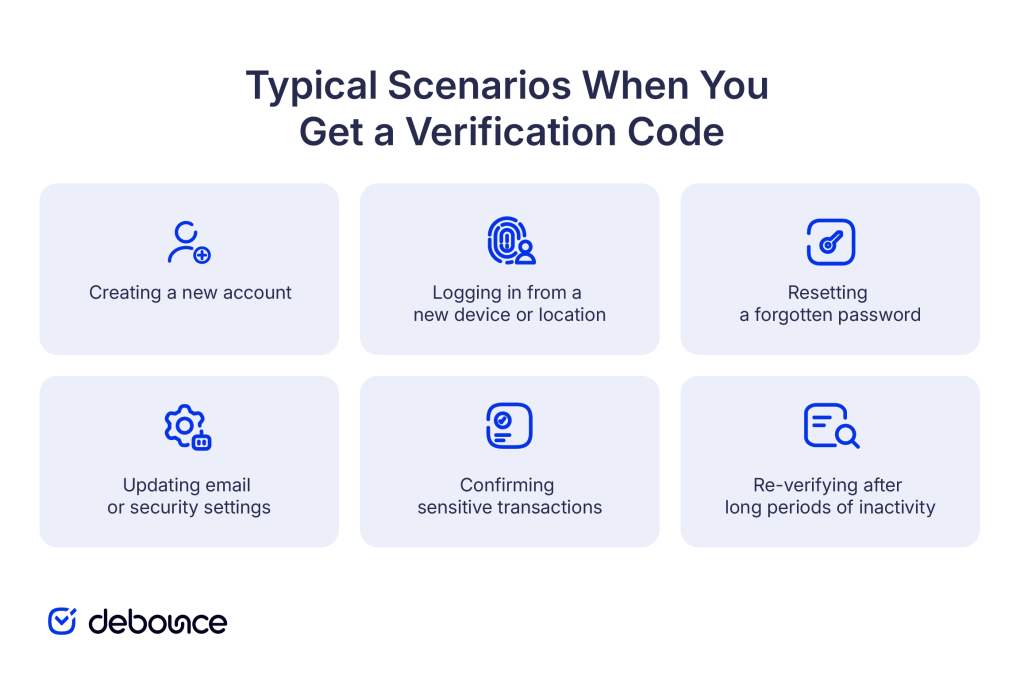
You’ll encounter email verification codes in several standard scenarios across most online platforms, such as the following:
Despite their simplicity, verification codes sometimes fail to work as expected, creating frustration during time-sensitive actions.
The most common issue: you request a code, but no email appears in your inbox. This happens when:
Verification codes typically expire within 5-15 minutes. If you don’t check your email immediately, retrieve the code, and enter it before the deadline, it becomes invalid. This is especially frustrating if:
You get an email with a verification code, but you didn’t try to log in or create an account. This is concerning because it suggests:
You copy the code exactly as shown, paste it into the verification field, and get an error saying the code is invalid. Causes include:
Some services send clickable links instead of codes. These can break if:
When verification codes don’t work as expected, try these troubleshooting steps in order:
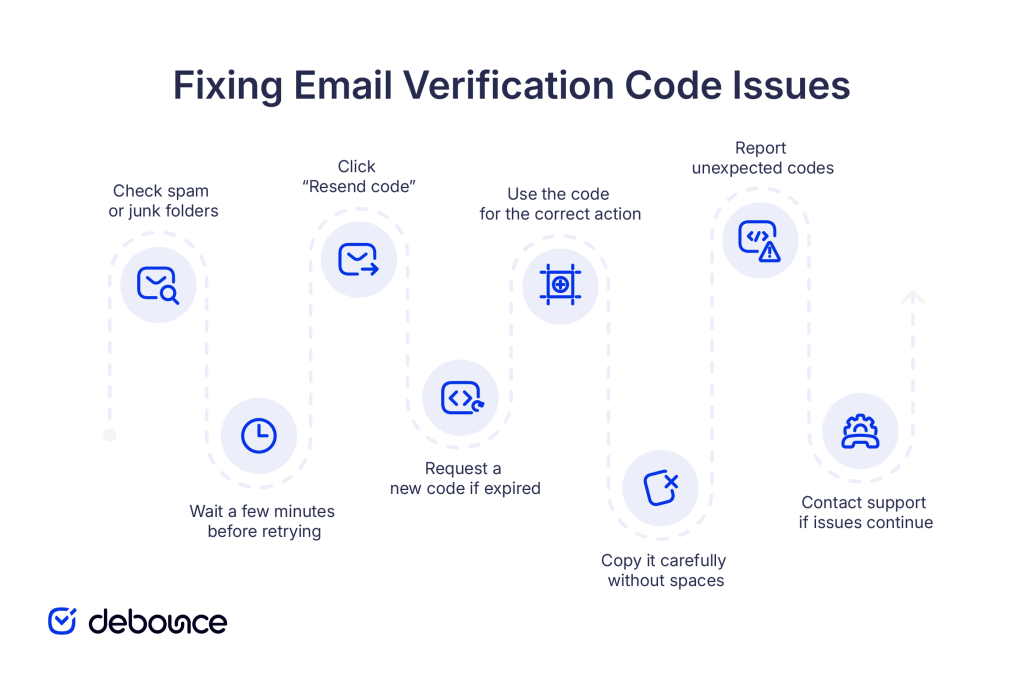
1. Check spam, junk, and promotions folders: Verification emails are automated and sometimes trigger spam filters. Check these folders before assuming the email wasn’t sent. If you find verification emails there regularly, mark them as “not spam” to train your email provider’s filters.
2. Wait a few minutes before retrying: Email delivery isn’t instant. If a verification code doesn’t arrive within 30 seconds, wait 2-5 minutes before requesting a new one. Requesting multiple codes rapidly can sometimes trigger rate limits or additional filtering.
3. Use “Resend code” or similar options: Most services offer a “Resend verification code” button or link. Click it rather than starting the entire process over. This generates a new code with a fresh expiration time and sends another email.
4. Request a new code if the previous one expired: If you see an “expired code” error, don’t keep trying the same code. Request a new one immediately. The old code will never work again after expiration.
5. Check that you’re using the code for the correct action: Make sure the code you’re entering matches the action you’re performing. If you requested a login code, don’t try to use it for password reset, and vice versa.
6. Copy codes carefully to avoid extra spaces: When copying codes, select only the digits or characters without surrounding spaces. Pasting extra whitespace can cause validation failures.
7. Address unsolicited verification codes: If you receive codes you didn’t request:
8. Technical assistance for persistent issues:
If verification codes consistently fail to arrive or work, contact the service’s support team. They can:
Email verification codes confirm that you control the email address you’re using, protect accounts from unauthorized access, and help platforms maintain clean communication channels by blocking bots and fake signups. While they add a small extra step to account creation and logins, they provide essential security and data quality benefits that make online services more trustworthy for everyone.
The next time you receive a verification code, remember that it’s proof that the service values security and wants to ensure only legitimate users access accounts. For most people, verification codes work seamlessly and take less than 30 seconds to complete.
If you’re building or managing a platform that sends verification codes, focus on reliable email delivery by maintaining proper authentication, monitoring sender reputation, and verifying that email addresses are valid before sending codes to them. DeBounce helps businesses ensure verification emails reach real, active inboxes by identifying invalid, risky, and disposable addresses before they enter your database.
Register now to verify your first addresses and build more reliable user verification processes from the start.
Why is my email getting spammed with verification codes?
You’re likely receiving codes because someone is repeatedly mistyping their email address as yours during signup or login attempts, or someone is intentionally trying to access an account with your email address. If it persists, change passwords and enable additional security on affected accounts.
How to log into email without a verification code?
If you can’t receive verification codes at your email address, use alternative recovery methods like backup email addresses, phone numbers, security questions, or account recovery processes provided by your email service. Contact the provider’s support if all recovery options fail.
How do I log in to an email without a password and verification codes?
You cannot access an email account without either the password or a verification method (code, recovery email, phone number, security questions). This security design prevents unauthorized access, so you must use your email provider’s account recovery process if you’ve lost all access methods.
Find quick answers to your questions about our pricing and plans.
SPAM words can really hurt your email marketing. Therefore, it’s obvious we need to avoid them in order to succeed in email marketing. In this...
Spoofing fakes trusted identities to bypass filters and build credibility; phishing uses that credibility to manipulate victims into harmful actions. Most sophisticated phishing...
20–25% is a solid open rate for most marketing emails; above 40% is excellent, while below 15% can indicate potential issues. Open rates...
Sometimes, even a small thing, like a dash in your email, can make a huge difference. If you’re looking for answers regarding using a minus,...
The return on investment from email is huge. But for that, you need the data around the best time to send the email, benchmark yourself...
Want your email address to look professional? Worried you used "[email protected]" instead of "[email protected]" and now you're locked out of something important? TLDR: Email addresses...
