
Email marketing can be a blessing and a curse - especially when not done correctly. The days of email blasts are gone but not forgotten....

Key Takeaways
You receive an email that looks like it’s from your CEO. Their name checks out. The wording feels familiar. It references a project you’re both working on and asks you to approve an urgent wire transfer before the end of the day. Nothing about it feels off. The tone sounds right. So you click approve.
That exact scenario plays out inside organizations every single day. And it’s why spear phishing remains one of the most financially damaging cyber threats businesses face. These attacks work precisely because they don’t look like attacks. According to IBM’s 2025 Cost of a Data Breach report, phishing was the most frequent entry point for attacks, accounting for 16% of incidents.
Unlike generic phishing emails blasted out to millions of random inboxes, spear phishing is targeted and intentional. Attackers take time to research their victims before sending anything. They use real names, job titles, recent conversations, and organizational details to create emails that pass every instinctive trust check recipients apply.
Understanding what spear phishing is and how these attacks are put together is the first step toward protecting yourself and your organization from a threat that routinely slips past spam filters and fools even experienced professionals.
Spear phishing is a targeted, highly personalized email attack aimed at a specific person, team, or organization, not a random list of inboxes. Instead of casting a wide net, attackers spend time researching who they’re going after and then build messages around real relationships, internal context, and personal details so the email appears trustworthy.
The goals typically include credential theft, financial fraud through unauthorized payments, malware installation, or gaining access to sensitive systems and data.
Generic phishing sends identical messages to thousands or millions of recipients, hoping some percentage will fall for them. Success depends on volume, not precision. Spear phishing inverts that logic: attackers send fewer messages but invest way more effort in making each one convincing.
Research found that tailored spear phishing campaigns exploiting organizational context were more effective than generic phishing. This explains why attackers spend hours or days preparing a single spear phishing message targeting one specific employee.
Three characteristics define spear phishing and separate it from other email-based threats.
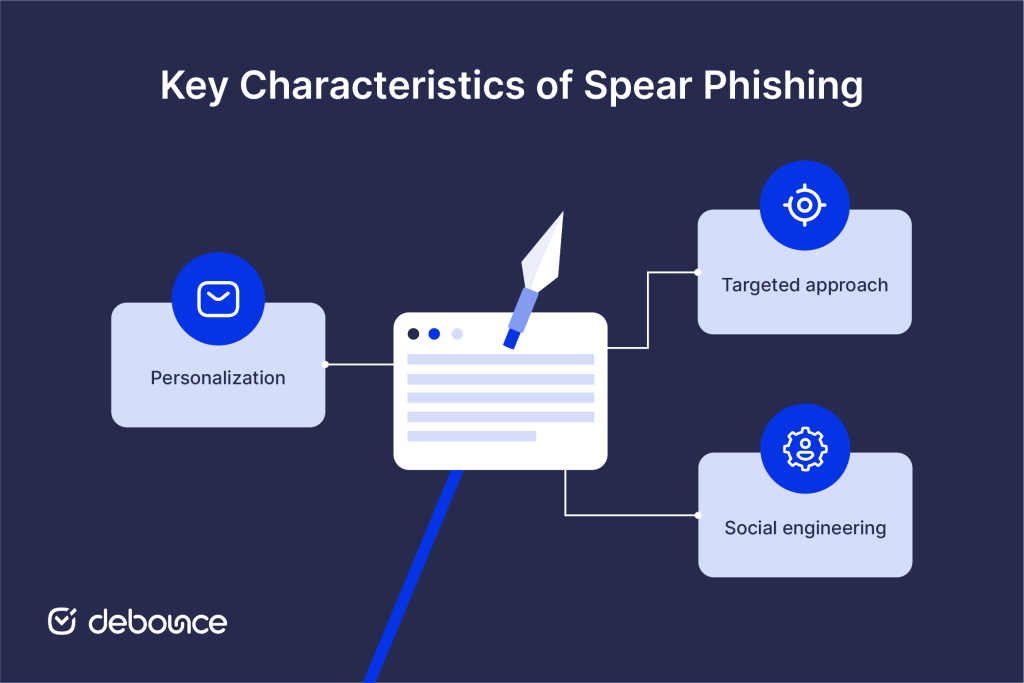
Messages reference real information about the target. This includes their name, role, recent activities, colleagues, projects, or company news. Personalization makes recipients feel the sender genuinely knows them, rather than a mass email sent to strangers.
Spear phishing selects targets strategically. Attackers target employees with financial authority, system access, or sensitive data. Executives, finance teams, HR managers, and IT administrators are common targets because compromising one person can lead to significant access or financial gain.
Spear phishing exploits psychological triggers, such as authority (message from the CEO), urgency (approve this immediately), fear (your account will be suspended), and trust (message from a known colleague), to override critical thinking and prompt immediate action.
Keeping a clean email list lowers organizational exposure by making sure contact databases don’t include addresses that could be collected and exploited for reconnaissance targeting your own recipients or partner organizations.
Spear phishing attacks follow a structured methodology that transforms publicly available information into convincing, dangerous messages.
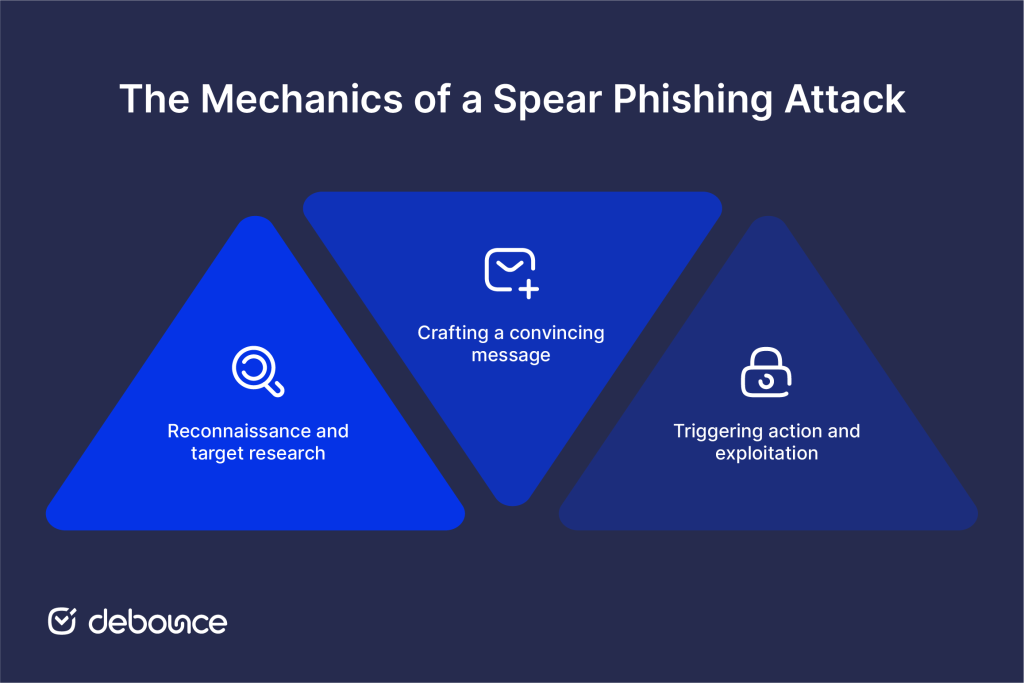
Before writing a single word, attackers gather detailed information about their target. The research phase often takes longer than crafting the actual attack message.
Information sources attackers use:
Attackers compile this information to identify relationships (“who reports to whom”), understand workflows (“who approves payments”), and find credible pretexts (“the CEO just announced a new acquisition; perfect timing for a fake invoice”).
Poor email list hygiene creates an additional attack surface. Organizations with exposed, unvalidated email lists inadvertently help attackers confirm which addresses are active and deliverable. Validating and maintaining contact data through email list validation reduces this exposure by ensuring organizational email data doesn’t become reconnaissance material.
With research complete, attackers construct messages designed to pass every trust check the recipient applies.
Impersonation techniques include:
Attackers match the writing tone of impersonated senders (formal or casual, brief or detailed) based on examples gathered during reconnaissance. References to real projects, team members, or recent company events make messages feel authentic.
Once the recipient trusts the message, attackers direct them toward actions that yield credentials, money, or system access.
Common attacker requests:
Fake login pages often replicate legitimate services pixel-for-pixel. Recipients enter credentials believing they’re accessing a real system, while attackers capture everything typed.
Spear phishing manifests in several distinct attack patterns, each targeting different vulnerabilities and organizational roles.
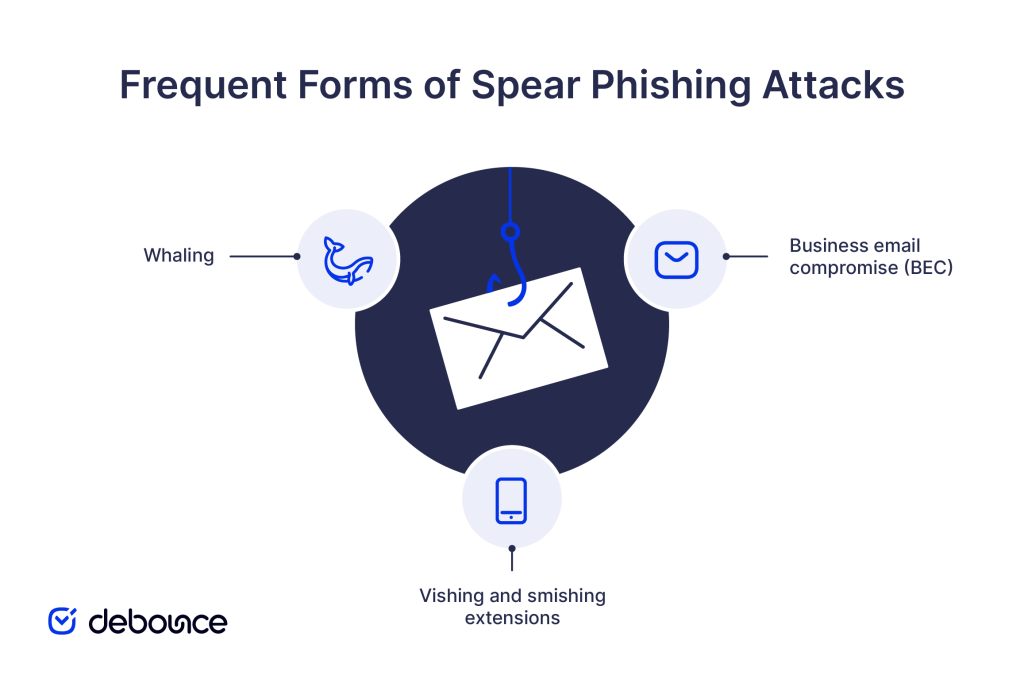
Whaling targets C-suite executives and senior leadership (CEOs, CFOs, and COOs) whose authority and access make them high-value targets. Successful whaling attacks can authorize large financial transfers, expose confidential strategy, or compromise systems with broad access.
Attackers research executives extensively, often months in advance, to understand their communication style, travel schedules, and current business priorities before striking.
BEC attacks impersonate vendors, partners, or internal leadership to redirect legitimate payments to attacker-controlled accounts. A typical BEC attack impersonates a known vendor requesting an “account change” for upcoming invoices.
According to the FBI Internet Crime Complaint Center (IC3), business email compromise remains one of the leading cyber threats worldwide, causing billions of dollars in losses each year.
Spear phishing frequently doesn’t stop at email. Attackers combine initial email contact with follow-up phone calls (vishing) or SMS messages (smishing) to add credibility. A spear phishing email might be “confirmed” by a follow-up call from someone claiming to be IT support, the executive’s assistant, or a known business contact.
This multi-channel approach is particularly effective because it mimics how legitimate urgent communications actually happen in organizations.
Spear phishing attacks are designed to avoid detection, but certain warning signs reveal their true nature on careful inspection.
Warning signs to look for:
Checking the domain reputation of sender domains helps identify lookalike domains registered recently with no established history (a common indicator of spear phishing infrastructure).
Preventing spear phishing works best when technical safeguards, internal procedures, and day-to-day awareness reinforce one another rather than operating in isolation.
Strong technical controls form the first line of defense by limiting what attackers can do, even if a message reaches an inbox.
Regular phishing simulation exercises, where IT sends controlled fake phishing emails to test employee responses, build recognition skills more effectively than annual awareness training alone.
The Verizon 2025 Data Breach Investigations Report noted that around 60% of breaches involved a human element like social engineering. Training that simulates real attack techniques, including spear phishing personalization tactics, helps employees recognize and report suspicious messages before acting on them.
Clear internal procedures reduce risk when emails attempt to trigger urgent or sensitive actions. Verification steps for payment requests, credential changes, or access to confidential data should require confirmation through a separate channel, such as a phone call or in-person check, regardless of how legitimate the message appears.
Maintaining a strong email sender reputation makes your domain harder for attackers to impersonate convincingly. Organizations with clean, validated email lists, proper authentication, and low bounce rates establish clear sending patterns that make spoofed messages easier to detect by security tools and by recipients.
Email list monitoring keeps contact lists continuously validated, removing invalid and risky addresses that could expose organizational data or weaken the legitimate sending patterns that authentication systems use to flag anomalies.
Spear phishing succeeds not through technical sophistication but through careful research and psychological precision. Attackers invest time understanding their targets so messages feel like legitimate internal communications, and not like external threats.
Defending against these attacks requires matching that precision with equally layered protection: technical controls (MFA, email authentication, URL scanning), human defenses (trained employees who verify before acting), and clean email infrastructure that reinforces sender credibility and reduces attacker reconnaissance opportunities.
Assess your current email authentication setup. If you haven’t implemented DMARC at enforcement policy, start there (it’s the most direct technical step to prevent domain impersonation). Then audit employee awareness: when did your team last practice identifying targeted phishing attempts?
Keep your email infrastructure as a part of your security posture. Use DeBounce to validate contact lists, maintain healthy sender reputation, and ensure your organization’s email data doesn’t become reconnaissance material for attackers building their next spear phishing campaign. Clean, verified lists support both deliverability and security across everything you send.
What is the difference between phishing and spear phishing?
Phishing sends generic mass emails to random recipients, hoping some percentage will respond, while spear phishing targets specific individuals with personalized messages based on researched personal and organizational information, making it significantly more convincing and successful.
What is an example of spear phishing?
A finance employee receives an email appearing to come from their CEO, referencing a real ongoing acquisition and requesting an urgent wire transfer to a new vendor account before the deal closes. The message uses real names, correct titles, and the current project context to appear legitimate.
Can email filters stop all spear phishing attempts?
No. Email filters catch many phishing attempts but struggle with highly targeted spear phishing because personalized messages often contain no malicious links or attachments and closely mimic legitimate communications; MFA, employee training, and verification procedures are essential complements to technical filtering.
Find quick answers to your questions about our pricing and plans.

Email marketing can be a blessing and a curse - especially when not done correctly. The days of email blasts are gone but not forgotten....
BEC attacks succeed through impersonation and social engineering alone, bypassing most technical security controls that focus on detecting malicious code or suspicious links....


Struggling to make sales through email marketing? Learn the tricks to getting your emails opened, read, and clicked on so you can make money with...
How often do you interact with your email box? I bet pretty often. Whether you receive a critical business email, write a business partner, or...

Now, more than ever, more business owners are beginning to see and use email marketing as a veritable tool to foster productive business relationships with...
You probably are familiar with the concept of List Hygiene? Well, this simply means the process of getting rid of inactive users from your mailing...
