
Sometimes, even a small thing, like a dash in your email, can make a huge difference. If you’re looking for answers regarding using a minus,...

Key Takeaways
Your subject line is the first — and often only — chance to earn an open. Most people scan their inbox in seconds and delete anything that looks vague, spammy, or irrelevant. That is why marketers use an email subject line tester: a free or freemium tool that scores your draft against length, keyword balance, tone, and spam triggers before the campaign goes out.
This guide covers how subject line testers work, practical writing rules that still hold up in 2026, and five tools worth trying. Pair better subject lines with a clean list so opens are not wasted on invalid or risky addresses — DeBounce helps with that part of deliverability.
An email subject line tester analyzes the text you plan to put in the Subject field and returns a score plus recommendations. Typical checks include:
These tools do not guarantee open rates. They reduce obvious mistakes and help you compare variants faster than guessing.
There is no single formula, but these checkpoints consistently improve results:
Keep it short and specific. Roughly 30–50 characters works well for many campaigns. Say what the email is about without stuffing every detail into the subject.
Lead with value (WIIFM). Answer “What’s in it for me?” from the subscriber’s point of view — a tip, a deadline, a result, or a clear update.
Stay honest. Clickbait that does not match the body damages trust and can increase unsubscribes and spam complaints.
A/B test the finalists. Run two or three strong options with a real audience segment. A tester is a draft filter; live tests show what your list actually opens.
Watch spam triggers. ALL CAPS, excessive punctuation, and heavy “free/urgent/act now” stacking still raise risk. Testers help flag this; clean authentication (SPF, DKIM, DMARC) and list quality protect the rest of the send.
A subject line should make one clear promise. If the body cannot keep that promise, rewrite the line — do not inflate the claim.
The tools below are free or free-to-start options marketers still use for quick scoring and iteration. Features change over time, so treat pricing and login notes as a starting point and confirm on each vendor’s site.
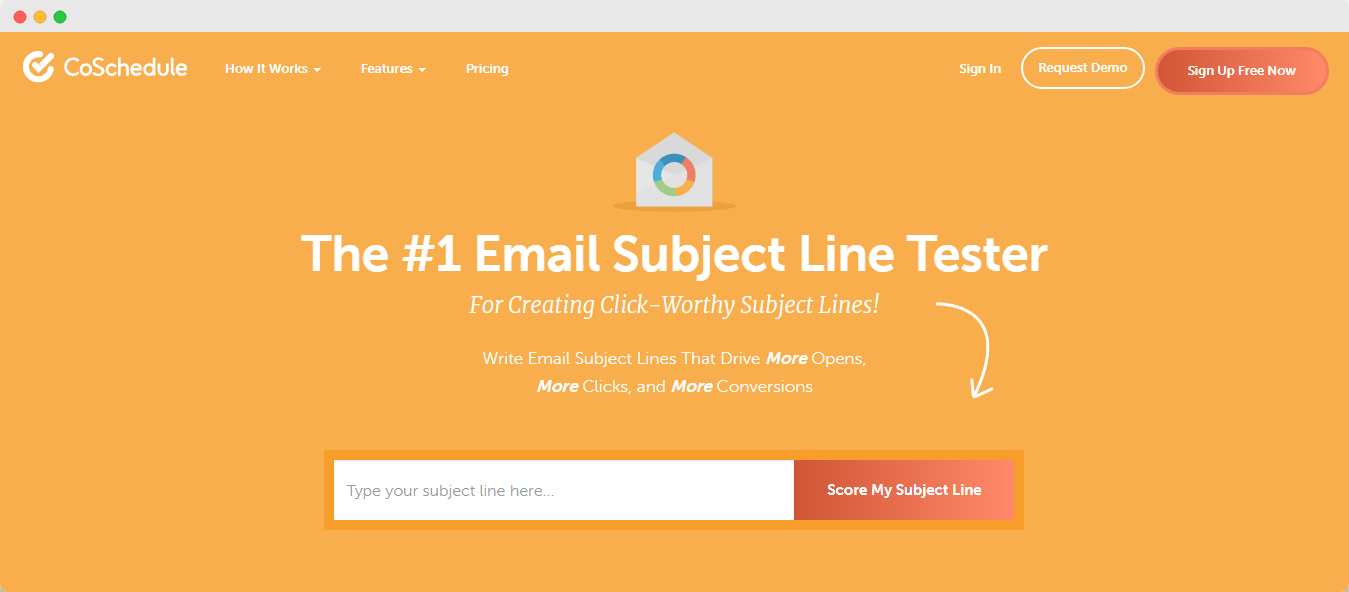
Best for: Detailed keyword and word-balance feedback
What it checks: Overall score, length, common/uncommon/emotional/power words, and suggestions to strengthen weak areas. Useful when you want to understand why a line scored low, not only the number.
Price: Free tier available (broader Headline Studio features may require a paid plan)
Login: Account usually required for full analysis
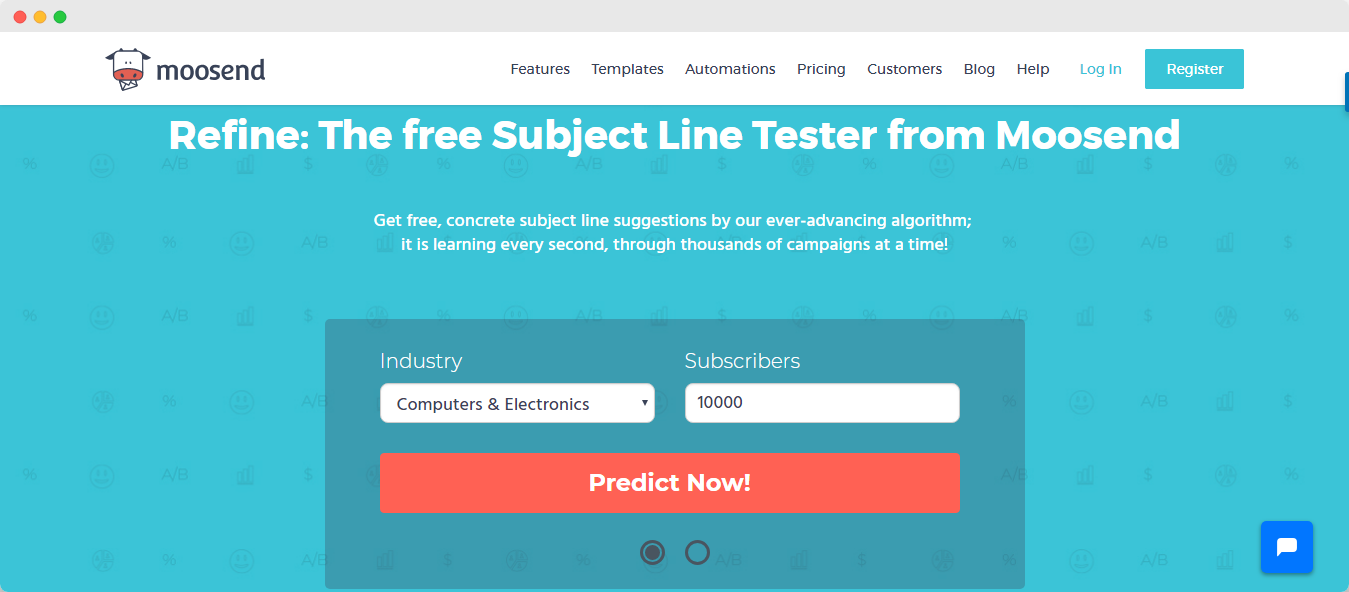
Best for: Fast checks without friction
What it checks: Wording quality, negative or risky words, and scannability-style feedback. Handy for ecommerce and lifecycle marketers who want a quick pass before scheduling.
Price: Free to use as a standalone tester
Login: Typically no sign-up required for basic testing
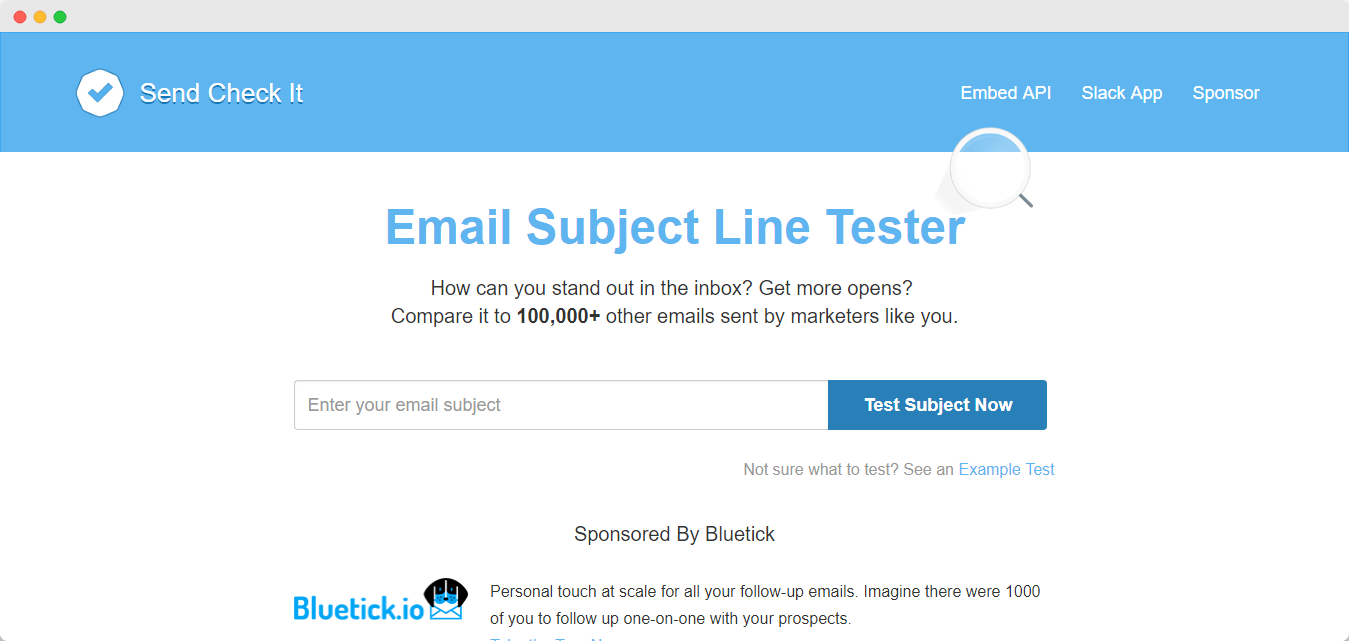
Best for: Multi-factor analysis plus previews
What it checks: Scanability, reading level, character length, sentiment-style signals, and desktop/mobile-style previews. Good when you want more than a single score.
Price: Free
Login: Sign-up required
Best for: Score plus AI rewrite ideas
What it checks: Rule-based scoring with AI-generated alternative subject lines. Useful when you are stuck and need fresh variants to A/B test.
Price: Free (fair-use limits may apply)
Login: Usually not required for basic use
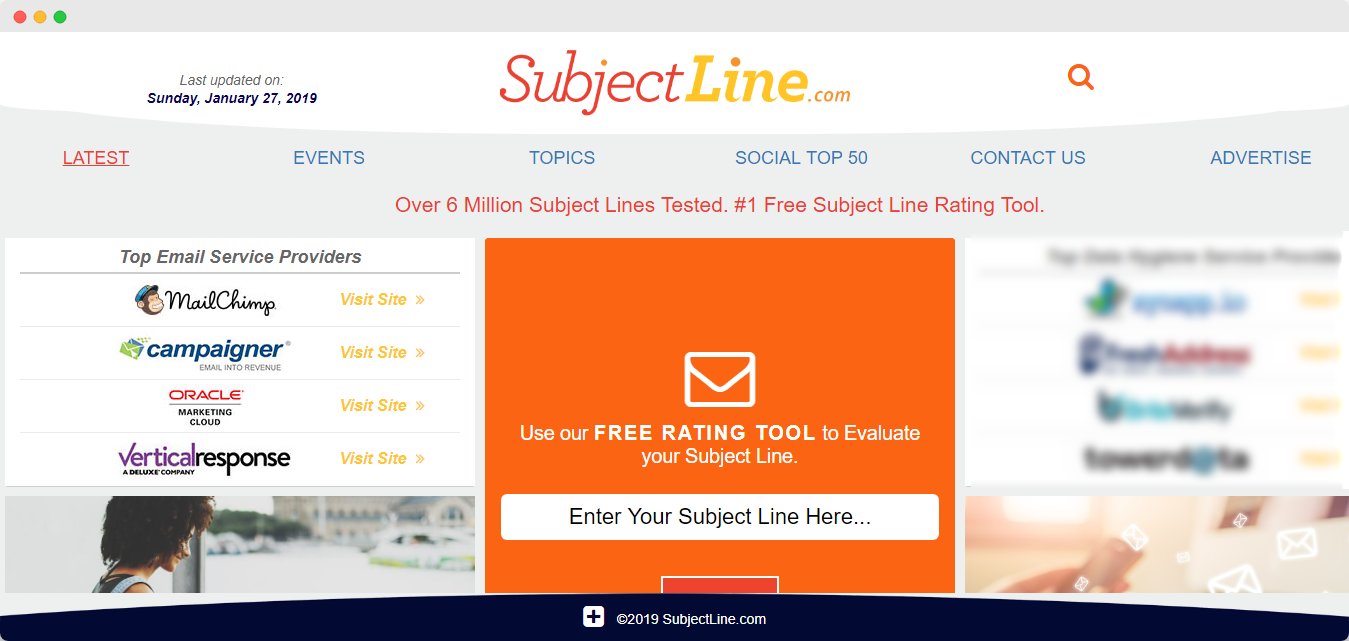
Best for: Quick 0–100 sanity checks
What it checks: A score based on a large rule set drawn from historical email performance patterns, plus guidance when a line needs work. Strong as a final “does this look obviously bad?” check.
Price: Free
Login: May ask for an account for some features; professional email is sometimes preferred
Whatever tool you pick, test more than one line. Save winners by campaign type (promo, newsletter, transactional-adjacent marketing) so your team builds a pattern library over time.
A clever subject line cannot fix a damaged sender reputation. Hard bounces, spam traps, and stale contacts still hurt placement even when the copy is strong. Before you scale sends:
If you want fewer bounces after you nail the subject line, start with email list validation and keep hygiene on a schedule — not only when open rates drop.
Email subject line testers help you catch weak wording, length issues, and spammy patterns before subscribers do. Use one of the five tools above to score drafts, A/B test the top options, and keep promises honest. Then protect those opens with clean lists and solid authentication so more of your best lines actually reach the inbox.
Find quick answers to your questions about our pricing and plans.
Sometimes, even a small thing, like a dash in your email, can make a huge difference. If you’re looking for answers regarding using a minus,...
A couple of factors determine whether your recipients will click on your email or not. However, the most important of these is your email sender...
Spam traps are real mailboxes created or recycled to catch poor list practices. Hitting them can damage sender reputation and inbox placement. Email...
When cleaning up your email, remove promotional emails, old newsletters, and spam in bulk rather than one by one. Clean your primary work...
Modern spam filters score emails across four signal categories: sender reputation, authentication results, content and design, and recipient engagement. Weak signals in multiple...
Once you have created something that people can sign-up for, a freebie for instance, you need to reach out to them in order to get...
