Spoofing fakes trusted identities to bypass filters and build credibility; phishing uses that credibility to manipulate victims into harmful actions. Most sophisticated phishing...
Key Takeaways
- An email subject line tester is a draft filter for length, spammy patterns, wording balance, and mobile truncation — not a guarantee of open rates.
- Pair the subject with a complementary preheader; many opens are decided by that two-line inbox preview, not the subject alone.
- Use tool categories on purpose: spam/risk checkers, inbox preview tools, AI rewrite helpers, then real A/B tests in your ESP.
- Heuristic scores are useful for catching mistakes early; only your subscribers can prove which angle wins.
- Strong copy still needs inbox placement — list hygiene, authentication, and domain reputation decide whether the best line is even seen.
Your subject line is the first — and often only — chance to earn an open. Most people scan their inbox in seconds and delete anything that looks vague, spammy, or irrelevant. That is why marketers use an email subject line tester: a free or freemium helper that scores a draft against length, keyword balance, tone, and spam triggers before the campaign goes out.
This 2026 guide explains what those tools actually measure, how to write stronger lines (including preheaders), which categories of testers are useful, and how five popular free scorers fit into a sane workflow. You will also see why subject-line quality only helps when the message reaches the inbox — list hygiene and authentication still matter. DeBounce focuses on that deliverability side so opens are not wasted on invalid or risky addresses.
What Is an Email Subject Line Tester?
An email subject line tester analyzes the text you plan to put in the Subject field and returns a score plus recommendations. Typical checks include:
- Character and word count (mobile truncation is still common)
- Emotional, power, and filler word balance
- Spammy phrases and punctuation patterns (ALL CAPS, stacked exclamation marks, heavy “free/urgent” wording)
- Readability or grade level
- Sometimes inbox-style previews for desktop and mobile, with or without preview text
These tools do not guarantee open rates. They reduce obvious mistakes and help you compare variants faster than guessing. Think of them as spellcheck for inbox first impressions — useful, incomplete, and best followed by a live A/B test on your own list.
What Testers Catch Reliably (and What They Guess)
Not every score deserves equal trust. Before you chase a 95/100, separate the reliable checks from the marketing theater.
Usually worth acting on:
- Spam-pattern flags. Phrases like “FREE!!!”, “ACT NOW”, or “Click here” still match patterns filters have trained on for years. Cleaning obvious triggers before you send is rarely a bad move — even if it is not a perfect spam-filter simulation. For broader placement context, see our guide on how to avoid spam filters.
- Length and truncation previews. Mobile inboxes often clip around 30–50 visible characters; desktop clients show more. Seeing where your line cuts off is concrete and actionable.
- Subject + preheader pairing. Tools that show both lines together help you spot repetition (“50% off” twice) or a blank preview that wastes the second line of attention.
Treat with skepticism:
- Predicted open rates based on “historical data from millions of emails.” That history is usually other senders’ audiences, not yours. A fashion promo winner can flop for a B2B SaaS newsletter.
- Sentiment or urgency grades as decision-makers. Fun diagnostics; weak substitutes for knowing how your brand talks to its list.
- Single magic scores that collapse every dimension into one number. Prefer tools that show why something failed so you can fix length, spam risk, or vagueness on purpose.
Use testers to sanity-check. Use A/B tests to decide. Use list hygiene so the winning line reaches a real inbox.
How to Write a Stronger Email Subject Line
There is no single formula, but these checkpoints consistently improve results in 2026:
Keep it short and specific. Roughly 30–50 characters works well for many campaigns on mobile. Front-load the benefit so truncation does not hide the point.
Lead with value (WIIFM). Answer “What’s in it for me?” from the subscriber’s point of view — a tip, a deadline, a result, or a clear update.
Stay honest. Clickbait that does not match the body damages trust and can increase unsubscribes and spam complaints. Misleading subjects are also a fast way to train people to ignore your brand. If complaint rates climb, review our notes on healthy unsubscribe rates and list quality — not only the wording.
One clear promise. If the body cannot keep that promise, rewrite the line — do not inflate the claim.
Watch spam triggers without overcorrecting. ALL CAPS, excessive punctuation, and heavy “free/urgent/act now” stacking still raise risk. Testers help flag this; clean authentication (SPF, DKIM, DMARC) and list quality protect the rest of the send.
A/B test the finalists. Run two or three strong options with a real audience segment. A tester is a draft filter; live tests show what your list actually opens.
Quick length reference by context
| Context | Visible range (approx.) | Practical tip |
|---|---|---|
| Mobile portrait | ~30–45 characters | Put the payoff first |
| Gmail desktop | ~60–70 characters | Still write for mobile first |
| Outlook desktop | ~50–60 characters | Avoid burying the offer at the end |
| Preheader | ~40–90 characters | Add new info; do not repeat the subject |
Preheader Text: The Other Half of the Inbox Preview
Most subject line testers focus on the Subject field. In the real inbox, subscribers see subject + preview text as one unit. A strong subject with a weak or duplicated preheader still underperforms.
Good pairing habits:
- Subject states the hook; preheader adds the detail or next step.
- Do not paste the same sentence twice.
- Avoid leaving the preheader blank so clients do not pull random body copy (“View in browser…”, alt text, or navigation links).
- When a tester supports preview text, score the pair, not only the subject.
Example:
- Subject: Your April report is ready
- Preheader: Open rates, bounce risk, and three fixes to try this week
That combination tells a clearer story than either line alone — and it is something most free scorers still under-emphasize.
Subject Line Tool Categories (Use the Right Job)
Instead of hunting for a single “best” affiliate-style winner, pick tools by job. The same marketer may use two or three categories on one campaign.
1. Spam and risk checkers
These flag trigger words, punctuation abuse, and patterns associated with bulk spam. They are closest to a pre-flight safety check. They will not fully model Gmail or Microsoft filtering, and they say nothing about your IP or domain reputation — for that, use Postmaster-style signals and guides like how to check email domain reputation.
2. Inbox preview and truncation tools
These show how the subject (and sometimes preheader) appears on desktop and mobile. Prefer realistic truncation over decorative phone illustrations. The goal is simple: will the offer still make sense when the last third of the line is cut off?
3. AI writers and rewrite helpers
These generate alternate angles — curiosity, urgency, value, personalization — when you are stuck. Treat AI output as a brainstorm list. Re-score the best options, then A/B test. Do not ship the first rewrite that “sounds clever.”
4. ESP native A/B tests
Your email platform’s subject-line A/B (or multivariate) test is the ground-truth layer. Heuristic tools shortlist; your list decides. Most major ESPs include basic subject testing on free or entry plans.
Use the free web testers below as examples of those categories — not as an affiliate shopping list. Features and login rules change; confirm details on each vendor’s own site.
Five Popular Free Testers Worth Knowing (2026)
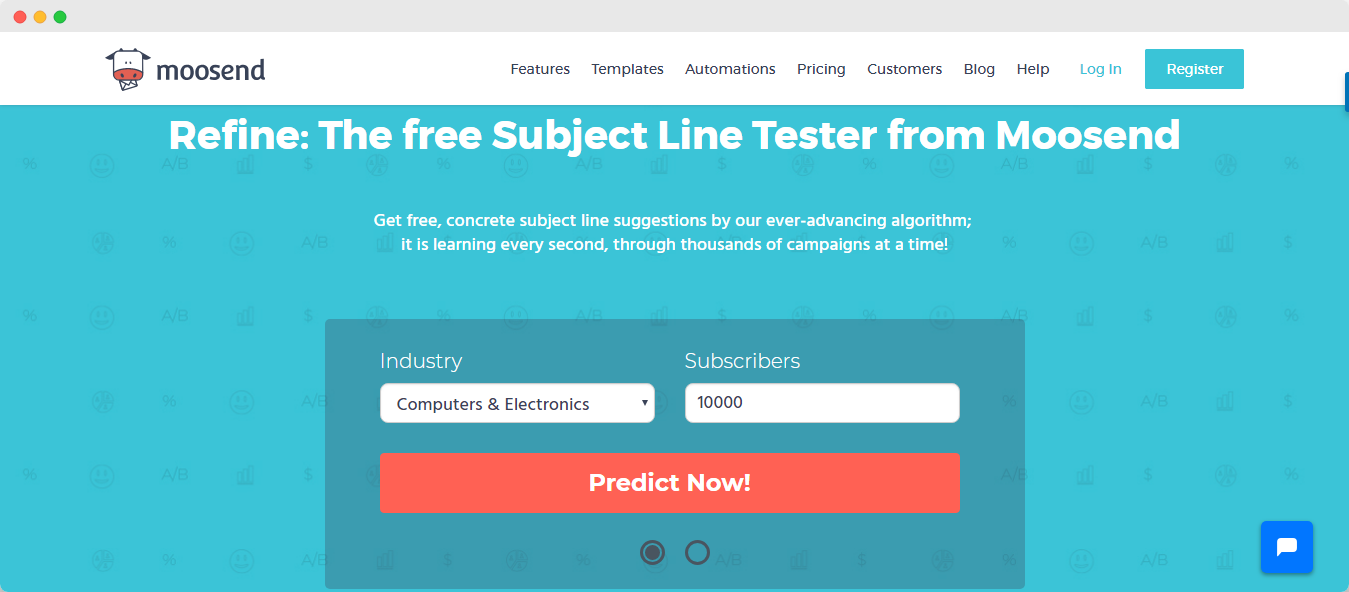
The tools below are free or free-to-start options marketers still use for quick scoring and iteration. We keep screenshots so you can see what a typical report looks like. Link out only to primary tool pages when you need them; the workflow matters more than any single brand.
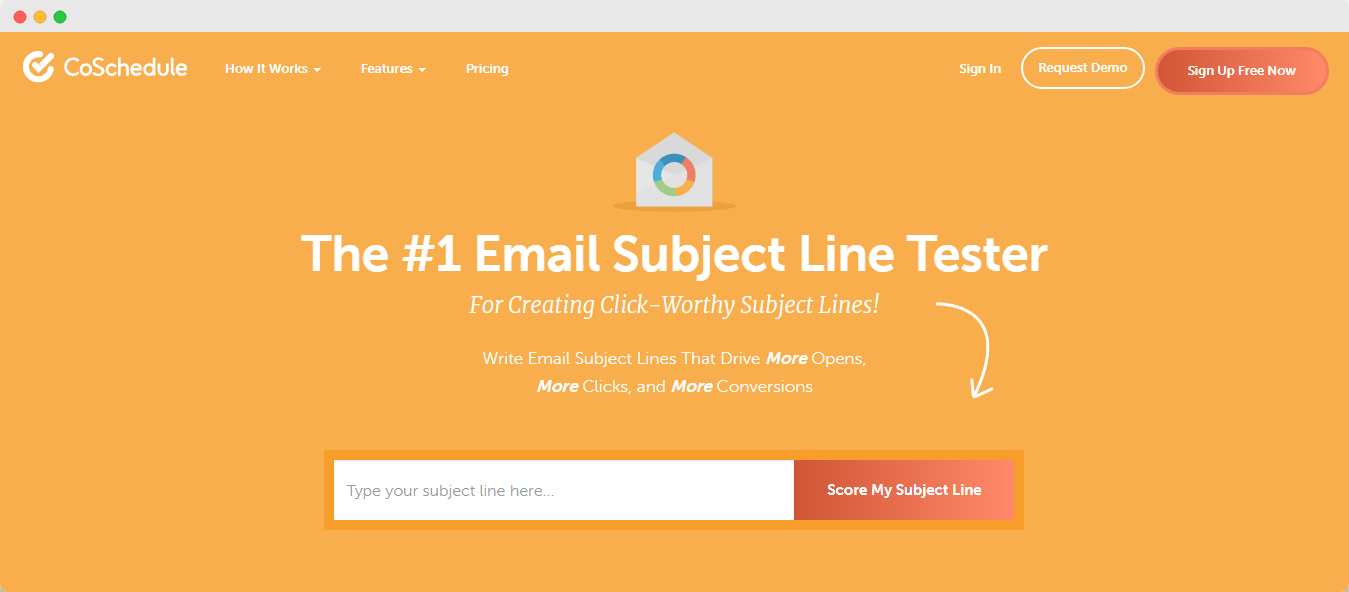
CoSchedule Email Subject Line Tester
Category fit: Wording / headline-style scoring
Best for: Detailed keyword and word-balance feedback
What it checks: Overall score, length, common/uncommon/emotional/power words, and suggestions to strengthen weak areas. Useful when you want to understand why a line scored low, not only the number. Primary tool page: CoSchedule Email Subject Line Tester.
Price: Free tier available (broader Headline Studio features may require a paid plan)
Login: Account usually required for full analysis
Omnisend Subject Line Tester
Category fit: Fast ecommerce-oriented scoring + light preview
Best for: Quick checks without friction
What it checks: Wording quality, negative or risky words, character/word counts, and scannability-style feedback. Handy for ecommerce and lifecycle marketers who want a quick pass before scheduling.
Price: Free to use as a standalone tester
Login: Typically no sign-up required for basic testing
SendCheckIt
Category fit: Multi-factor analysis + preview-style output
Best for: Marketers who want more than a single score
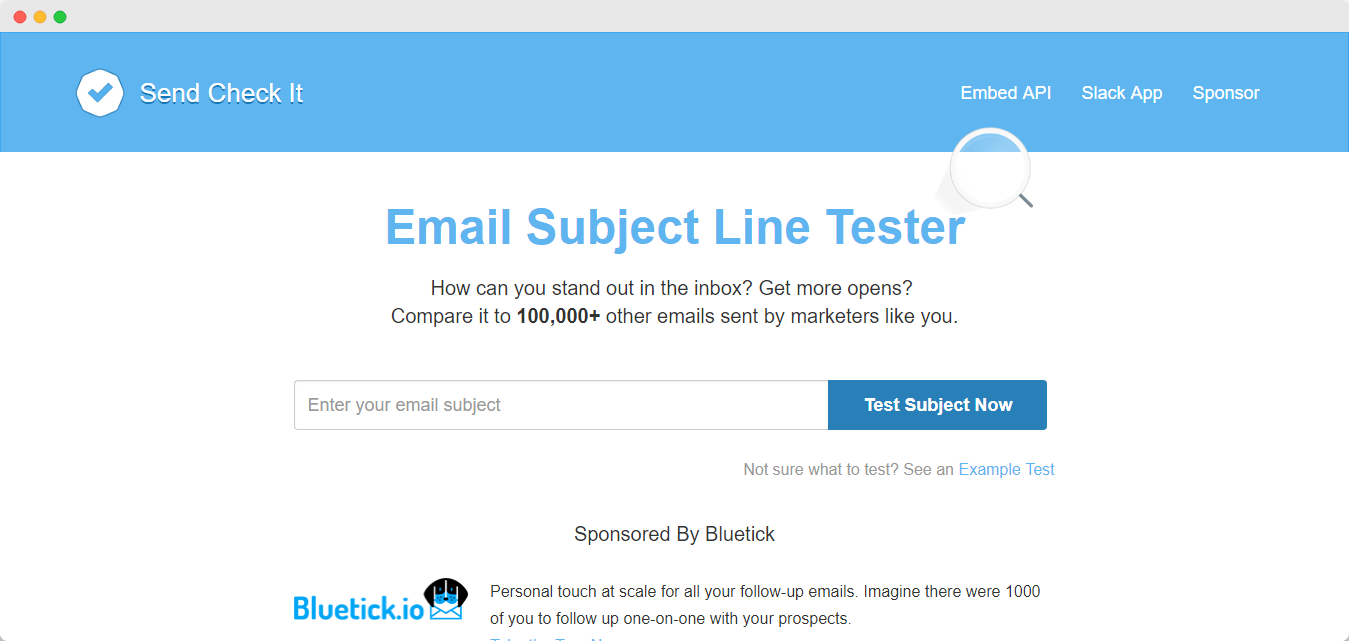
What it checks: Scanability, reading level, character length, sentiment-style signals, and desktop/mobile-style previews. Good when you want factor-by-factor feedback. Primary site: SendCheckIt.
Price: Free
Login: Sign-up required
Mailmeteor Subject Line Tester
Category fit: Score + AI rewrite ideas
Best for: Brainstorming variants when you are stuck
What it checks: Rule-based scoring with AI-generated alternative subject lines. Useful for generating a shortlist — then re-score and A/B the finalists rather than trusting the first suggestion.
Price: Free (fair-use limits may apply)
Login: Usually not required for basic use
SubjectLine.com
Category fit: Quick 0–100 sanity check / spam-adjacent rules
Best for: A final “does this look obviously bad?” pass
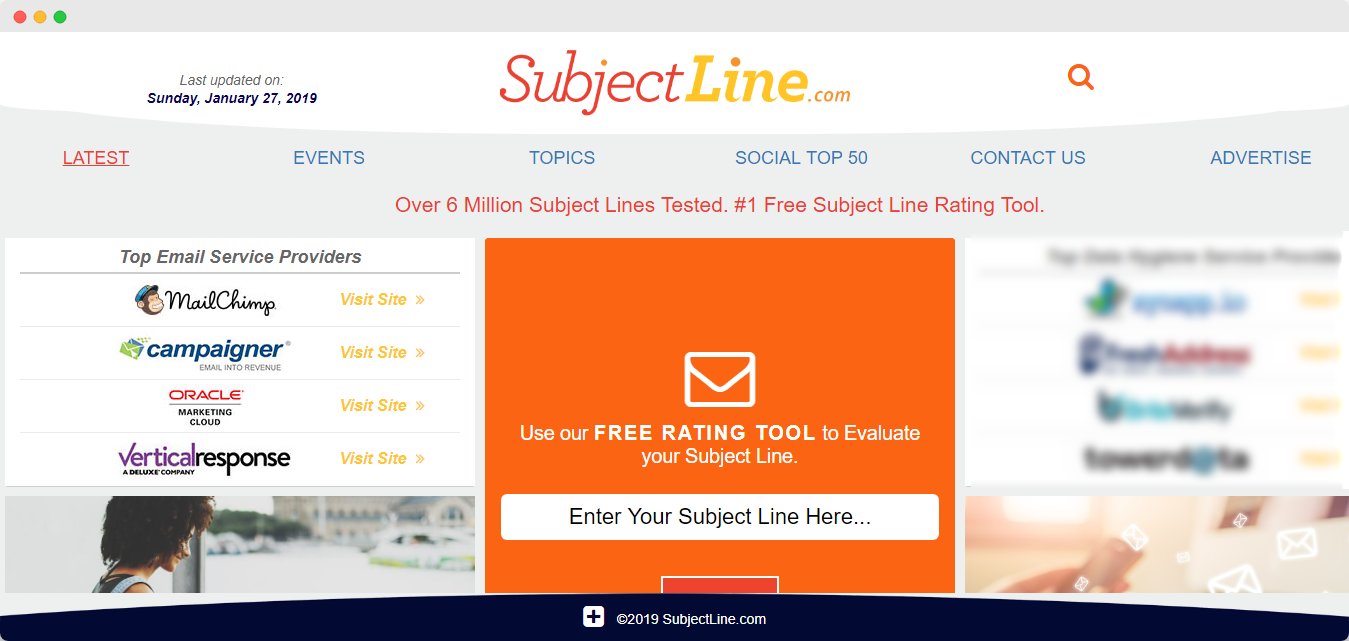
What it checks: A score based on a large rule set drawn from historical email performance patterns, plus guidance when a line needs work. The vendor notes results should guide future tests — not guarantee performance. Primary tool: SubjectLine.com.
Price: Free (paid upgrades may add history or AI rewrites)
Login: May ask for an account for some features
How to Choose (and Combine) Testers
- Need depth on wording: Start with a word-balance style scorer (CoSchedule-type) or a multi-factor tool (SendCheckIt-type).
- Need speed: Use a low-friction checker (Omnisend-type or SubjectLine.com-type).
- Need alternatives: Use an AI rewrite helper (Mailmeteor-type), then re-score the best ones.
- Need truth: Always finish in your ESP’s A/B test — not in a third-party grade.
Whatever combination you pick, test more than one line. Save winners by campaign type (promo, newsletter, product update, win-back) so your team builds a pattern library over time. That library beats any generic “power word” list.
A Practical Pre-Send Subject Line Workflow
Use this sequence so tools stay in their lane:
- Draft 3–5 lines plus a preheader for each. Change one idea at a time (offer vs. curiosity vs. specificity).
- Run a spam/risk + length pass on each. Fix truncation and trigger stacking first.
- Preview the inbox pair (subject + preheader) on mobile width. If the offer disappears when clipped, rewrite.
- Optional AI brainstorm only if you still need angles — then re-check the shortlist.
- A/B test two finalists in your ESP against a sample of your real list.
- Send the winner to the remainder — and log what won for that campaign type.
This is slower than pasting one line into a scorer, but it is how teams avoid optimizing for a vanity grade that their subscribers never validated.
How to A/B Test Subject Lines Properly
Heuristic tools shortlist; experiments decide. A simple framework:
- Isolate one variable. Question vs. statement, or short vs. slightly longer — not five changes at once.
- Size the sample. Send each variant to a meaningful slice (often ~10% each, or whatever your ESP recommends for significance).
- Wait long enough. Many teams wait a few hours before declaring a winner; adjust for your audience’s open cadence.
- Send the winner to the rest. Then record the result so next month’s brainstorm starts from evidence.
- Watch secondary metrics. A subject that spikes opens but also spikes spam complaints or unsubscribes is not a win. Pair open lifts with healthy list behavior — see also common email marketing mistakes.
Remember that open rates are noisier than they used to be (privacy features, prefetching, and image blocking all interfere). Use them directionally, and keep an eye on clicks, replies, and complaint rates when your ESP exposes them.
Subject Lines Are Only Half of Inbox Placement
A clever subject line cannot fix a damaged sender reputation. Hard bounces, spam traps, and stale contacts still hurt placement even when the copy is strong. Before you scale sends:
- Validate new signups in real time and clean bulk lists before major campaigns
- Monitor list decay so inactive or invalid addresses do not pile up
- Keep SPF, DKIM, and DMARC aligned with the domains you send from
- Treat catch-all / unknown results as risk to manage — not as “free opens” waiting to happen (keep or delete accept-all emails)
If you want fewer bounces after you nail the subject line, start with email list validation and keep hygiene on a schedule — not only when open rates drop. Verifying addresses without sending a campaign email is part of that risk-reduction loop.
Final Thoughts
Email subject line testers help you catch weak wording, length issues, and spammy patterns before subscribers do. In 2026, the winning approach is category-aware: use spam/risk checkers and preview tools to remove unforced errors, use AI writers only for brainstorming, and let ESP A/B tests pick the champion. Keep promises honest, write subject and preheader as a pair, and protect those opens with clean lists and solid authentication so more of your best lines actually reach the inbox.