Greylisting temporarily rejects mail from unrecognized sender–recipient–IP combinations with a 4xx “try again later” response. Legitimate servers retry; many crude spam tools do...

When it comes to Online Marketing, Newsletters make a very important part of it. Today I Aabhas Vijay from smtpservers.co will cover all about newsletters in this article. Let’s discuss how to do it efficiently. I will tell you how to do it step by step in the post below, and I will suggest the top tools. I have listed the top 20 Email Marketing methods that will assist you to have a perfect newsletter.
A newsletter can be referred to as an email that consists of news relating to a brand, company, or blog and is usually conveyed by a company. Each newspaper generally has distinctive content. But that content normally consists of valuable information that would intrigue the readers, for eg, information relating to offers, latest product launches, detailed posts about all products, etc.
What shapes a newsletter the most, is its subscribers. These are people who have earlier shown interest and are potential customers. Subscribers have previously subscribed to the list because they were curious about getting information. Hence, they make the most targeted customers.
The newsletter can be sent as per the requirement or strategy of a company. It can be distributed every day, weekly, quarterly, etc. Often it also depends on the launch of the latest products.
Email marketing is a compelling tool to develop a healthy connection with customers. The email that the company creates is passed in the inbox of customers, it creates an insight into personal communication and is more effective than any other marketing approach. But you should know the difference between passing on information and spamming. Later might result in dropping potential customers. You can always use SMTP Services that are free, to reach your customers. If you are new to this domain, You might want to know what is SMTP? Click and find out in our complete guide.
Having some basic knowledge will help you in the better formation of your newsletter. Before starting your newsletter, you shall ask yourself the following questions yourself.
You should be clear about the objective while designing the newsletter. The purpose can be different each time, e.g., it can be the launch of the latest product or service. Email is an excellent way of informing your subscribers about anything. Hence, be sure about what you are about to send.
Email marketing is an important tool to develop social relations with your clients, and you can create many segmented lists of subscribers such as clients, consistent clients, possible clients… The list of subscribers who were interested in your previous mail might not be the correct audience for your current mail. Hence, try to segment your list smartly as per your audience requirement.
There are many tools available that you can use. Some of those tools can be highly professional. But it is always recommended to begin with a free one. As soon as you get hold of tools and are sure about their working, upgrade to higher professional and paid tools. Check out our guide to autoresponders.
So now that we know the basics of newsletters let’s move on to the best tools to send your newsletters –
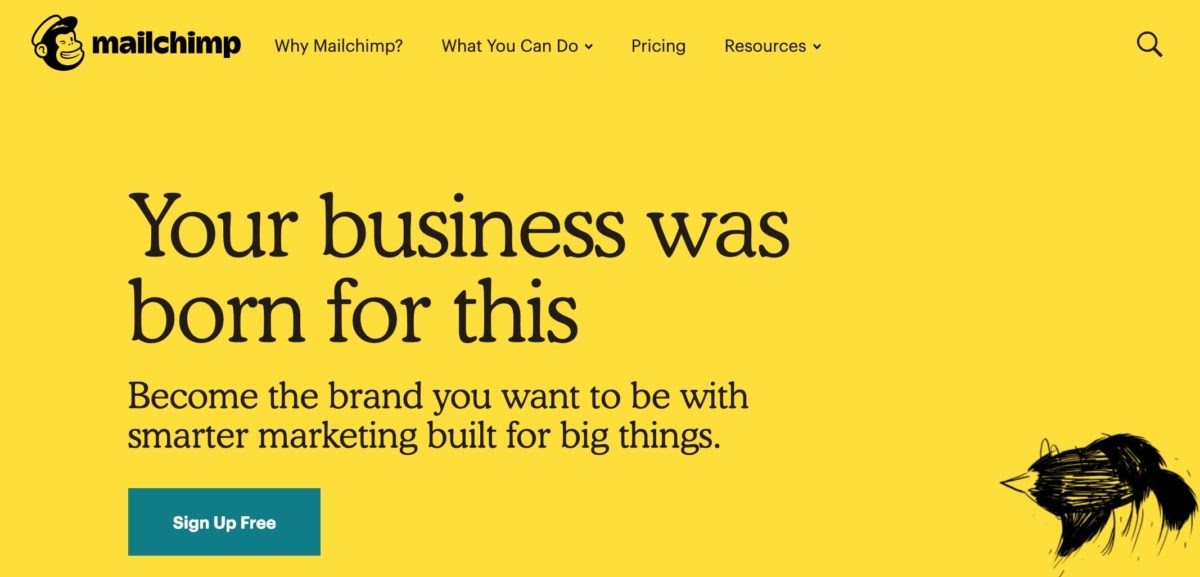
MailChimp is the top dog among email marketing providers. With more than 12.3 million active users and a market share of around 60%, it is by far the most popular newsletter software worldwide. And there are three main reasons for this:
MailChimp is easy to use
There are integrations for pretty much every third-party tool (pop-up plugins, course platforms, page builders, shop systems, etc.)
It’s free up to 2,000 contacts.
Therefore, it is ideal for everyone who just wants to send a circular email every now and then to their customers, potential customers, or members of their own organization.
However, MailChimp also has disadvantages:
It is partly inflexible and the range of functions will eventually reach its limits.
For E.g. Subscribers are not able to register themselves twice on the same list (which is disadvantageous if you want to offer your existing subscribers to register on a waiting list or similar).
Tagging (classification) according to interests and the development of automation based on this is only possible in part and is very laborious.
It is also completely in English and only offers English support.
The Aweber newsletter service is the right choice for you.
In terms of the user interface and the range of functions, it is hardly inferior to the US provider Mailchimp and in my opinion, it is the best Mailchimp alternative.
It is also clearer and easier to use. MailChimp can be a bit confusing at first, some settings take longer to search.
The Aweber newsletter templates are, admittedly, a bit old and need to be updated again.
In addition to sending individual emails, the software also offers time and action-controlled campaigns, autoresponders, RSS campaigns, and A / B split testing, which means that it offers all the functions you could want for simple email marketing.
You can send free emails Up to 500 subscribers, then the plans start with $16.15 per month if paid annually, if you choose a monthly plan you need to chug out $19 per month.
Especially if you win your customers online or even run a purely online business (e.g., have an online shop, are a coach, sell online courses, etc.), you will eventually get in touch with simple tools like Aweber or MailChimp. But what about complex automation?
A small example:
Let’s say you offer two free e-books as freebies because you want to address two different target groups with your mentoring offer:
While there will surely be an overlap, not all of your newsletters are relevant to both audiences. That’s why you want to separate them in your contacts. With MailChimp or Aweber, this is possible but involves a lot of fiddling. This is where so-called tag-based tools come into play:
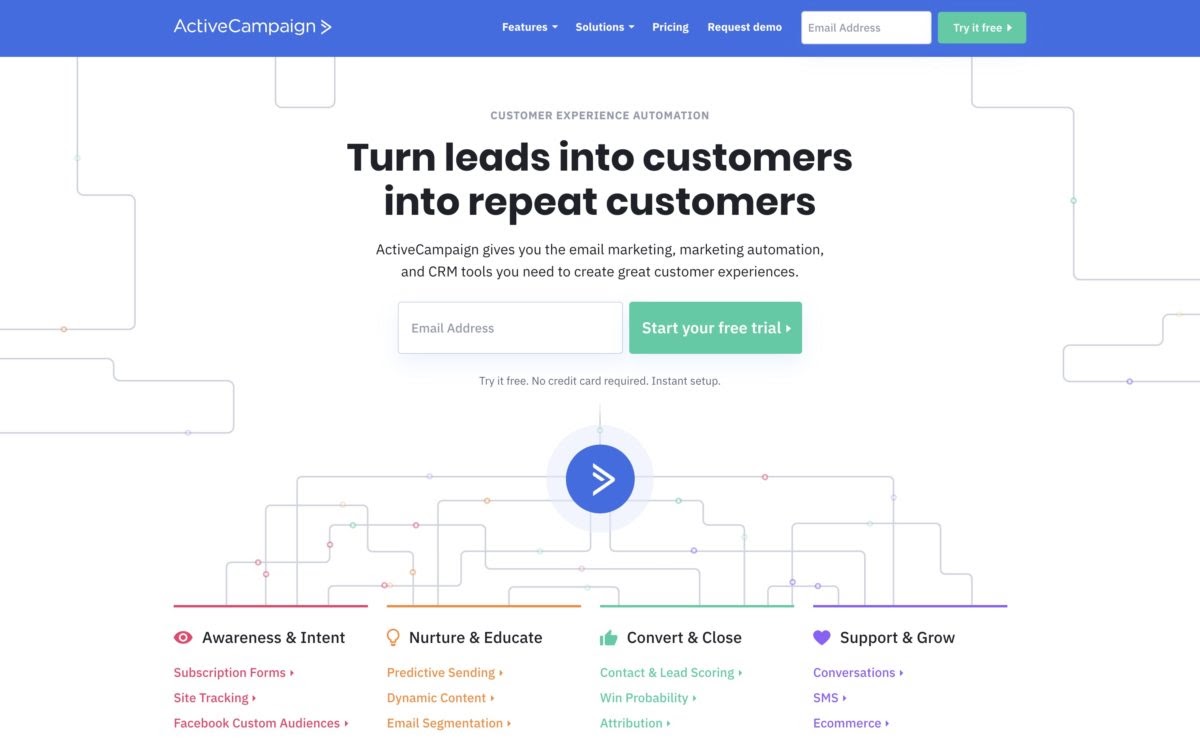
I switched from MailChimp to ActiveCampaign in early 2019. And that had a decisive reason:
While I was very satisfied with the support, operation, deliverability, and the newsletter editor at MailChimp, I missed two aspects:
Aspect # 1: Better segmentation
I wanted to be able to sort my subscribers into interest groups in order to send newsletters in a more targeted manner.
In my opinion, creating relevant content that is tailored to the individual is the be-all and end-all in online marketing.
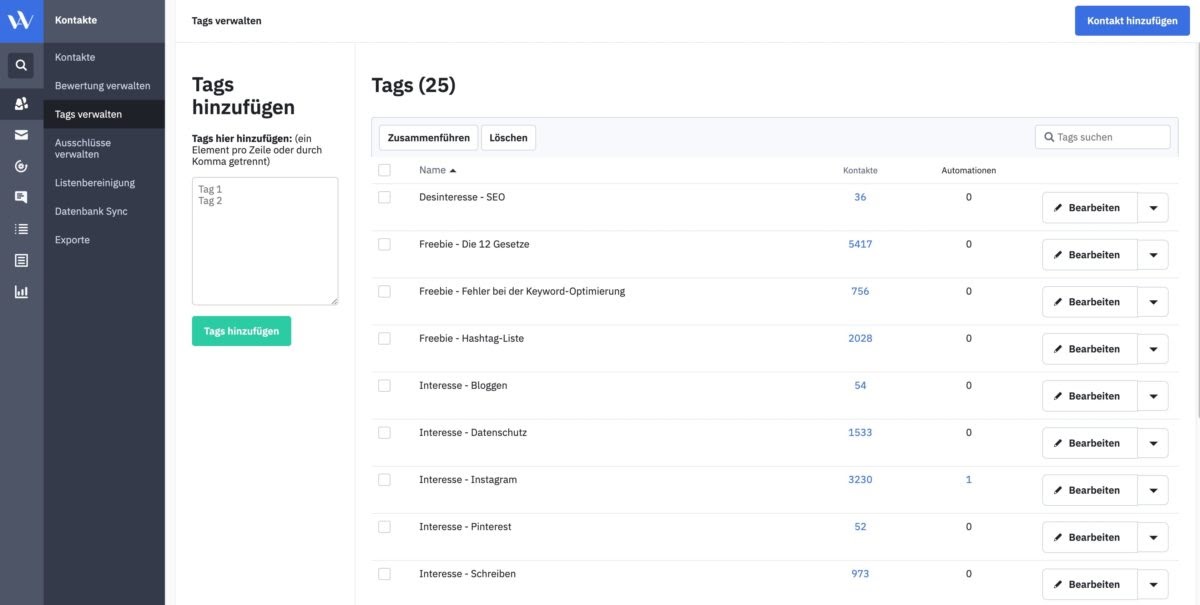
With ActiveCampaign, for example, it is possible to assign tags to people based on different actions.
By clicking on links in emails, opening certain emails, downloading certain freebies, or participating in free courses divided into tags:
Aspect # 2: Simpler automation with more options
Automation is horror at MailChimp. You can create automation, but there is a lack of functions and setting up is unnecessarily complicated.
With the newsletter system from ActiveCampaign, however, the creation of automation is easy and thanks to the visual workflow editor.
Complex automation with numerous branches is also possible without any problems.
What I also like very much:
All automation functions are available from the Lite tariff from € 9 per month (€ 111 for 10,000 contacts). With other software, you have to dig deeper into your pocket for a similar range of functions.
Of course, not everything is perfect with ActiveCampaign either:
The newsletter editor at MailChimp is better and more reliable than the one from ActiveCampaign, which can be a bit tricky at times.
All in all, however, I am very satisfied with ActiveCampaign and do not regret the change.
GetResponse is one of the larger e-mail marketing providers with over 350,000 customers.
Starting with simple autoresponders in 1998, the Polish newsletter service has developed into a major player in the newsletter and email marketing sector.
The e-mail marketing tool convinces with a modern and clear interface, a large range of functions, and many integration options.
It is much cheaper than Aweber and MailChimp:
GetResponse’s basic tariff, which is roughly comparable to the standard tariff from MailChimp, costs just € 59 per month for 10,000 contacts.
Indeed:
If you want to create a lot of or more complex automation, ActiveCampaign is the better choice.
Newsletters remain one of the most powerful and cost-effective tools in the world of online marketing. When crafted strategically, they help brands stay connected with their audience, nurture long-term relationships, and consistently drive traffic, engagement, and sales. Whether you’re running a small blog or managing a large-scale business, understanding how to design, segment, automate, and optimize your emails is what separates average campaigns from truly impactful ones.
With the right approach—and the right tools—you can transform your newsletter into a reliable communication channel that delivers real value to your subscribers and measurable results for your business. Start simple, experiment with different strategies, and gradually build a system that works for your audience. As your experience grows, tools like MailChimp, Aweber, ActiveCampaign, and GetResponse can help you scale your efforts with smarter automation and better insights.
Ultimately, the success of your newsletter depends on consistency, relevance, and a clear understanding of your audience. Keep refining your content, monitor your analytics, and always aim to provide information worth reading. Do this, and your newsletters won’t just reach inboxes—they’ll make an impact.

Find quick answers to your questions about our pricing and plans.

Greylisting temporarily rejects mail from unrecognized sender–recipient–IP combinations with a 4xx “try again later” response. Legitimate servers retry; many crude spam tools do...
Email marketing is a reliable and time-tested tool: brands send hundreds of thousands of email offers, newsletters, and ads to their customers every day. Email...

A couple of factors determine whether your recipients will click on your email or not. However, the most important of these is your email sender...
A poor-quality email list damages sender reputation, increases bounce rates, and wastes email marketing budget. Email verification tools help remove invalid, disposable, duplicate,...
As an email marketer, you may often encounter a formidable obstacle in your campaigns — ambiguous email bounce codes. These codes can be perplexing and...

Email’s wonderful. It’s a tremendous personal enabler and a genuinely colossal business tool. However, email’s rife with imposters, phantoms, and general ill-wishers. The medium is...