
SMTP is a standardized protocol for sending emails and works well for traditional email clients and legacy systems. Email APIs provide faster integration...

Key Takeaways
Email accessibility is now a basic requirement in modern email marketing. It matters for usability, but also for compliance. As inboxes grow more crowded and audiences interact with content in different ways, accessible emails are no longer optional.
This shift became clearer with the European Accessibility Act (EAA), which took effect on 28 June 2025. It applies to any B2C brand communicating with users in the European Union, making accessibility a direct responsibility for email marketing teams.
User data reflects the same need. The World Health Organization estimates that about 16% of the global population lives with some form of disability. At the same time, research from the Email Markup Consortium found that 99.97% of emails tested contain serious accessibility issues.
This gap between how emails are built and how they are experienced limits reach and creates unnecessary barriers. Improving accessibility helps more people understand your message and makes your campaigns more effective.
Email accessibility refers to designing and coding emails so that they can be easily read, understood, and interacted with by all users, including those who use assistive technologies like screen readers or keyboard navigation.
It is important to distinguish accessibility from validation. Validation focuses on whether an email can be delivered to an inbox, while accessibility focuses on whether that email can be consumed once it arrives. Both are necessary for effective email communication.
This is where the connection to tools like DeBounce becomes relevant. Clean, validated email lists ensure your messages reach real users, while accessibility ensures those users can actually read and interact with your content.
Accessible emails benefit a wide range of users, including people with visual, auditory, cognitive, or physical limitations, as well as older audiences, mobile users, and anyone experiencing temporary constraints such as poor lighting or slow connections.
Email accessibility directly affects how many people can engage with your content and how they experience it.
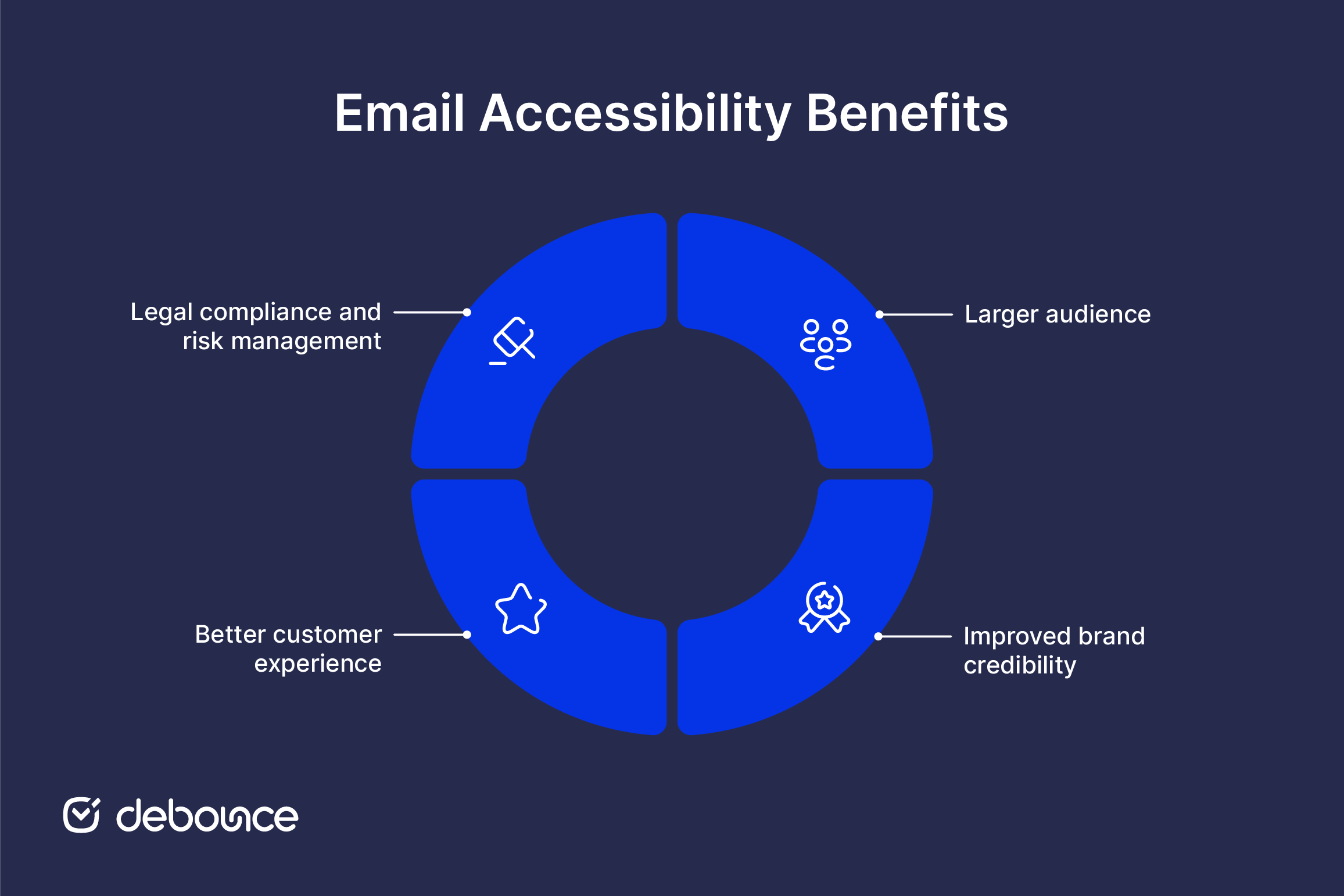
Making your emails accessible will allow you to reach a broader audience, including people with disabilities, the geriatric population, and others who might find reading your content challenging. Moreover, emails have a 90.3% penetration in the U.S. Therefore, you can conveniently predict that creating accessible emails will increase your audience base. It is important to note that many businesses are legally mandated to send accessible emails under the Americans with Disabilities Act (ADA). You can learn more about more about sending ADA compliant emails in this piece.
Brands that invest in accessibility signal attention to detail and inclusivity. Recent consumer research shows that people are more likely to stay loyal to brands that prioritize accessible digital experiences, with 93% of consumers saying accessibility is important and 62% willing to switch to a more accessible competitor. When most emails fail basic accessibility standards, improving yours sets you apart.
Accessible emails are easier to read, navigate, and understand because they remove small barriers that slow readers down. Clear layout, readable text, and logical flow help users process information quickly.
This reduces friction for everyone, not just those with disabilities. When emails are easier to follow, readers stay engaged and are more likely to take action.
Following accessibility standards helps ensure that your email communications meet legal requirements and reduce exposure to risk.
Accessibility guidance often focuses on designing for different types of disabilities, such as visual, auditory, cognitive, speech, and physical, when creating inclusive digital content.
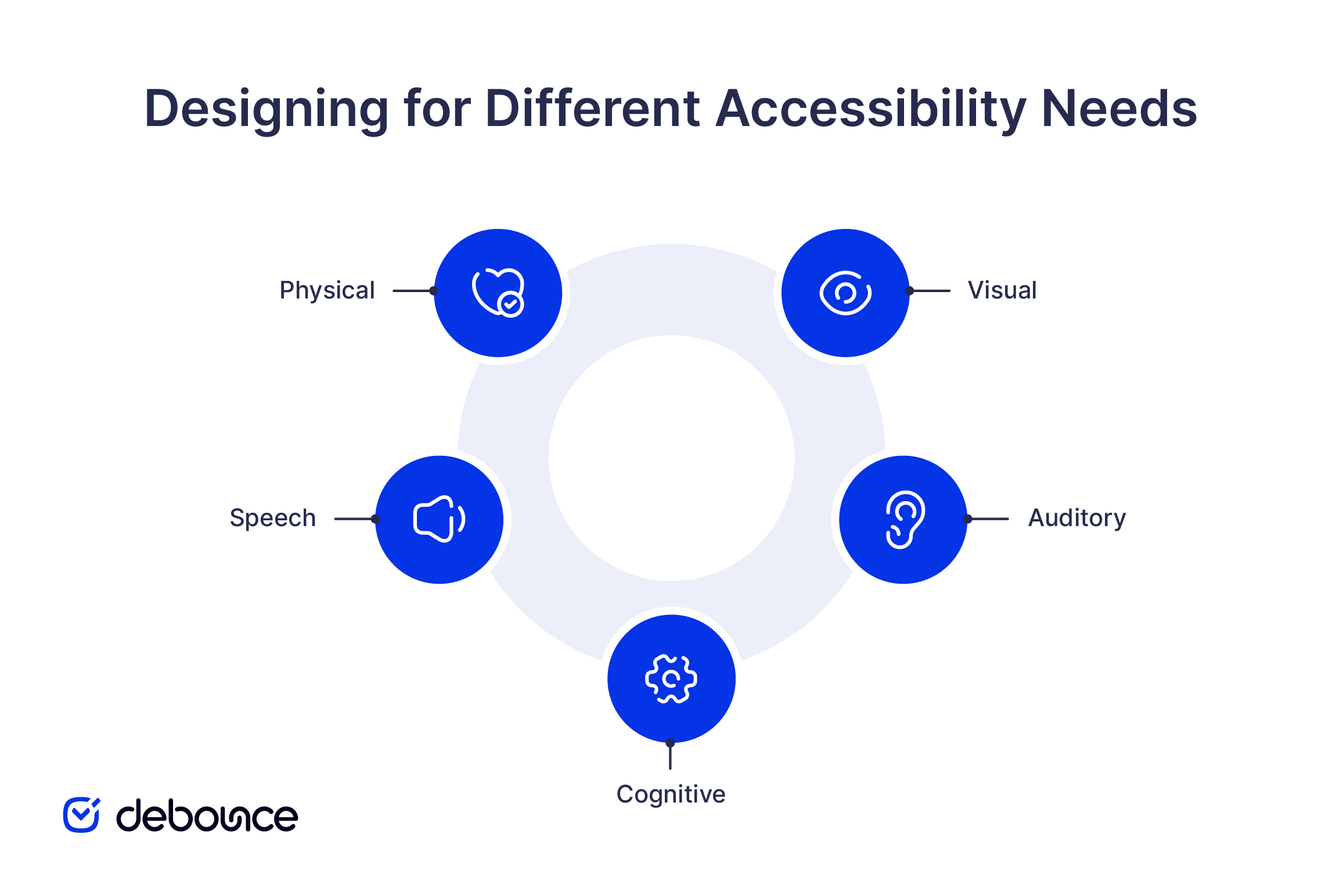
Visual disabilities include partial or complete vision loss, color blindness, and sensitivity to brightness. Users may rely on screen readers, magnifiers, or high-contrast displays. Dark mode has also become a common preference, which affects how colors and contrast should be handled.
Auditory disabilities affect users with partial or full hearing loss. While emails are primarily visual, any embedded audio or video content should be supported with captions or alternative formats.
Cognitive disabilities influence how users process and understand information. Complex layouts, long sentences, and unclear structure can make emails difficult to follow. Simple language and clear hierarchy improve accessibility.
Speech disabilities may limit a user’s ability to interact with voice-based tools or input systems. Accessible design ensures that alternative navigation methods, such as keyboard use, remain effective.
Physical or motor disabilities can affect how users interact with devices. This includes limited movement, lack of coordination, or reliance on keyboard navigation. Emails should be designed so that all interactive elements are easy to access without precise movements.
Creating accessible emails involves improving how content is presented, structured, and delivered across different environments.
Besides the sender name, the subscribers will check the subject line and preheader before opening your email. Creating accessible emails starts right here.
1. Your subject lines and preheader text should be simple, descriptive, and not too long. They should let the recipients know what the email is about and encourage them to open it.
2. While using emojis, consider the people using assistive technology to read your emails. Your email might lose its essence for such subscribers. The best idea is to add a single relevant emoji at the end of your subject line. (as shown in the screenshot below.)

Avoid using multiple emojis or a single emoji, which may have different interpretations in different tools. Do not change its color, as the assistive software will read aloud the color descriptor.
3. Magnifying tools will find reading words written in all caps confusing. Also, they are difficult to recognize by shape. Some screen readers will interpret the word as an acronym and read it letter by letter. Therefore, you must refrain from writing in all caps.
Focus on clarity and readability so all users can understand your message without effort.
Structure and design choices should support easy reading and interaction across devices.
Email accessibility does not apply only to people with special needs. It makes your emails easy to consume for everyone. Here are some tips to keep in mind while coding accessible emails.
1. Set table roles to “presentation”
As mentioned previously, it is important to maintain a logical flow of the email content. By setting the table roles to presentation, the screen readers will take the help of Assistive Rich Internet Applications (ARIA) to read the table in a way that makes perfect sense. If you forget to set the table role, the screen reader will read out the HTML code and ruin the user experience.
2. Use semantic tags
Semantic markup helps determine the flow and hierarchy of your email template. Using paragraphs, lists, and headings like <p>, <ul>, <ol>, <h1>, and <h2> will guide the screen readers through the email content in the correct sequence. You must apply the margins for each element and set different styles on the parent element for all the paragraphs to reflect the code.
3. Code emails are compatible with keyboard access
Physical disability or vision impairment can limit the usage of the mouse. To cater to subscribers who cannot see the mouse pointer on the screen, you must code emails that can be accessed with the keyboard. Take the help of a professional who can add custom-made controls, CSS styles, and scripts that facilitate navigating emails through the keyboard.
4. Include the “lang” attribute
Screen readers will read the emails in the default language set on the device. To avoid any incorrect interpretations and pronunciations, you must specify the language of your email with the help of the “lang” attribute. For instance, If your email is in French, use lang=”fr” on the wrapper element inside the <body>. You can also use it as an <div> encompassing the entire email copy. You must also set the language in the <html> element.

You can use the following tools to evaluate whether your emails meet accessibility standards:
Accessible emails often perform better because they are easier to read and interact with. When emails are clear, structured, and readable, more users can engage with them. This improves metrics such as click-through rates and conversions, since fewer users drop off due to confusion or difficulty navigating the content.
At the same time, performance depends on who receives your emails. If your list includes invalid or inactive addresses, even the most accessible email will not deliver accurate results.
This is where list quality plays a role. By using DeBounce to validate and clean your email list, you ensure your campaigns reach real users. Combined with accessible design, this creates a stronger foundation for both performance and reliability.
If your business communicates with users in the U.S., following ADA-related accessibility practices is strongly recommended, as courts increasingly apply these standards to digital communication.
Most organizations aim for WCAG 2.1 or 2.2 Level AA, as it provides a practical balance between accessibility and implementation effort.

Find quick answers to your questions about our pricing and plans.
SMTP is a standardized protocol for sending emails and works well for traditional email clients and legacy systems. Email APIs provide faster integration...
Spoofing attackers manipulate email headers to display trusted sender names and addresses without accessing real accounts, making messages appear legitimate. Authentication protocols are...


Having multiple SPF records causes an SPF PermError, so every email sent from that domain fails SPF authentication, even legitimate messages. Duplicate SPF...

You probably are familiar with the concept of List Hygiene? Well, this simply means the process of getting rid of inactive users from your mailing...
You can not please everyone. Some people will opt-out of your email list no matter what. It’s not you. It’s them. This is a struggle...
You can create a Gmail filter from the search bar or from Settings, and both let you combine several actions in one rule....
