Spam traps are real mailboxes created or recycled to catch poor list practices. Hitting them can damage sender reputation and inbox placement. Email...

Key Takeaways
Multiple SPF records are one of the most common causes of SPF PermError, an authentication failure that causes every email sent from your domain to fail SPF checks, whether it’s legitimate or not. In most cases, this happens when a new email service is added without removing or merging the existing SPF record. SPF (Sender Policy Framework) is a DNS TXT record that specifies which mail servers are authorized to send email on behalf of your domain. When more than one SPF record exists, receiving mail servers can’t determine which one to use, resulting in authentication failures that can affect inbox placement, trigger spam filtering, or cause messages to bounce.
No. According to the RFC 7208 specification, a domain should have only one SPF record.
When a receiving mail server checks your domain’s DNS and finds multiple TXT records that begin with v=spf1, it cannot determine which record to evaluate. Instead of selecting one, it returns an SPF PermError.
An SPF PermError causes every email sent from the domain to fail SPF authentication, including legitimate messages. Depending on the receiving mail server’s policies and your authentication setup, those emails may be rejected, sent to spam, or result in hard bounces.
Fortunately, duplicate SPF records can usually be resolved by combining all authorized sending sources into a single SPF record.
Most domains end up with multiple SPF records by accident rather than through incorrect configuration. The most common cause is adding a new email service provider without merging it into the existing SPF record. Many providers supply their own SPF entry and instruct users to add it as a new TXT record, without explaining that a domain should only have one SPF record.
Duplicate records can also appear when different teams manage DNS independently. Marketing, IT, and DevOps teams may each configure sending services without realizing that another SPF record already exists.
Additionally, legacy configurations often leave outdated SPF records behind. Old email marketing platforms, transactional email providers, or previous DNS settings may no longer be used, but their SPF entries remain in DNS and create duplicate records.
To avoid the email deliverability issues that come with misconfigured SPF records, it is important to confirm whether your domain has multiple SPF records. Here are three reliable methods you can use to check for multiple SPF records.
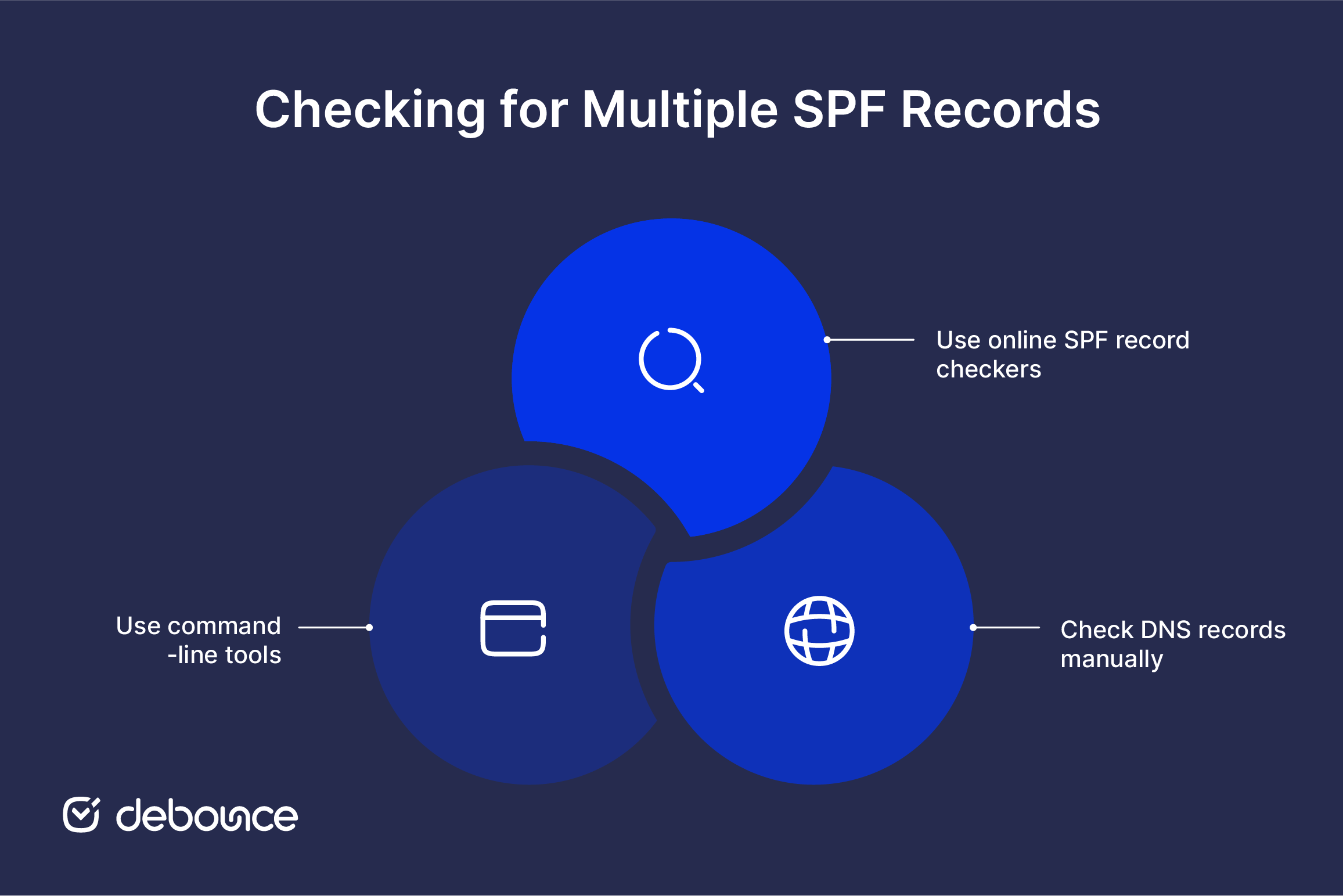
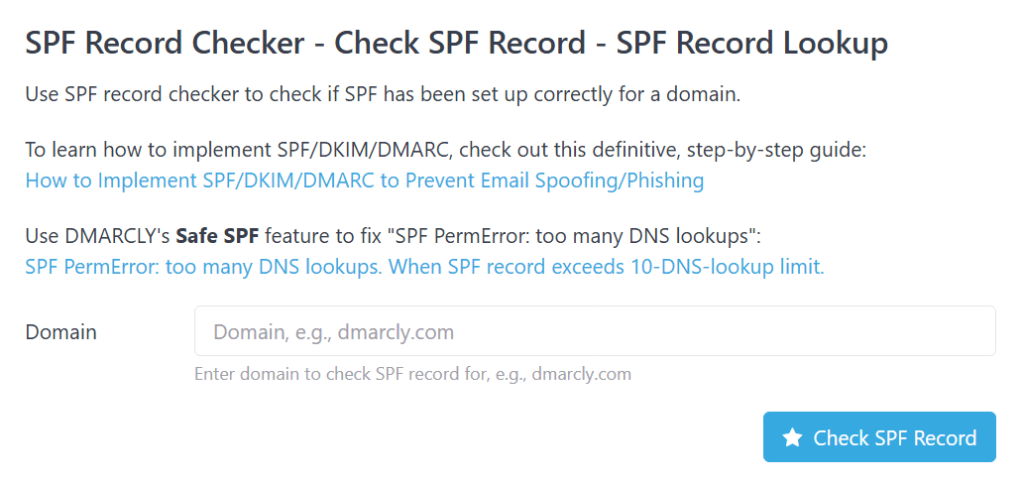
Using SPF validation tools is one of the quickest and easiest ways to check for multiple SPF records. Some of the trusted SPF record checkers include:
For most of these online tools, you just need to enter a single domain name into the designated field on the tool’s website and click the action button to initiate the SPF record check.
The tool will perform a DNS lookup for your domain’s TXT records. It will then analyze these records to see if any start with the SPF record identifier, v=spf1. Most checker tools will explicitly state if they have found more than one SPF record for your domain. For example, a tool might display a message like “multiple SPF records found” or list each SPF record it has detected separately.
If you have access to your DNS settings through your domain registrar or hosting provider’s DNS management platform, you can identify TXT records associated with your domain. Look for records that begin with v=spf1. If you see more than one v=spf1 record, then it means your domain has duplicates. You can also confirm if multiple records exist due to different active email service providers or outdated configurations. Doing this will help you determine what records need to be removed and which ones need to be merged into a single valid SPF record.
If you are tech-savvy, you can run a simple DNS query using terminal or command prompts. Use dig (on Linux and macOS) and nslookup (on Windows):
Once you run the prompts, you will get a list of all SPF records for your domain. If you see more than one SPF record, then it means you have duplicates that either need to be merged or removed to ensure SPF standards compliance and email delivery. Run occasional SPF checks to keep your SPF record RFC 7208 compliant. Also, always check your domain’s DNS TXT records before adding a new SPF entry, align all teams or email administrators managing your DNS to avoid duplicate entries, and maintain a clear record of authorized senders.
So, you’ve confirmed you have multiple SPF records. How do you go about merging them into a single record?
All SPF records follow the same basic structure: v=spf1 [mechanisms] [qualifier]all. The goal is to combine the authorized sending mechanisms from each record into one valid SPF record while keeping the overall syntax compliant.
The “include” mechanism allows your SPF record to authorize third-party services like email marketing platforms to send emails on your domain’s behalf. For instance, if you use Google Workspace for business email and a separate email marketing platform for campaigns, you might initially have two SPF records:
But, since you can’t have multiple SPF records or simply copy and paste one TXT record into another, they should be merged into:
Remember, each “include” directive counts toward the 10 DNS lookup limit. Therefore, limit the number of “include” mechanisms you need to add.
The “ip4” and “ip6” mechanisms in SPF records allow you to authorize specific IP addresses or ranges that can send emails on behalf of your domain. When your domain has multiple SPF records, each one might specify a different IP address or addresses using “ip4” or “ip6”:
When you merge them correctly, the record should look as shown below:
This SPF record authorizes:
The “a” and “mx” mechanisms in SPF records allow email servers to authenticate senders based on domain-related configurations.
Here’s an example of a merged “a” and “mx” record: v=spf1 a mx ip4:192.168.1.1 include:_spf.example.com -all
The two only appear once at the beginning of the record. Ensure the “a” mechanism aligns with your current domain’s IP. Also, if your domain’s MX records only handle inbound mail services (receiving emails but not sending them), then you don’t have to include “mx”. You can just stick to “include” directives that list the authorized sender domains.
Once you’ve successfully merged multiple SPF records into one valid record, the next step is to implement it properly in your domain’s DNS settings.
Two hard limits apply to every SPF record. Exceed either one, and your merged SPF record can fail just as having multiple SPF records would.
Maintain DNS lookup limits: SPF records are limited to 10 DNS lookups. Every include, a, mx, exists, or redirect mechanism that performs a DNS lookup counts toward this limit. If you exceed it, SPF validation returns an SPF PermError. Remove unused services, limit unnecessary include mechanisms, and test your record with tools such as MXToolbox or Kitterman’s SPF validator. SPF flattening is another option, provided the IP address list is kept up to date.
Follow character limits in SPF records: Each SPF string is limited to 255 characters. Longer SPF records can be split into multiple quoted strings, which DNS combines automatically during lookup. However, keeping the record as short as possible by removing redundant mechanisms and unused services helps avoid compatibility issues.
Having multiple SPF records will hurt your email deliverability and sender reputation. But while some entries can be removed, if they’re unnecessary, redundant, or outdated, some are crucial, and the best course of action is to merge them into a single entry. To keep your merged SPF record RFC 7208 compliant, ensure it stays within the DNS record lookup and character string limits. Also, run occasional SPF checks and align all teams managing your DNS settings to avoid duplicate entries.
A correctly configured SPF record helps protect your sending domain, but it cannot fix a mailing list filled with invalid or inactive email addresses. For the best chance of reaching the inbox, combine a properly configured SPF record with a clean, validated email list. DeBounce helps identify invalid and outdated contacts before they increase bounce rates or affect sender reputation.
Yes. Since DMARC relies on SPF and/or DKIM alignment, an SPF PermError can prevent SPF from passing DMARC checks. If DKIM also fails or isn’t aligned, the message may fail DMARC authentication altogether.
You shouldn’t keep one record and delete the other unless you’re certain the removed record is no longer needed. Review every authorized email service your domain uses, then merge all required sending mechanisms into a single SPF record before removing the duplicates.
Most SPF record updates begin propagating within a few hours, but full DNS propagation can take up to 48 hours, depending on your DNS provider and TTL settings. After propagation, rerun an SPF check to confirm the new record is being returned.
Each domain needs its own SPF record. If multiple domains use the same email infrastructure, their SPF records may contain similar mechanisms, but every domain should publish its own single SPF record in its DNS zone.

Find quick answers to your questions about our pricing and plans.

Spam traps are real mailboxes created or recycled to catch poor list practices. Hitting them can damage sender reputation and inbox placement. Email...

The relevance of email deliverability to an organization's email marketing strategy may have been discussed frequently. Still, you may not fully comprehend how it applies...


A return path email is the address that receives bounce notifications when an email cannot be delivered. The return path is used during...


If you work in email marketing, you have probably encountered Gmail’s familiar message truncation notice: "[Message clipped] View entire message". At first glance, it looks...

An MX record is a DNS entry that points incoming email to the correct mail server for your domain. Every MX record carries...

As more and more of us choose to run important parts of our personal and professional lives on the go, staying connected digitally is becoming...