
When cleaning up your email, remove promotional emails, old newsletters, and spam in bulk rather than one by one. Clean your primary work...

Key Takeaways
A free SMTP server lets you send emails through shared infrastructure without paying for a dedicated service. It works well for small-scale use, such as sending a few messages a day to colleagues, handling transactional emails, or testing campaigns.
However, the situation changes as volume increases. If you start sending hundreds or thousands of emails daily, using your own SMTP server or a free provider can lead to issues such as slow delivery, strict sending limits, or even IP blacklisting, which can push your emails into spam folders. Free SMTP services typically offer only a limited number of credits, making them unsuitable for large-scale sending.
This is where bulk SMTP servers and paid providers come in. They are built to handle high volumes while maintaining strong deliverability and faster sending speeds. Deliverability depends largely on IP reputation, while speed becomes critical for time-sensitive emails such as password resets.
Free SMTP services still have their place in 2026, but they are best used as a starting point. Choosing the right option depends on how many emails you plan to send and how important reliability and inbox placement are for your use case.
Free SMTP servers are commonly used for transactional emails such as password resets, notifications, and small campaigns. They are also useful for testing before scaling to a paid plan.
Most providers offer limited free tiers, so choosing the right one depends on your sending volume, use case, and integration requirements.
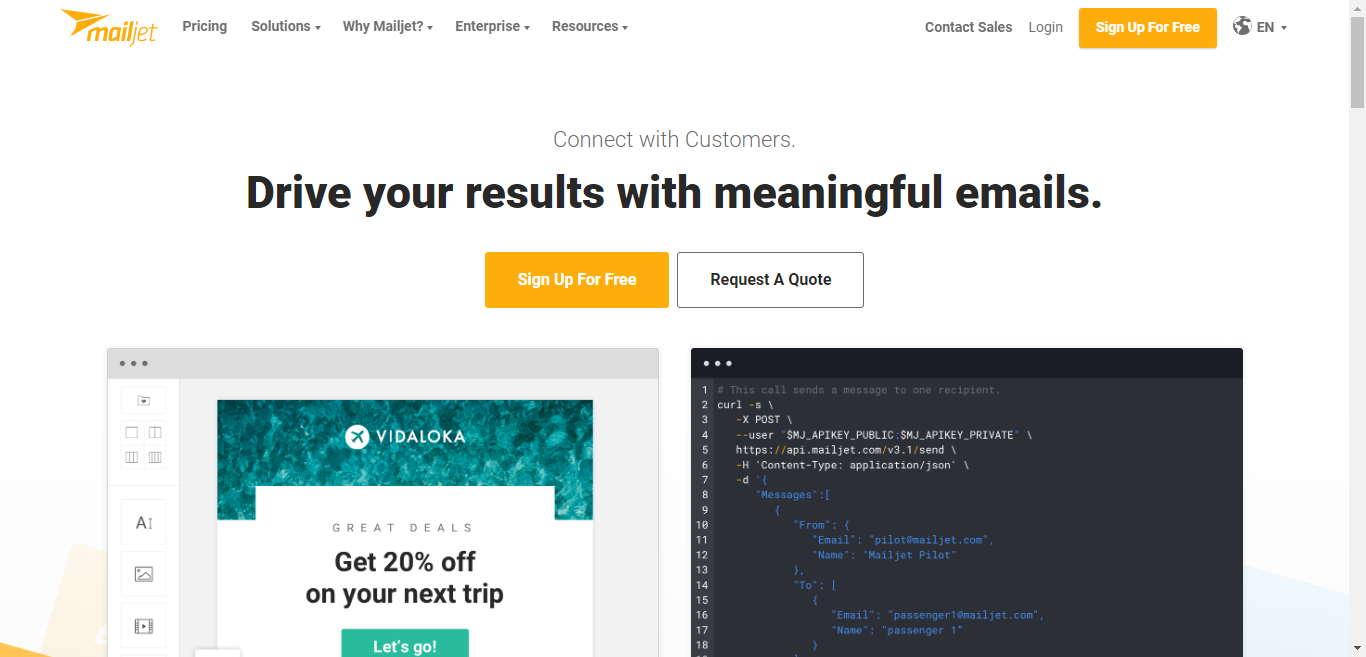
Mailjet is a well-established email platform that supports both transactional and marketing emails through SMTP and API integration.
Features:
SMTP limits:
This free SMTP provider allows 6,000 emails per month and 200 emails per day.
Best for:
Developers and marketers who need a reliable SMTP relay with stable deliverability.
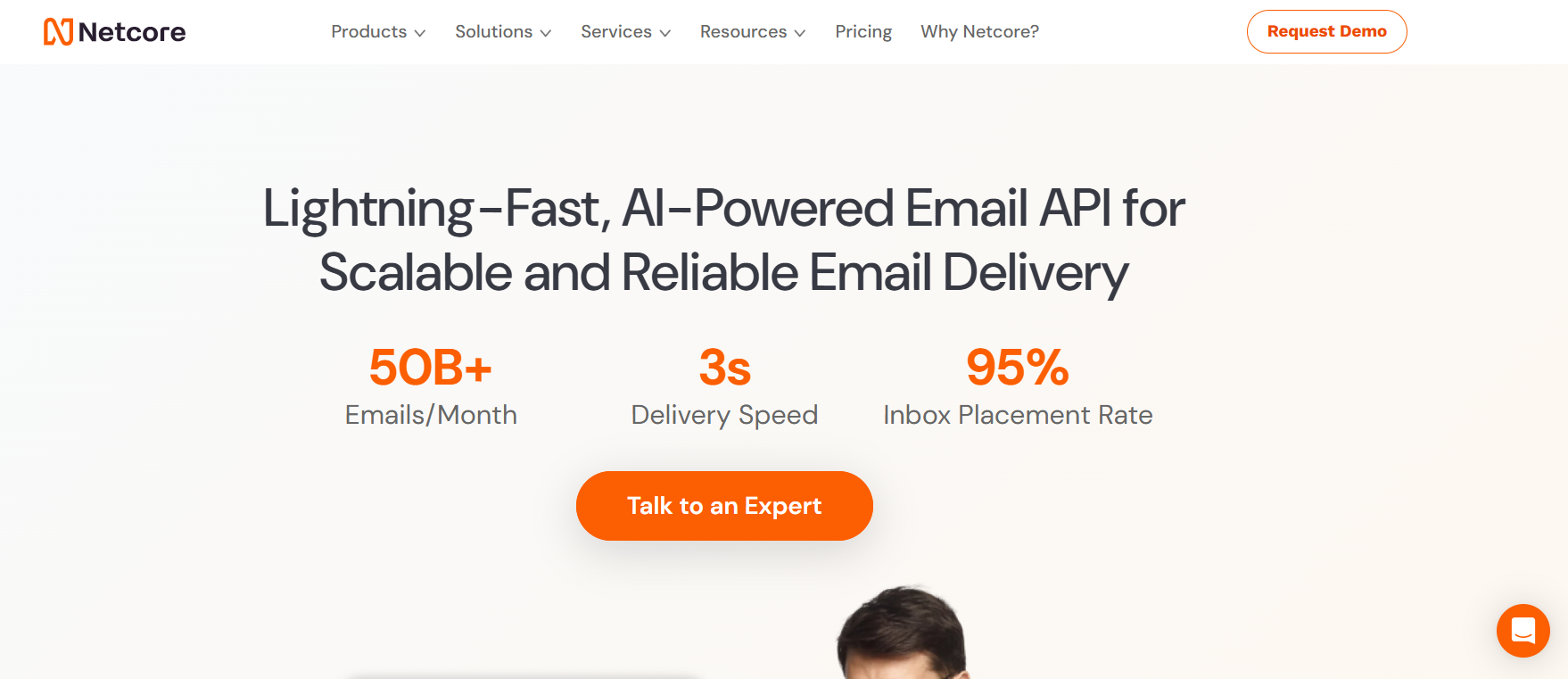
Netcore Email API, previously known as Pepipost, is a transactional email platform designed for developers and businesses that need scalable email delivery. It provides SMTP relay and API-based sending with a focus on performance and analytics.
Features:
SMTP limits:
The Forever Free plan includes 30,000 email credits for the first month with a daily limit of 1,000 emails, followed by 100 emails per day on an ongoing basis.
Best for:
Developers and SaaS platforms that need scalable transactional email infrastructure.
Yespo is a full marketing automation platform that supports email campaigns, SMS, push notifications, and segmentation.
Important: Yespo does not provide direct SMTP relay credentials for external apps. It is designed for campaign-based sending within its own platform.
Features:
Sending limits:
After signing up, you receive 2,500 emails and 10 SMS to test the service. Also, you can send unlimited emails to up to 500 contacts, free forever.
Best for:
Teams that need a full marketing platform rather than an SMTP relay.
Mailgun is an email service mainly built for developers. It focuses on transactional emails, but it also supports bulk sending. The platform has over 150,000 active users worldwide. One standout feature is its speed.
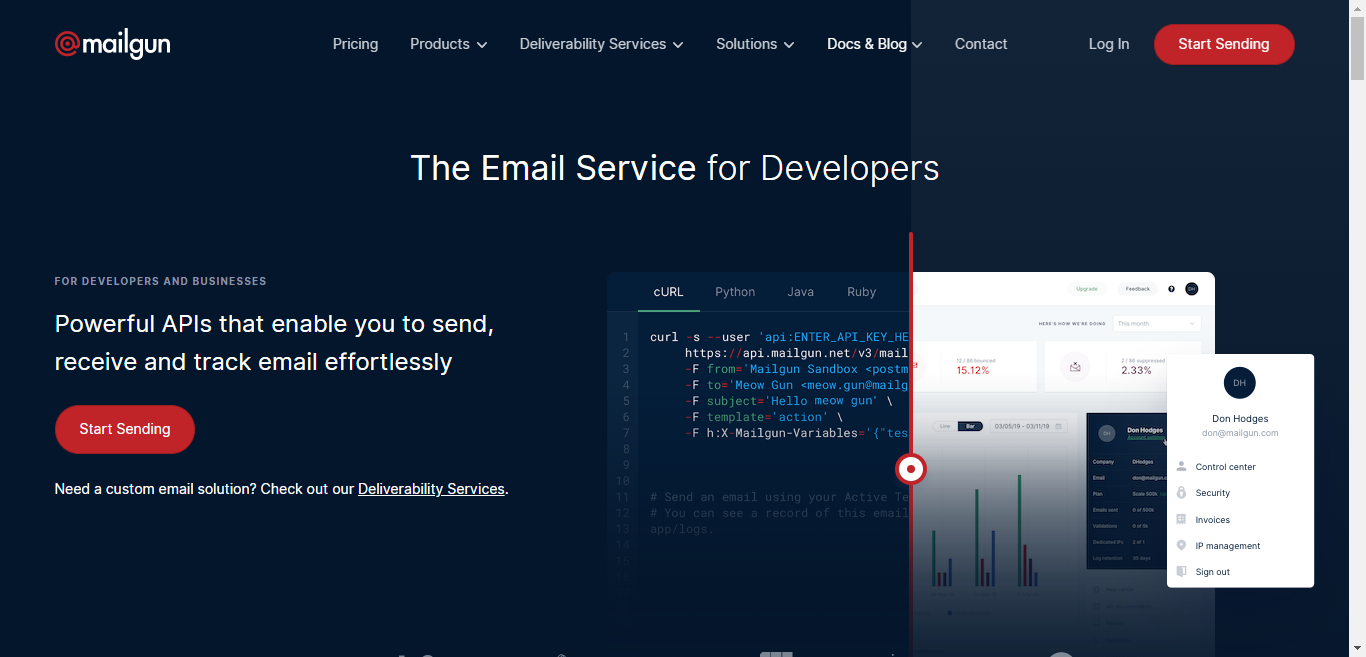
Mailgun can send more than 1,200,000 emails in a single minute, making it a strong option when you need to deliver large volumes quickly.
Features:
SMTP limits:
The free plan allows around 100 emails per day.
Best for:
Engineering teams that need reliable, API-driven email delivery.
Gmail is a free SMTP option that lets you send up to 500 emails per day. Messages are sent from a @gmail.com address rather than your own domain, which sets it apart from other SMTP providers. It is known for strong inbox placement, making it reliable for basic sending needs.
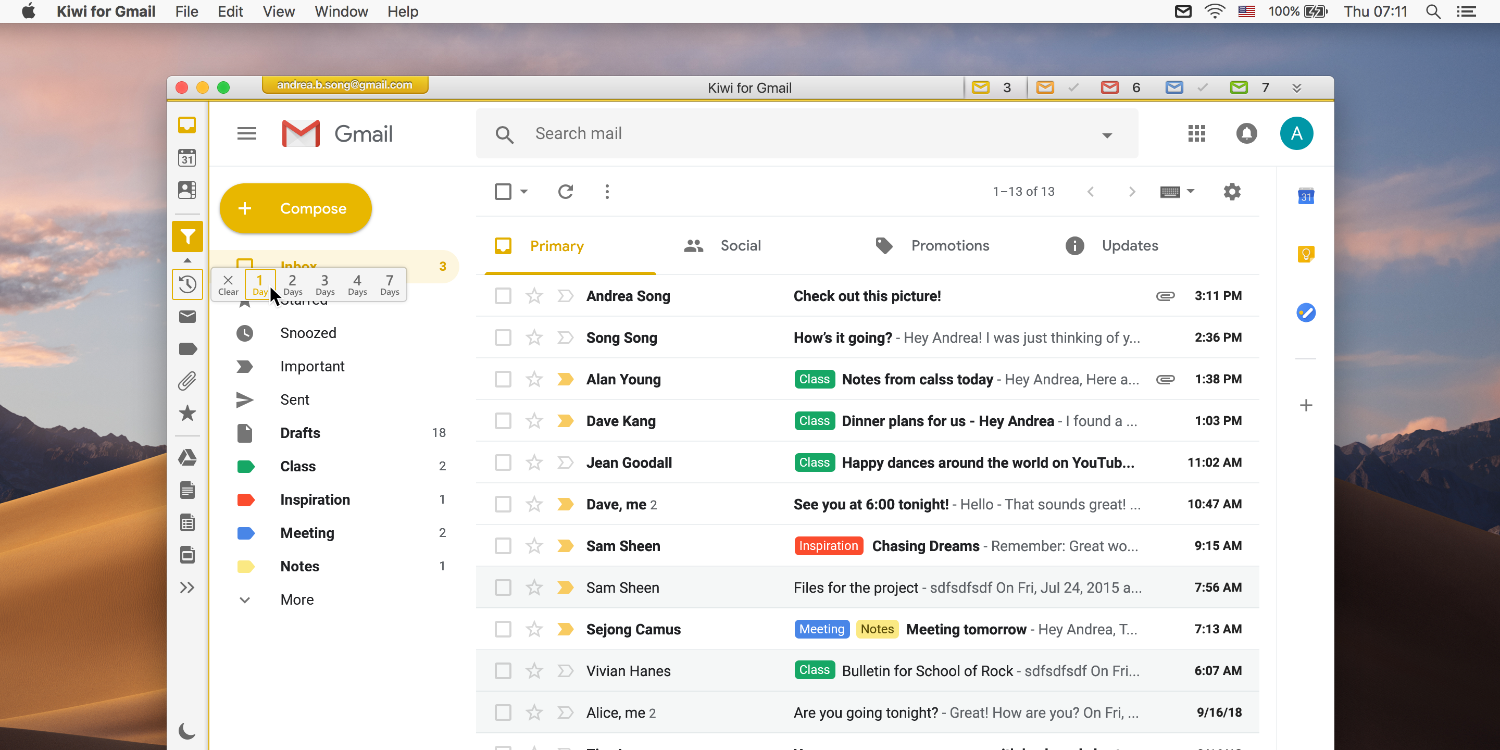
Gmail SMTP works well for testing and low-volume personal use. However, it comes with clear limits, including daily sending caps, basic customization, and restrictions on bulk or automated campaigns.
Features:
SMTP limits:
Free accounts allow up to 500 emails per day, while paid Google Workspace accounts can send more.
Best for:
Personal use, testing, and low-volume sending.
SendGrid, now part of Twilio, is one of the most widely used email delivery platforms globally.
Features:
SMTP limits:
The free tier includes about 100 emails per day after trial (40,000 emails for 30 days).
Best for:
Developers and businesses that need scalable transactional email delivery.
SendPulse is a multi-channel platform that includes email, SMS, push notifications, and chatbots. It is particularly known for its beginner-friendly interface and marketing features.
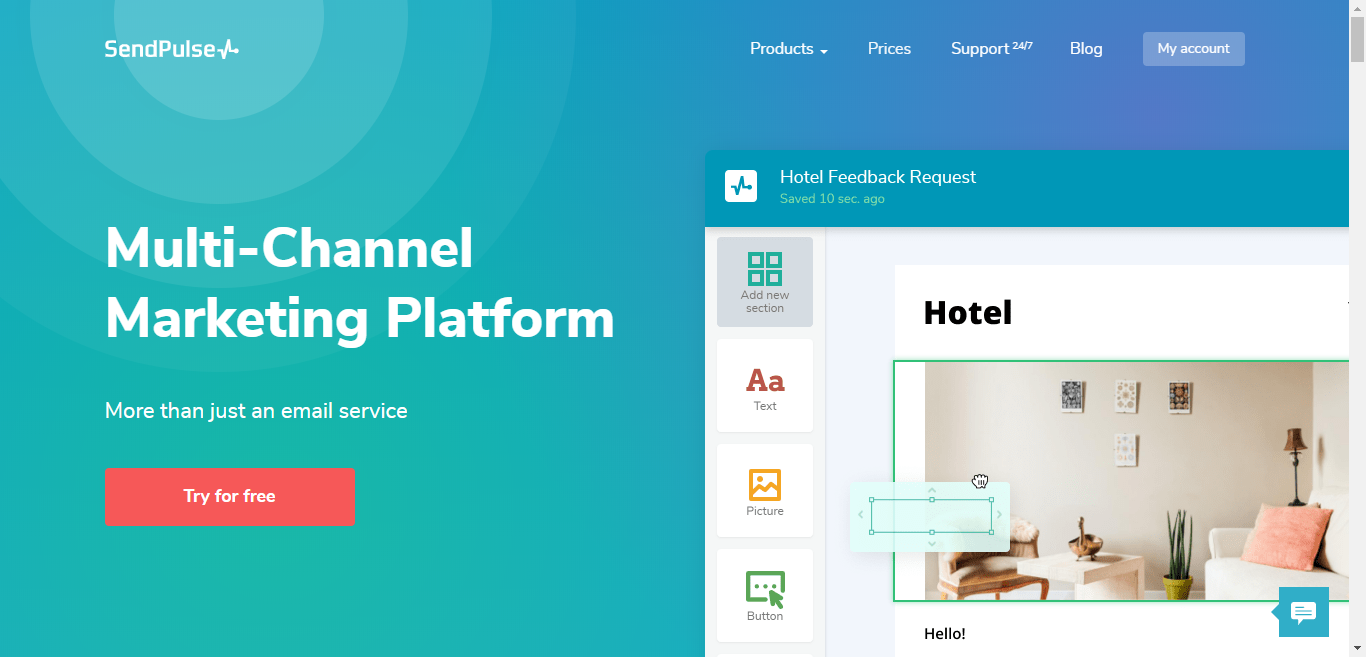
SendPulse is a Multi-Channel Marketing Platform that offers many services like Bulk email, transactional emails, SMS, push notifications, chat bots and more.
Features:
SMTP limits:
The free plan includes up to 15,000 emails per month and 2,500 subscribers.
Best for:
Small businesses that want a simple platform with strong deliverability.
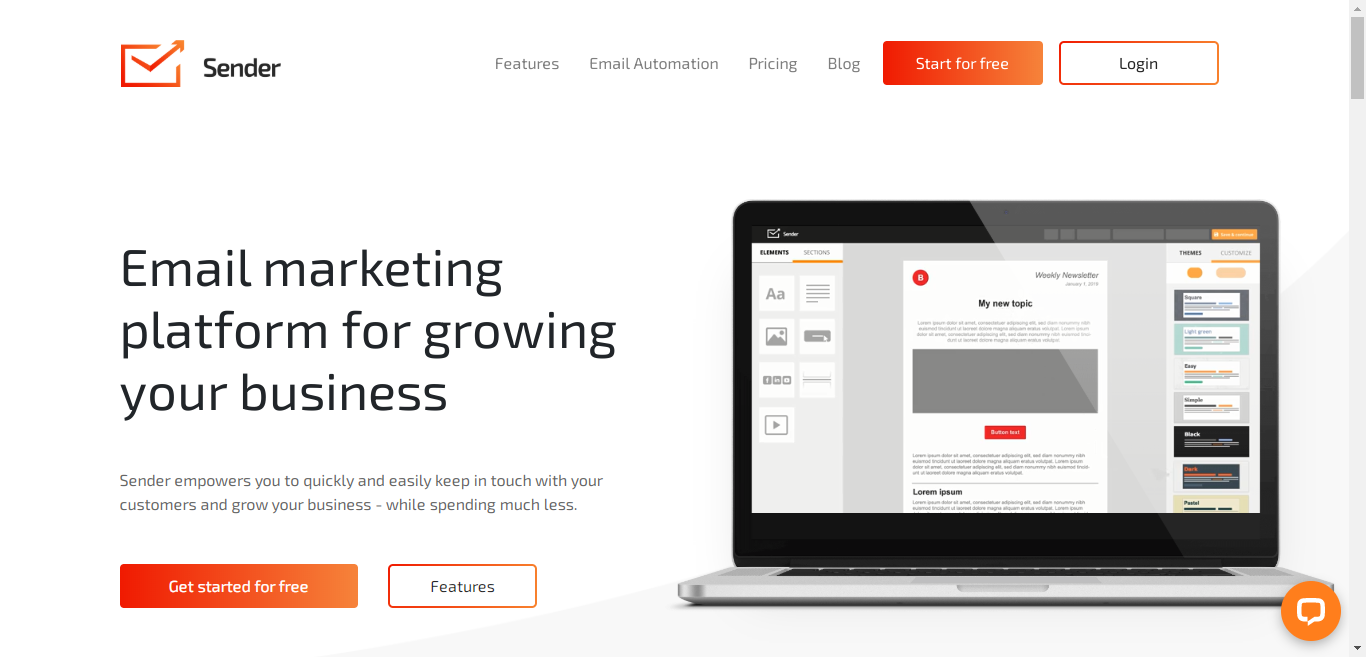
Sender.net is an email marketing platform focused on high deliverability and ease of use. It provides a completely free push notification service and empowers you to quickly and easily keep in touch with your customers and grow your business.
Features:
SMTP limits:
The free plan includes up to 15,000 emails per month and 2,500 subscribers.
Best for:
Small businesses that want a simple platform with strong deliverability.
Brevo (formerly Sendinblue) is an all-in-one marketing platform that has grown significantly and is widely used across Europe and globally. It is known for strong deliverability and a feature-rich free tier.

Features:
SMTP limits:
The free plan allows 300 emails per day (~9,000/month).
Best for:
Businesses that want both marketing and transactional tools in one platform.
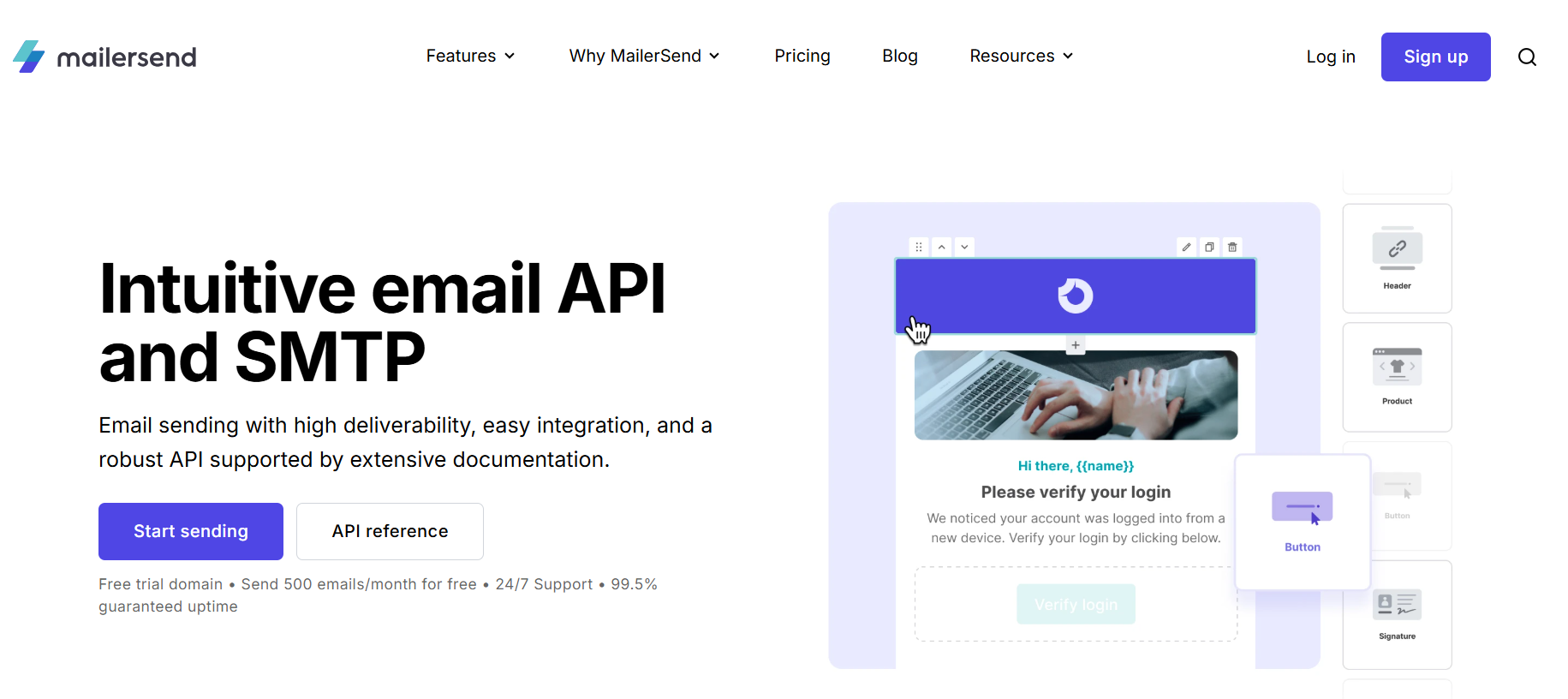
MailerSend is a transactional email service designed for developers, with a focus on APIs and structured email workflows.
Features:
SMTP limits:
The free plan includes 500 emails per month.
Best for:
Developers building applications that require transactional email delivery.
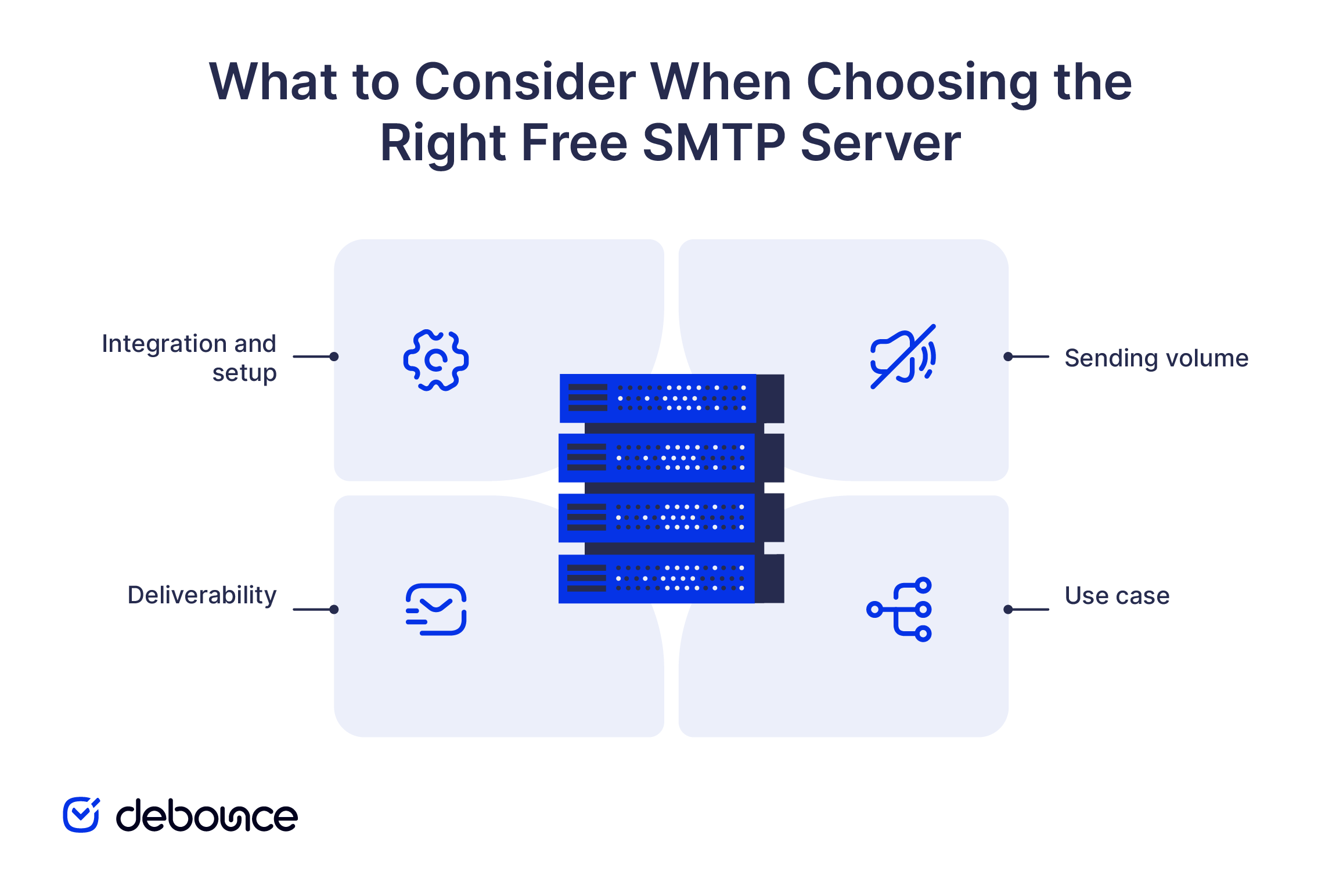
Choosing the right free SMTP server comes down to how well it fits your technical setup and sending needs. Free plans vary widely, so looking beyond the headline limits helps avoid issues later.
Free SMTP servers can help you get started, but their performance depends on the quality of your email list. If your list contains invalid or inactive addresses, even the best SMTP provider will struggle with deliverability. This leads to higher bounce rates and lower engagement.
Using a tool like DeBounce to validate your email list before sending ensures that your emails reach real users. This improves deliverability, protects your sender reputation, and makes your campaigns more effective.
Common SMTP ports include 25, 465, and 587, with port 587 being the most widely recommended for secure email sending.
SMTP authentication verifies your identity before sending emails. Most providers require it to prevent abuse and improve deliverability.
Free SMTP servers are not designed for large-scale marketing campaigns. They are best suited for testing or low-volume sending, while bulk campaigns typically require a paid plan.
Find quick answers to your questions about our pricing and plans.

When cleaning up your email, remove promotional emails, old newsletters, and spam in bulk rather than one by one. Clean your primary work...
Spear phishing uses researched, target-specific information that makes messages appear trustworthy, bypassing generic spam filters and human instinct. Spear phishing attackers gather information...

A new dedicated IP starts with zero sender reputation. Warm it up with low volume first, then increase gradually over weeks — not...

Do you run professional or business email campaigns? Are you wondering how to implement DMARC records for email validation and security? Did you know? You...

Email marketing has become a critical success factor for any online business, and digital marketing experts use it to enhance customer communication and conversion. If...


A good email open rate is generally 20 to 30 percent, but industry, email type, and Apple Mail Privacy Protection affect what that...
