
Catch-all email addresses accept messages sent to any address within a domain, even if the specific mailbox does not exist, preventing bounces due...

Key Takeaways
Most email platforms advertise encryption, and most do encrypt messages, but only between mail servers in transit. Once a message is delivered to the recipient’s inbox, that TLS protection is gone. Stored messages, forwarded copies, and admin-level access often leave content exposed.
As organizations handle more sensitive information by email, stronger encryption has become a practical requirement. Regulations such as GDPR, HIPAA, and PCI DSS all require organizations to protect sensitive data, and IBM’s 2025 Cost of a Data Breach Report found that the global average cost of a data breach remains around $4.4 million, pointing to the financial impact of inadequate security.
Each encryption method protects email at a different stage. Some secure the connection used to deliver the message, while others protect the message itself until the intended recipient decrypts it.
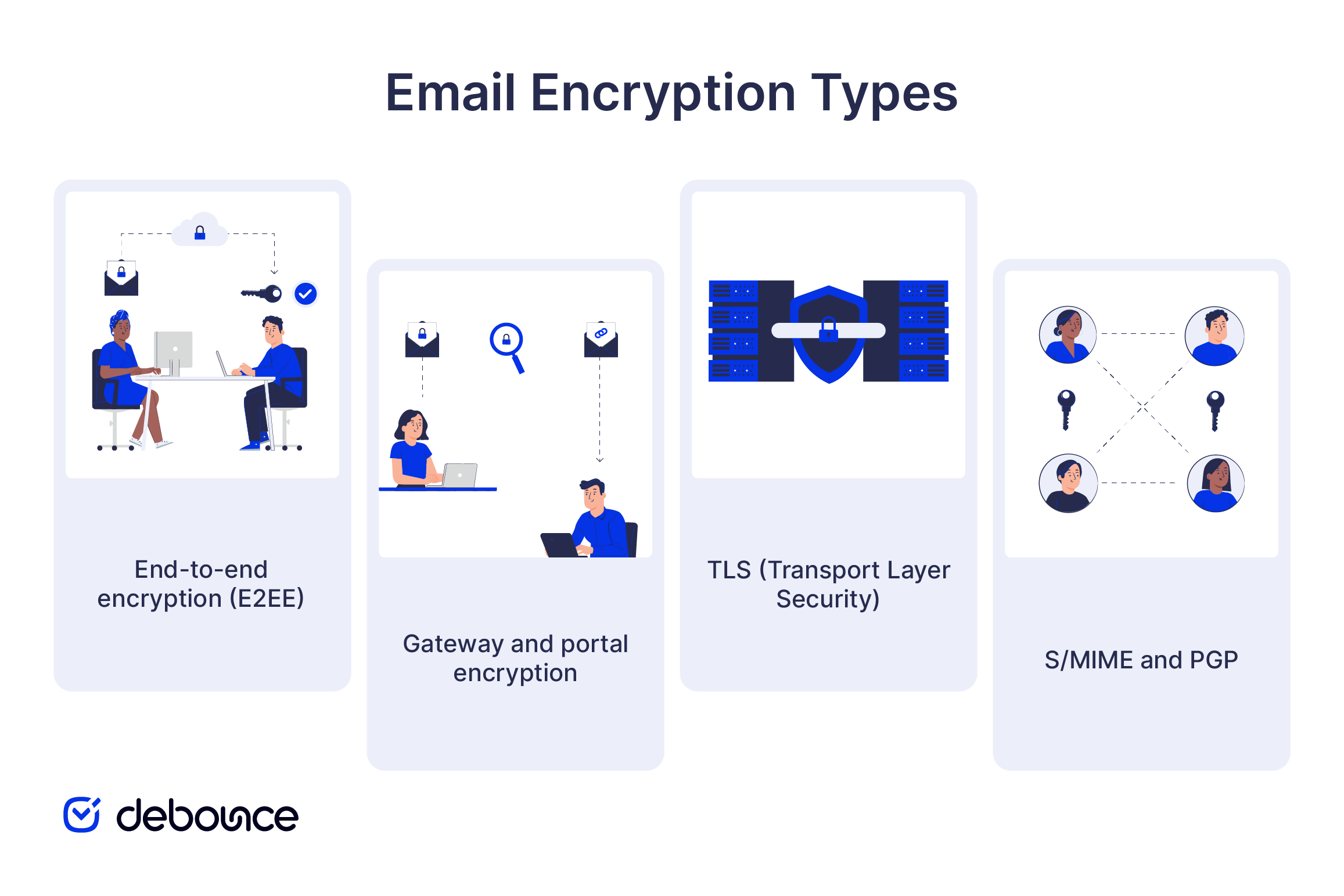
End-to-end encryption (E2EE) encrypts a message before it leaves the sender’s device and keeps it encrypted until the recipient opens it. The email provider cannot read the protected content, although some metadata may remain visible.
Gateway and portal encryption is commonly used by businesses that need to send protected messages to recipients without requiring them to manage encryption keys. A secure email gateway encrypts the outbound message, and the recipient opens it through a protected web portal or approved application. The level of provider access depends on how the service manages encryption keys, archives, and compliance records.
TLS (Transport Layer Security) encrypts the connection between email systems while a message is being transmitted. It helps prevent interception during delivery, but it does not provide end-to-end protection because each participating mail server may process the message in readable form. Once delivered, the message may still be encrypted at rest by the recipient’s provider, but that protection depends on the provider’s storage and access controls.
S/MIME and PGP are certificate- and key-based standards that enable true message-level encryption between endpoints. Both require key exchange in advance, which limits practical adoption to specific enterprise and government environments where key infrastructure can be managed centrally.
The eight services below range from privacy-focused email providers to enterprise encryption platforms. Each is compared by ideal use case, encryption method, main features, pricing, compliance support, and the differentiator that earns its place on this list.
| Provider | Best For | Encryption Type | Platform | Pricing |
| Proton Mail | Privacy-first individuals and businesses | End-to-end encryption | Web, desktop, mobile | Free; paid plans available |
| Tuta | Privacy-conscious individuals and small teams | End-to-end encryption | Web, desktop, mobile | Free; from €3/month |
| Virtru | Gmail and Outlook organizations | Client-side end-to-end encryption | Gmail, Outlook | From $119/month (5 users) |
| Microsoft Purview Message Encryption | Microsoft 365 organizations | Message-level encryption | Microsoft 365 | Included with eligible Microsoft 365 plans |
| Google Workspace Client-side Encryption | Regulated Google Workspace organizations | Client-side encryption | Google Workspace | Enterprise Plus, Frontline Plus & eligible Education plans |
| OpenText Core Email Encryption (Zix) | Regulated industries | Policy-based gateway encryption | Microsoft 365, Exchange | Contact sales |
| KnowBe4 Protect (Egress Protect) | Microsoft 365 organizations | Policy-based message encryption | Outlook, Microsoft 365 | Contact sales |
| Mimecast Secure Messaging | Enterprise email security | Policy-based gateway encryption | Microsoft 365, Exchange, Google Workspace | Contact sales |
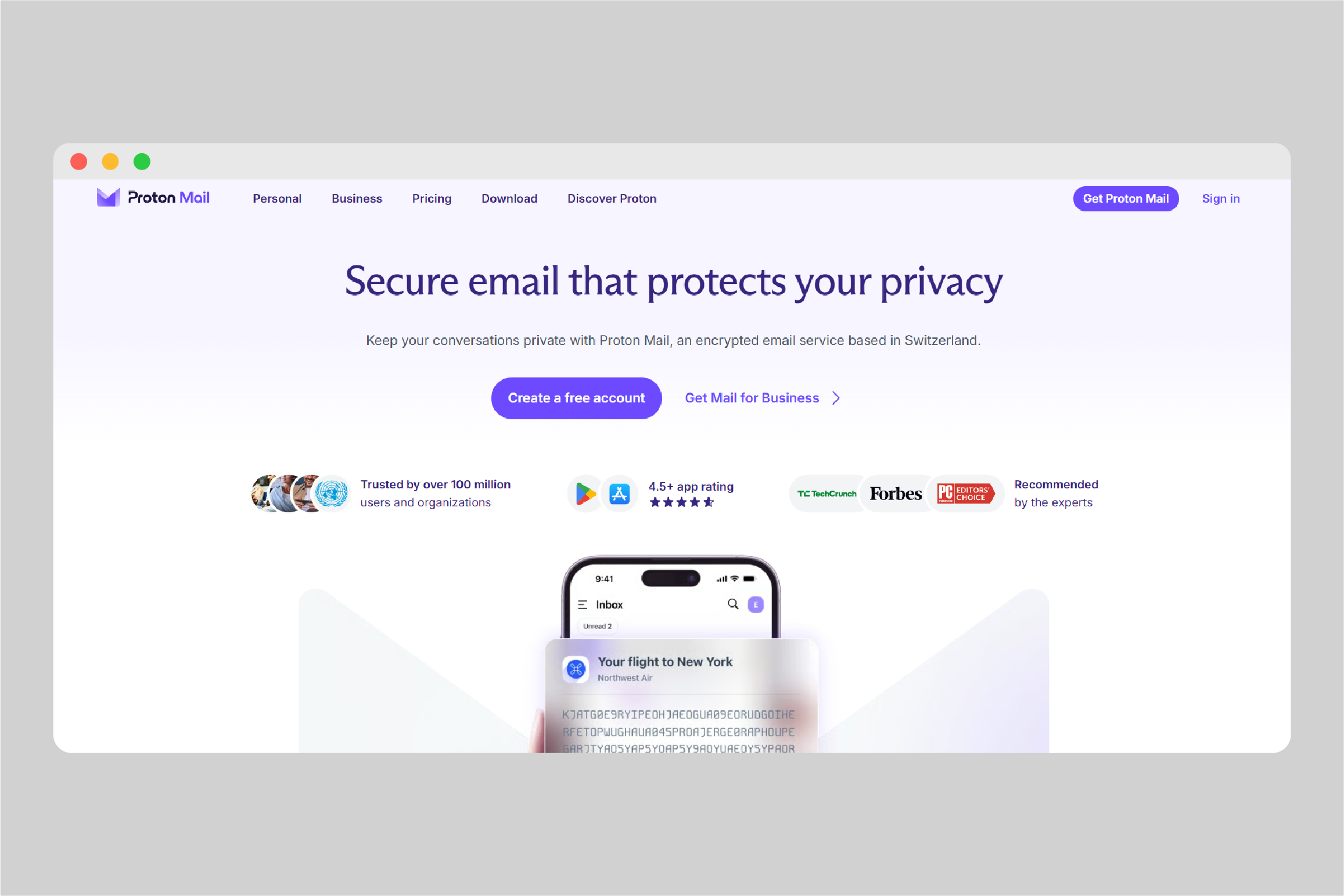
Best for: Individuals, journalists, small businesses, and organizations that want encrypted email with limited provider access to message content.
Encryption type: Automatic end-to-end encryption for messages between Proton Mail users, password-protected end-to-end encryption for external recipients, and zero-access encryption for stored messages.
Key features:
Pricing: Free tier available; Proton Mail Plus starts at approximately $4/month; business plans from $7/user/month.
Compliance: GDPR compliant, while its services are primarily governed by Swiss laws and regulations.
Differentiator: Zero-access encryption means Proton cannot decrypt your stored emails even under legal compulsion.
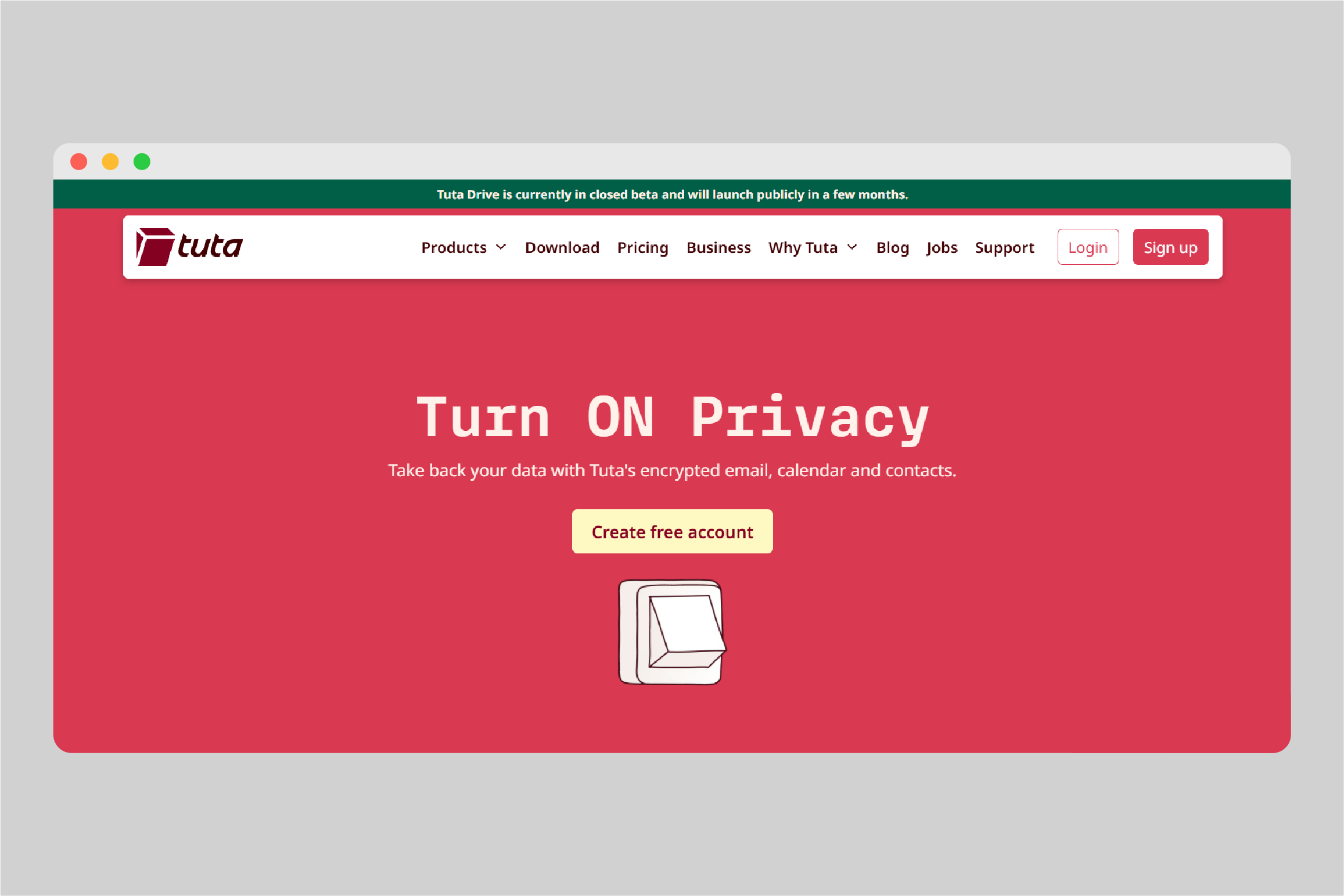
Best for: Privacy-conscious individuals and small teams that want end-to-end encrypted email with an affordable entry point.
Encryption type: Automatic end-to-end encryption for messages between Tuta users, password-protected end-to-end encryption for external recipients, and zero-access encryption for stored data.
Key features:
Pricing: Free tier; paid plans from approximately €3/month; business plans from €6/user/month.
Compliance: GDPR-compliant and operated under German data protection law, including the Federal Data Protection Act (BDSG).
Differentiator: Tuta encrypts the email subject line by default, alongside the message body and attachments, whereas most end-to-end encrypted email services leave subject lines unencrypted.
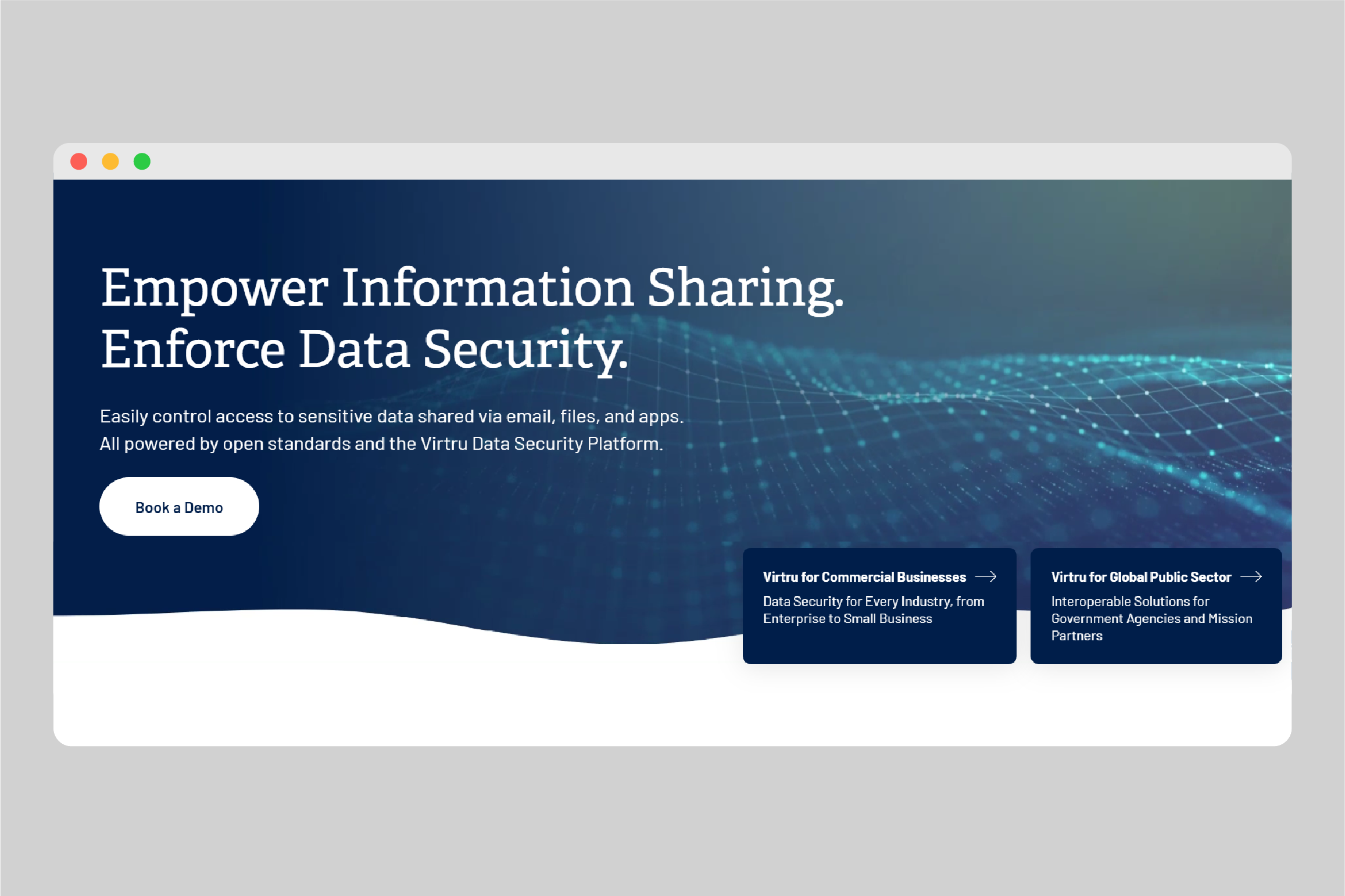
Best for: Organizations using Gmail or Outlook that need sender-controlled E2EE without migrating to a new email platform.
Encryption type: Client-side E2EE through Gmail and Outlook integrations, with access policies that remain attached to the message after it is sent.
Key features:
Pricing: Three packages available, each including five users and billed annually:
Compliance: HIPAA, CJIS, FedRAMP Moderate, ITAR, CMMC.
Differentiator: Virtru gives senders persistent control after delivery, including the ability to revoke access or set an expiration date.
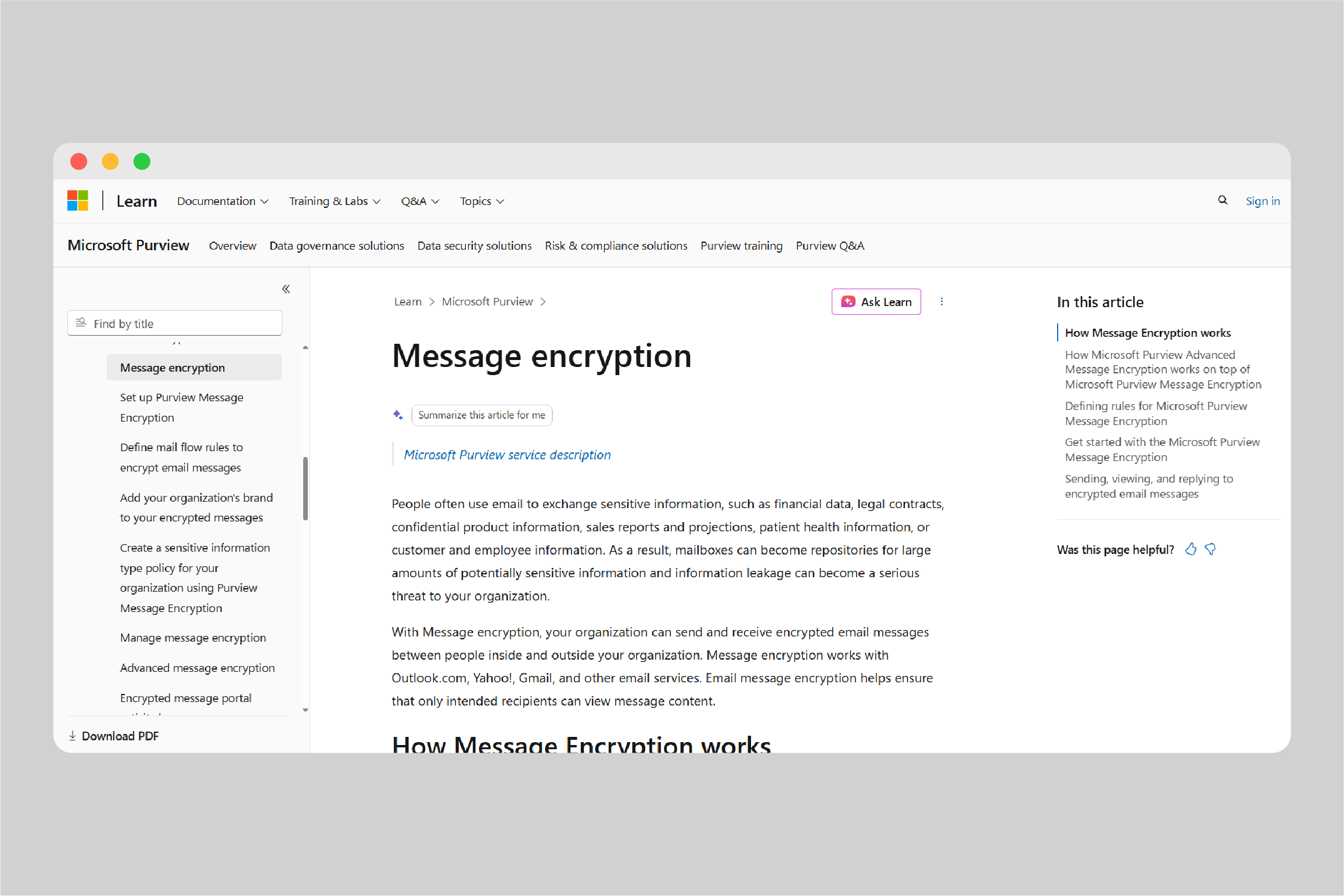
Best for: Organizations already using Microsoft 365 that need encrypted email and policy-based controls without adding a separate provider.
Encryption type: Message-level encryption through Microsoft Purview and Azure Rights Management. External recipients can open protected messages directly in supported email clients or through Microsoft’s encrypted message portal.
Key features:
Pricing: Included in Microsoft 365 Business Premium, E3, and E5 plans. Some features require the Microsoft 365 E5 Compliance add-on.
Compliance: HIPAA, GDPR, SOC 1 and 2, ISO 27001, FedRAMP.
Differentiator: Organizations with an eligible Microsoft 365 subscription can add email encryption within their existing environment rather than purchasing and deploying a separate platform.
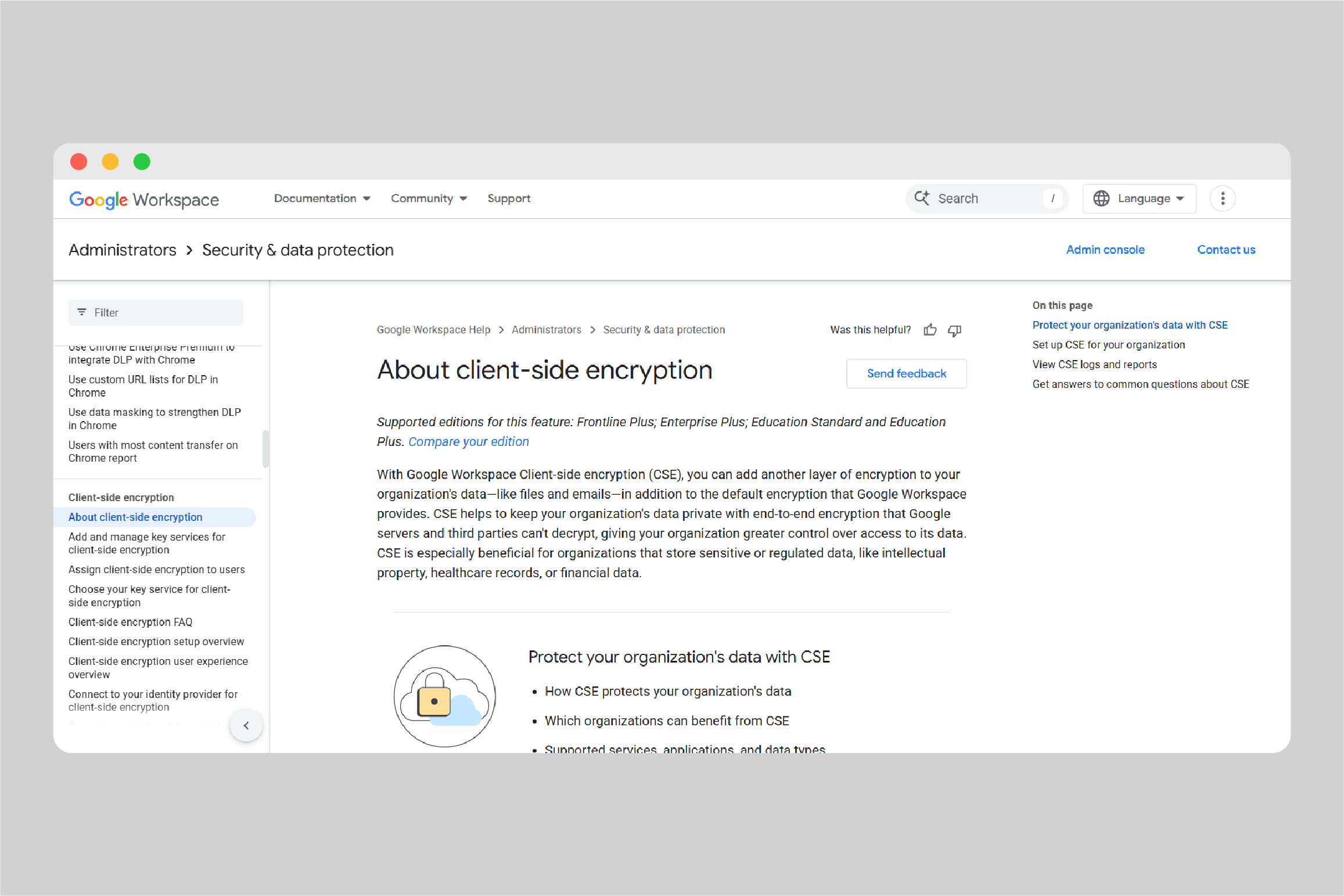
Best for: Google Workspace enterprises in regulated industries that need content encrypted before it reaches Google’s servers.
Encryption type: Client-side encryption using organization-controlled keys. Gmail encrypts the message body and attachments in the browser before transmitting or storing them in Google Workspace.
Key features:
Pricing: Available with Google Workspace Enterprise Plus, Education Standard, Education Plus, and Frontline Plus.
Compliance: Can support regulated environments covered by HIPAA and US government security requirements; maintains a FedRAMP High P-ATO.
Differentiator: The organization controls the encryption keys, so Google cannot decrypt the protected email body or attachments.
Best for: Healthcare, financial services, government, and other regulated organizations that need automatic encryption across varied recipient environments.
Encryption type: Policy-based email encryption with S/MIME, TLS, and secure portal delivery selected according to the recipient’s setup.
Key features:
Pricing: Contact OpenText sales; pricing by user volume.
Compliance: HIPAA, GLBA, FINRA, GDPR, and other regulations.
Differentiator: Encryption can be triggered automatically when DLP filters detect sensitive content, reducing the need for employees to decide which messages require protection.
Best for: Microsoft 365 organizations that need policy-based email encryption, detailed access controls, and protection against accidental data exposure.
Encryption type: Message-level AES-256 encryption for email bodies and attachments, with cloud-based, hybrid, and on-premises deployment options.
Key features:
Pricing: Contact sales.
Compliance: GDPR, ISO 27001, SOC 2, FedRAMP, and more.
Differentiator: Protect can adjust encryption according to message content, recipient security, and organizational policy. When combined with KnowBe4 Prevent, it can also warn users when behavioral signals suggest that sensitive information is being sent to an unusual or incorrect recipient.
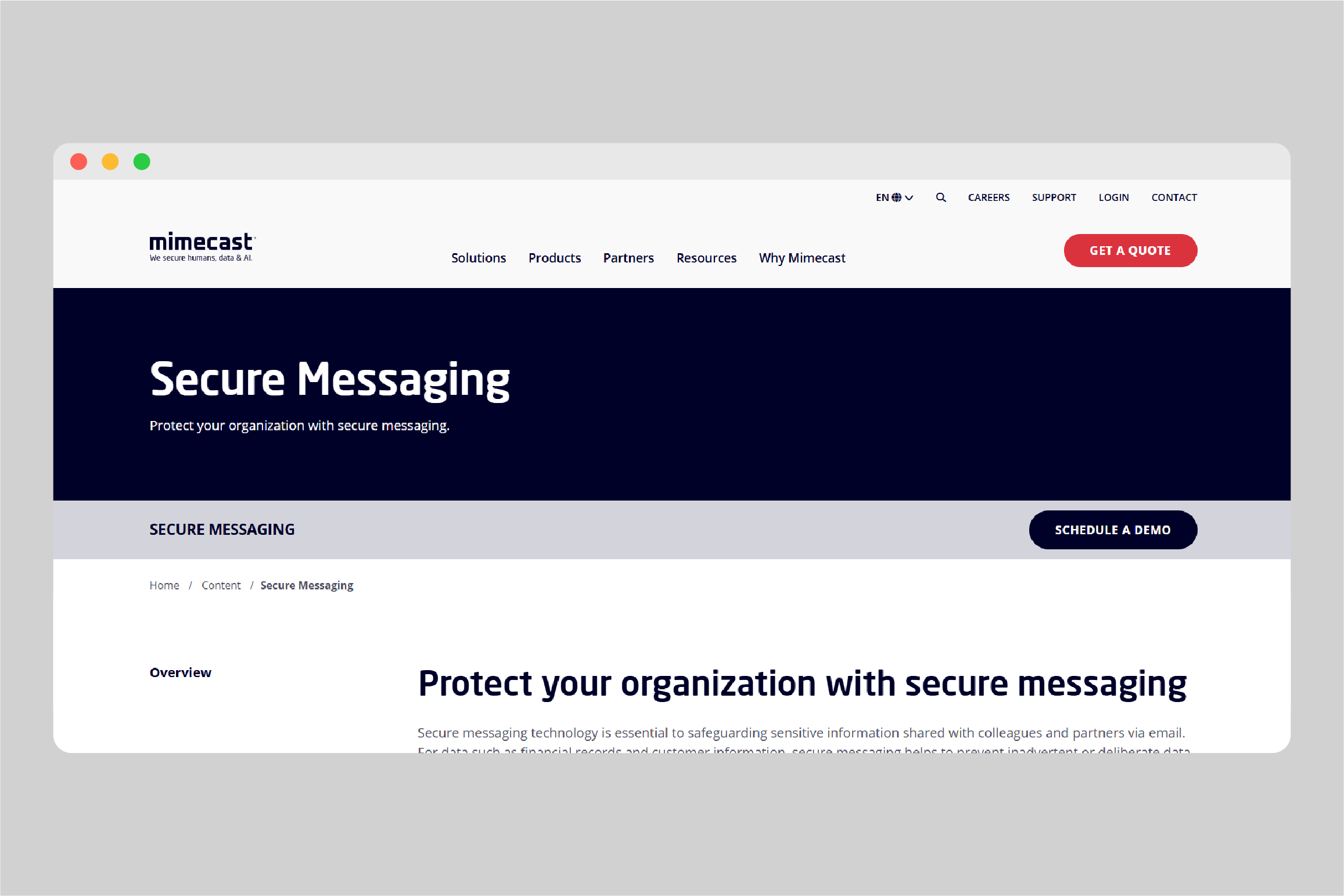
Best for: Enterprises that want email encryption alongside threat protection, DLP, archiving, and compliance tools from the same provider.
Encryption type: Policy-based secure messaging through Mimecast’s email gateway. Protected messages and attachments remain in the Mimecast cloud and are accessed through a secure web portal.
Key features:
Pricing: Contact sales; modular pricing across security and compliance tiers.
Compliance: SOC 2, ISO 27001, HIPAA (with BAA).
Differentiator: Mimecast provides encryption as part of a wider email security and data-governance platform, allowing organizations to combine secure messaging with threat detection, DLP, archiving, and e-discovery without relying on separate vendors.
Choose based on how the service fits your environment, not simply on brand recognition.
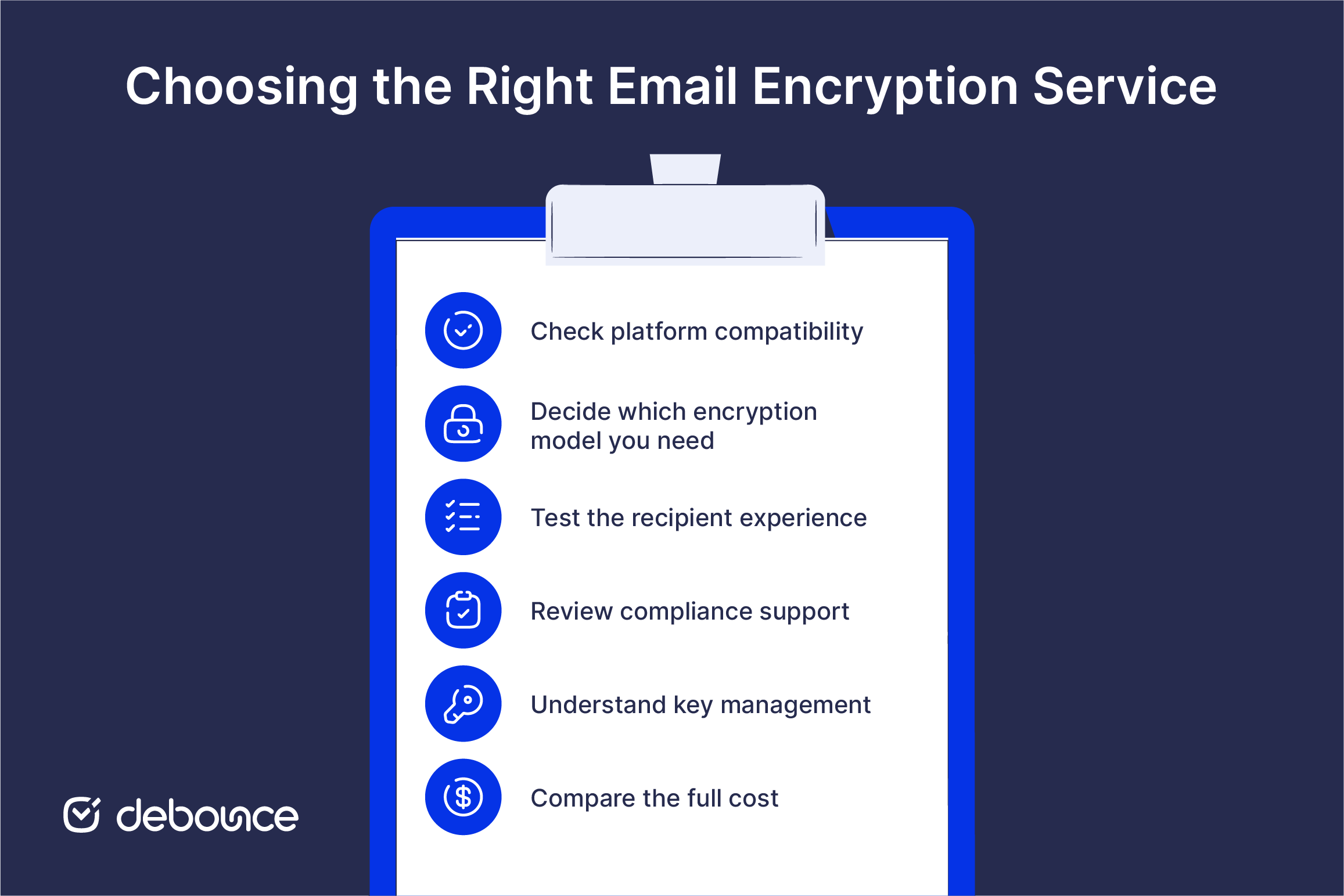
Encryption and authentication solve different problems, and a complete email security posture requires both.
Authentication (SPF, DKIM, and DMARC) verifies that a message actually came from the claimed sender. Without authentication, an encrypted message from a spoofed domain still tricks the recipient into trusting a fraudulent sender. Encryption protects what the message says; authentication protects who it appears to be from.
There’s also a deliverability dimension. An encrypted message from a domain with poor sender reputation may still be filtered or rejected, defeating the purpose entirely. Email deliverability and encryption are complementary layers; both need attention for secure email to actually reach its destination.
Start by configuring authentication, improving list quality, and addressing deliverability issues. Then add encryption to protect sensitive content once your messages can reach the intended inbox reliably.
The right email encryption service depends on your platform, the level of confidentiality you need, and how well it works for external recipients outside your organization. A privacy-focused individual, a healthcare organization, and a Microsoft 365 enterprise will not need the same setup.
Think in three layers: authentication (who sent it), encryption (what it says), and deliverability (whether it actually lands). A strong security posture needs all three. When comparing services, test the external recipient experience early, since a difficult process often leads users to avoid the system.
DeBounce helps support the deliverability layer by identifying invalid and high-risk addresses before sending. New users can start with 100 free verifications.
Stronger encryption often adds extra steps for people outside the sender’s organization. They may need to enter a password, verify their identity, or open the message through a secure portal. Services with native email integrations and a simple recipient experience reduce that friction without weakening the underlying protection.
End-to-end encryption means the message is encrypted from sender to recipient, and the provider cannot read it in transit. Zero-access encryption means the provider also cannot read stored messages; content is encrypted at rest with keys the provider doesn’t hold.
Encryption itself doesn’t directly affect deliverability, but the way encrypted messages are delivered can. Portal-based delivery may trigger spam filters unfamiliar with the portal domain. More broadly, if your sending domain has poor reputation, encrypted messages can still route to junk. Authentication and list hygiene are the deliverability factors; encryption is separate.
Yes. Most services handle this through one of two methods: password-protected portal access (the recipient gets a link and a shared password to read the message) or TLS delivery with a fallback to portal if TLS isn’t available on the recipient’s server.
For the free tiers of Proton Mail and Tuta, yes, the encryption is the same as the paid tiers. The limitations are storage, custom domain support, and features, not the strength of the cryptography. Free tiers are appropriate for personal use; organizations with compliance requirements should use paid plans with formal service agreements and BAAs where applicable.
Find quick answers to your questions about our pricing and plans.
Catch-all email addresses accept messages sent to any address within a domain, even if the specific mailbox does not exist, preventing bounces due...
Email verification codes prove both that an email address is valid and that you control the inbox associated with it. Most codes expire...

Dynamic email content replaces static, one-size-fits-all messaging with personalized content blocks that adapt per recipient based on data, behavior, or real-time signals. Engagement...
Missing emails in Gmail are almost always caused by spam filtering, blocked senders or custom filters, full storage, forwarding or sync settings, or...
HTML5 is the latest markup language for presenting and structuring content on the internet. HTML stands for Hyper Text Markup Language. It is the standard...

The email verification process runs six sequential steps: syntax, domain, MX records, SMTP mailbox ping, disposable and role-account detection, and catch-all classification. Real-time...
