Email’s wonderful. It’s a tremendous personal enabler and a genuinely colossal business tool. However, email’s rife with imposters, phantoms, and general ill-wishers. The medium is...

Key Takeaways
Your emails look great. The subject lines are sharp. But open rates have quietly dropped, and more messages are landing in spam than they used to. It’s tempting to jump straight into rewriting, but before you do that, check your domain reputation. Most of the time, the problem isn’t what you’re saying, but whether providers trust who’s saying it.
Email domain reputation is essentially a trust score assigned by mailbox providers (MBPs) like Gmail, Outlook, and Yahoo. It’s based on how you’ve sent emails in the past, how often people mark them as spam, whether your setup is secure, and how people interact with your emails.
A high score means your emails usually reach the inbox. A low score means they’re more likely to be filtered or blocked, no matter how good the content is. For businesses sending at any meaningful volume, monitoring that score is no longer optional.
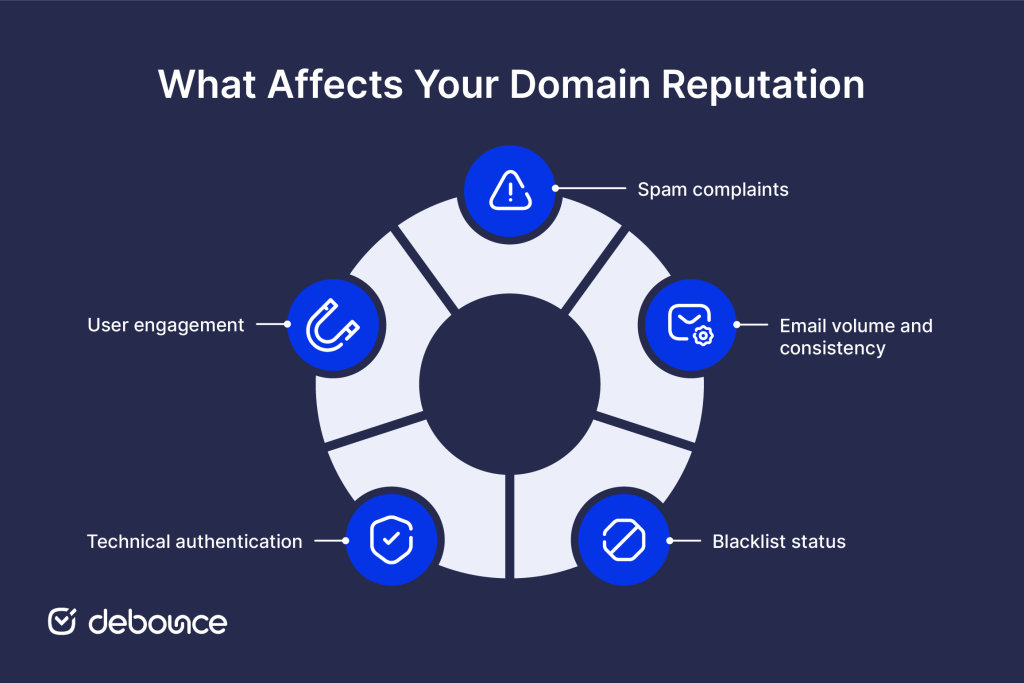
Inbox providers look at a combination of technical and behavioral data to decide how much to trust your sending domain. Understanding what goes into that calculation makes it easier to diagnose problems and prioritize fixes.
Different providers use their own scoring systems, so checking your domain reputation involves looking at multiple sources, not just one.
Third-party reputation tools give you a baseline view of how your domain and sending IPs are perceived across the broader email ecosystem. Most measure a combination of complaint history, blacklist appearances, sending volume patterns, and spam trap hits, then turn that into a score or risk level.
When reviewing the results, treat those scores as signals, not final judgments. A low score points to a problem worth investigating, but it won’t always explain the cause. That’s why you need to check more than one tool, instead of relying on a single number.
Blacklists exist because inbox providers needed a shared reference point for known spam sources. When your domain or sending IP appears on one, providers that query that list will either block your mail outright or route it to spam automatically.
The practical impact varies by list. Appearing on a widely used RBL like Spamhaus can affect deliverability across a large portion of your audience almost immediately. Smaller or less-referenced lists have more limited impact, but they’re still worth knowing about.
To check your status, tools like MXToolbox let you scan your domain and IP across many blacklists at once. If you’re listed, find out if it’s temporary or ongoing. Ongoing listings usually require a removal request and fixing the issue that caused it before the listing is cleared.
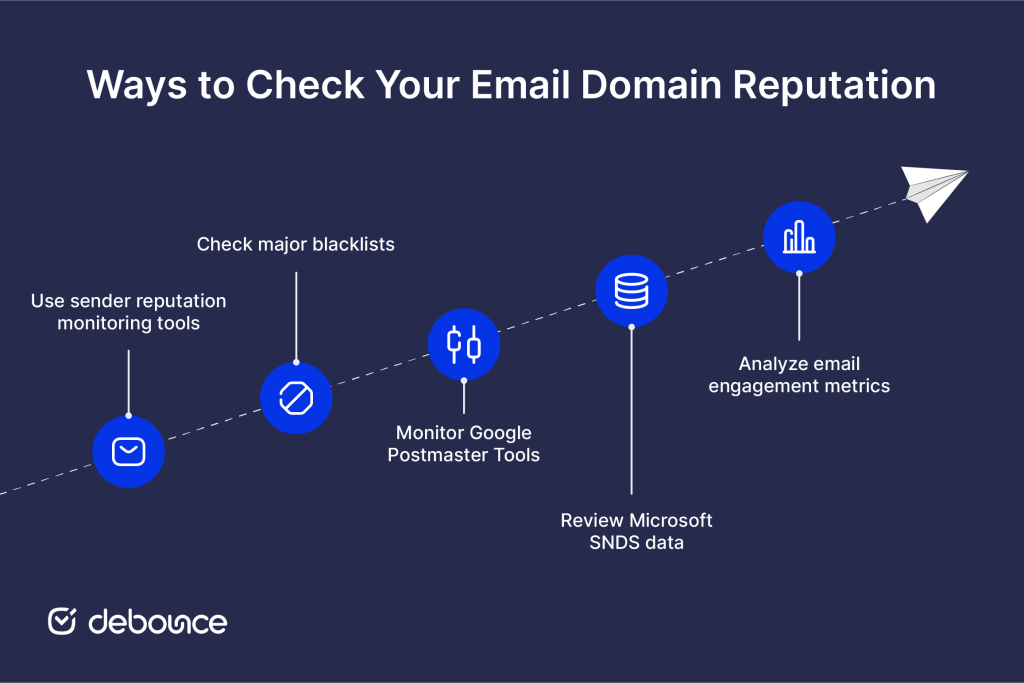
Google Postmaster Tools is one of the most useful free tools for email senders. It focuses on Gmail, which makes up a large portion of most B2C and B2B email lists.
Once you verify domain ownership, you get access to data on domain reputation (rated as High, Medium, Low, or Bad), IP reputation, spam rate trends, authentication pass rates, and delivery errors. The spam rate data in particular is more precise than most third-party tools because it comes directly from Gmail’s own complaint data.
The reputation levels reflect how emails are filtered. A “Low” or “Bad” rating means your messages are likely being sent to spam for many recipients, even if your authentication is set up correctly. Learning how to use Google Postmaster Tools is one of the most effective ways to improve deliverability to Gmail users.
Microsoft’s Smart Network Data Services (SNDS) provides data on how your sending IPs are performing for Outlook and Hotmail recipients. For B2B senders especially, this is critical, as Microsoft-hosted email accounts for a large share of corporate inboxes.
SNDS shows you complaint rates, spam trap hits, and traffic patterns for each IP address you’ve registered. Results are color-coded: green indicates acceptable performance, yellow signals a need for attention, and red means your IP is actively causing deliverability problems on Microsoft’s network.
Registering for SNDS is free and requires only that you verify ownership of the IP ranges you want to monitor.
Your own ESP data is a reputation signal in itself. In addition to looking at complaints and blacklists, inbox providers also factor in how recipients behave when your mail arrives. Consistent engagement tells them your emails are wanted, while consistent inaction tells them otherwise.
Pay attention to open rates, click rates, reply rates, and unsubscribe trends across campaigns. A steady decline in engagement, even without a corresponding spike in complaints, can precede a reputation drop that shows up in Postmaster Tools weeks later.
Low engagement often comes down to targeting and segmentation. Sending to subscribers who stopped interacting months ago pulls your averages down and quietly accumulates negative signals. This is one reason why your email sender reputation is directly connected to list quality, not just sending behavior.
A damaged domain reputation is recoverable, but it takes a methodical approach. The key is to demonstrate consistently better behavior over time.
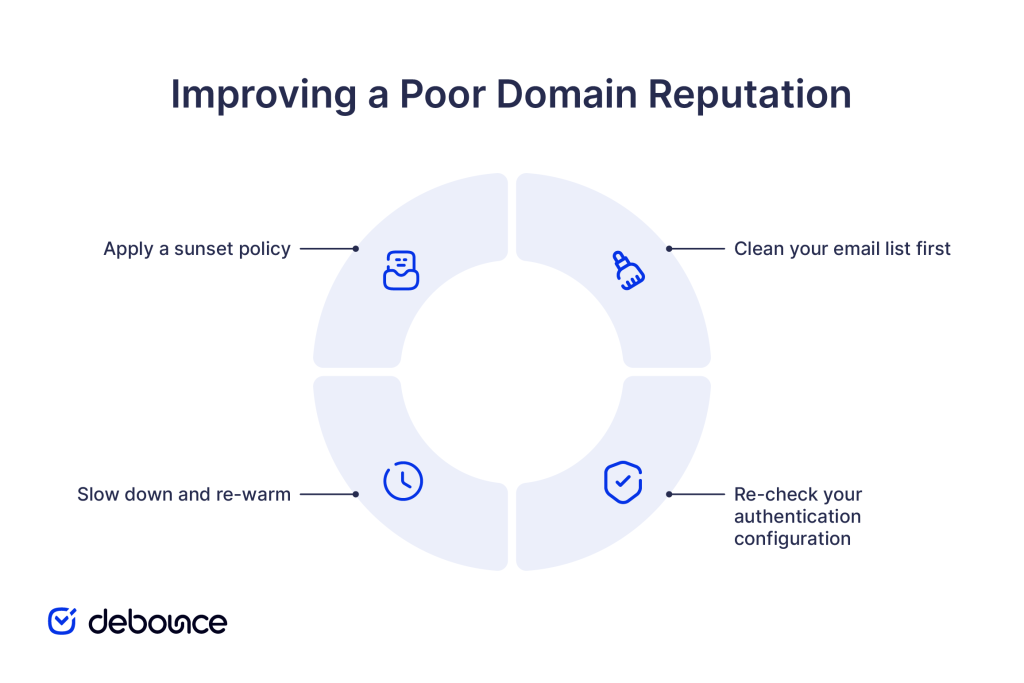
Reputation damage is also caused by invalid addresses, disposable emails, and spam trap hits, and all of these issues can be fixed. Running your list through Email List Validation with DeBounce removes invalid, disposable, deactivated, and syntax-error addresses before they generate more bounces or complaints. The cleanup alone often produces a measurable improvement in complaint rates within a few campaigns.
“I experienced zero bounce with email campaigns after using Debounce.io.”
— Liciaville, DeBounce user
Even senders who set up SPF, DKIM, and DMARC correctly at some point can drift out of alignment. This can happen especially after switching email platforms, adding new domains, or updating DNS.
Make sure your DMARC policy is enforced (not just monitoring), and check that SPF and DKIM pass consistently across all your sending systems.
If your reputation drops, continuing to send at full volume will only make things worse. Reduce your sending to your most engaged subscribers (those who have opened or clicked in the last 30 to 60 days) and then increase volume gradually. This gives providers time to see better engagement before you scale back up.
Contacts who haven’t opened an email in three to six months are unlikely to start now, and continuing to send to them depresses your engagement rates while potentially feeding complaints. Removing or suppressing inactive subscribers is one of the most straightforward ways to improve your sender reputation score sustainably over time.
Once you’ve fixed the main issues, Email List Monitoring helps keep them from returning. DeBounce automatically re-checks your lists on a schedule, so new invalid or risky addresses are caught without needing manual exports each time.
How often you check depends on how much you’re sending, but a few simple patterns work for most cases.
For active senders, a weekly check across your primary reputation tools is a reasonable baseline. It’s frequent enough to catch problems early without taking too much time.
During high-volume periods, like promotions, launches, or end-of-quarter campaigns, move to daily monitoring. These are exactly the moments when complaint rates can rise and sending patterns look less predictable, which makes early detection more important than usual.
If you notice an unexpected drop in open rates of 10–15% or more, treat that as a signal to run an immediate audit (do not wait for your next scheduled check). A sharp drop often means something has already affected your deliverability.
Part of maintaining a consistent monitoring routine is also knowing how to clean an email list on a regular basis, not just when something goes wrong. Consistent list hygiene helps maintain a strong reputation over time.
Your email domain reputation takes time to build and can take surprisingly little time to damage. However, regular checks, clean lists, proper authentication, and engagement-focused sending give you a strong, stable foundation that holds up even during high-volume periods.
The practical starting point for most senders is the same: verify where you stand and address the largest gap first; whether that’s a blacklist listing, a DMARC misconfiguration, or a list full of addresses that should have been removed months ago.
Upload your list to DeBounce today and remove invalid, disposable, and risky addresses before they affect your sender reputation further.
Use a combination of tools, such as Sender Score or Talos Intelligence for a general reputation read, Google Postmaster Tools for Gmail-specific data, and Microsoft SNDS for Outlook and Hotmail performance. Cross-referencing all three gives you a much clearer picture than relying on any one source.
Google Postmaster Tools shows your domain’s spam rate directly based on Gmail complaint data, while third-party tools like MXToolbox and Sender Score provide broader reputation indicators across multiple providers and blacklists.
You can verify individual addresses or full lists using DeBounce’s Email List Validation tool, which checks syntax, domain records, and mailbox status to confirm whether an address is deliverable before you send.
Find quick answers to your questions about our pricing and plans.

Email’s wonderful. It’s a tremendous personal enabler and a genuinely colossal business tool. However, email’s rife with imposters, phantoms, and general ill-wishers. The medium is...

Email overload is the state of receiving more email than you can reasonably process, leading to lost productivity and decision fatigue. The most...


Believe it or not, the majority of our business transaction happens via email. So much so that in 2023, there were an estimated 4.2 billion...


It has been several years since we are performing email validations in bulk, single, and API methods. Most of the customers ask us questions about...

This post is about the 10-point framework of a perfect welcome email to delight your new subscribers. You know the feeling of getting a brand...

If you’re seeing far too many bounces for outbound emails, you may first blame your email copy, the whole target list of emails, or the...