01
Do I need to install any software to use DeBounce?
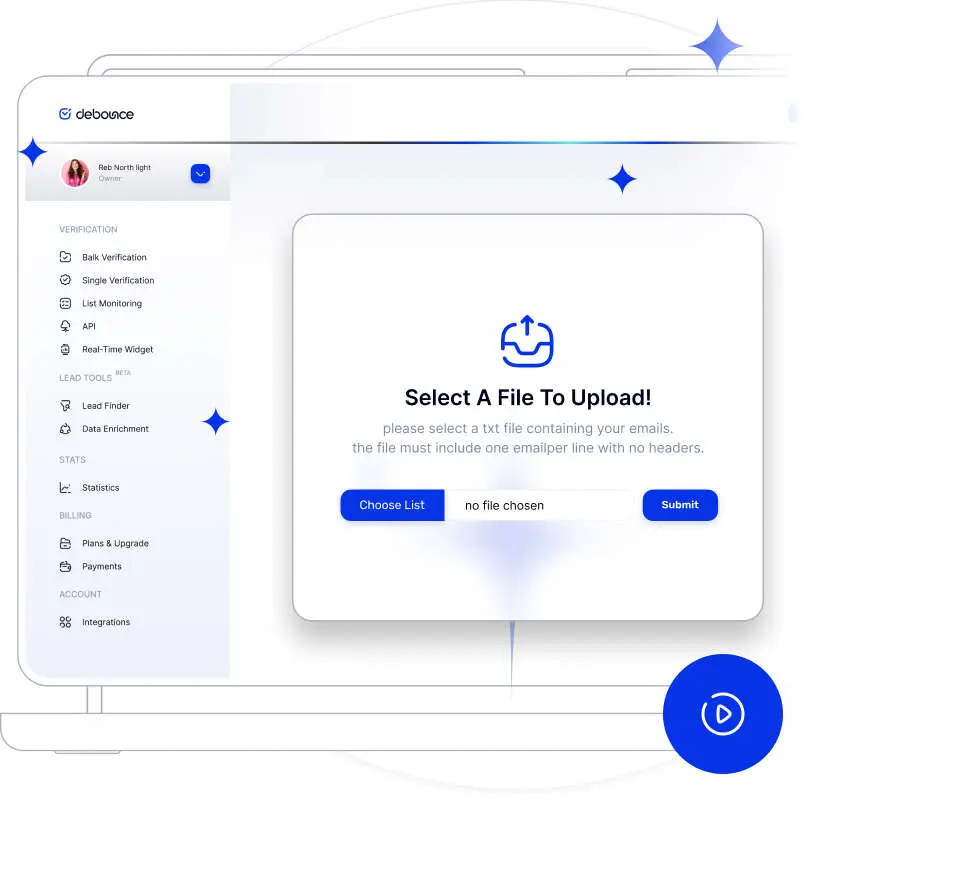
No, you don’t. From the moment you upload your email lists, DeBounce will take care of the entire process. Once you’ve set up an account with us, you can upload your lists directly from your browser.
02
Does DeBounce send out any e-mail messages while validating?
No, it doesn’t. DeBounce employs DNS and SMTP protocol functionalities to perform email address validations, and always avoids sending any email messages to external mail exchangers for delivery.
03
What is the maximum upload file size or maximum allowed number of emails per list?
The maximum number of emails per list is 200,000. If your list is larger, please reduce its size.
04
Which package should I purchase?
It depends on the frequency of which you need to maintain email lists. Pay as You Go packages are the best fit for different needs based on list size. Please note that DeBounce credits never expire.
05
How fast will you process my lists?
This is dependent on factors such as list size and quality. We use the best tools and practices in the industry to guarantee quick list processing.
06
Do email credits for "Pay as You Go" packages expire?
No, they do not. Your “Pay as You Go” email credits will continue to work, as long as you haven’t reached the limit.
07
Does DeBounce keep other columns than email if I upload a CSV file?
Yes. You can have as many as columns you want. We will add extra validation columns to your original file.
08
Will you store my lists forever?
No.
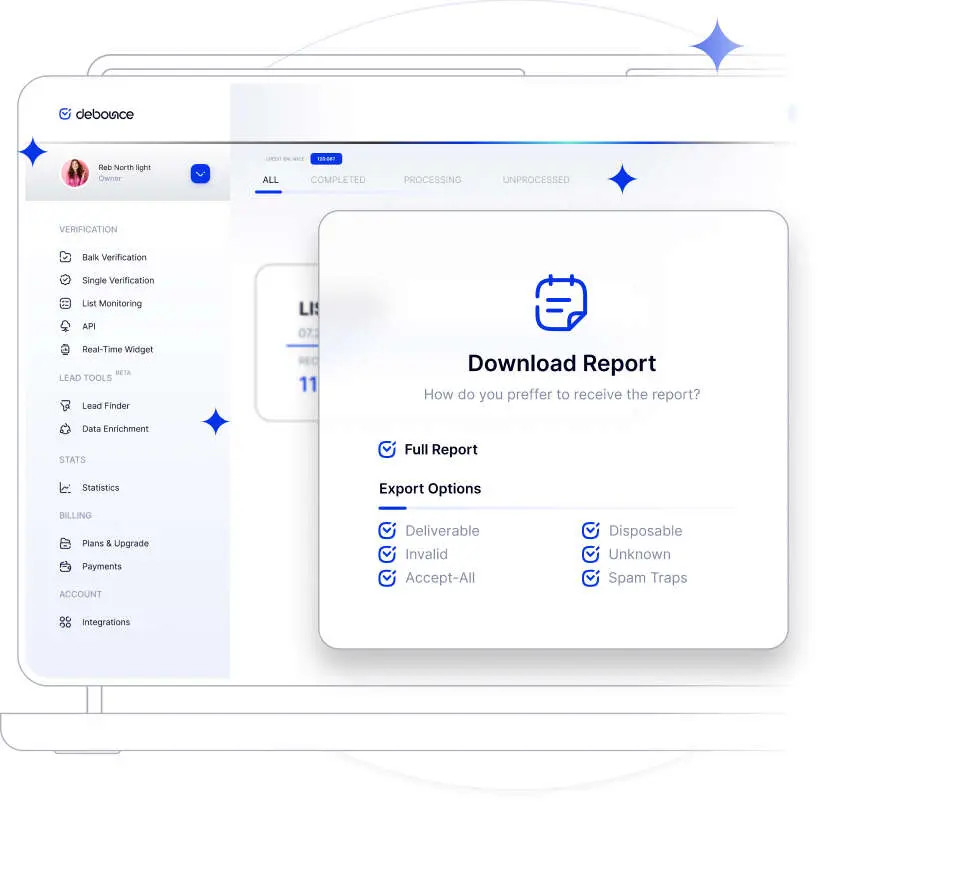
You can remove your email lists any time you want. Moreover, DeBounce automatically removes the lists 10 days after upload or validation, whichever is the later. Please ensure you download your validation results once validation is finished.